How To Add Blocks
Add, arrange, and manage modular content blocks inside a page edit screen.
How to add a block
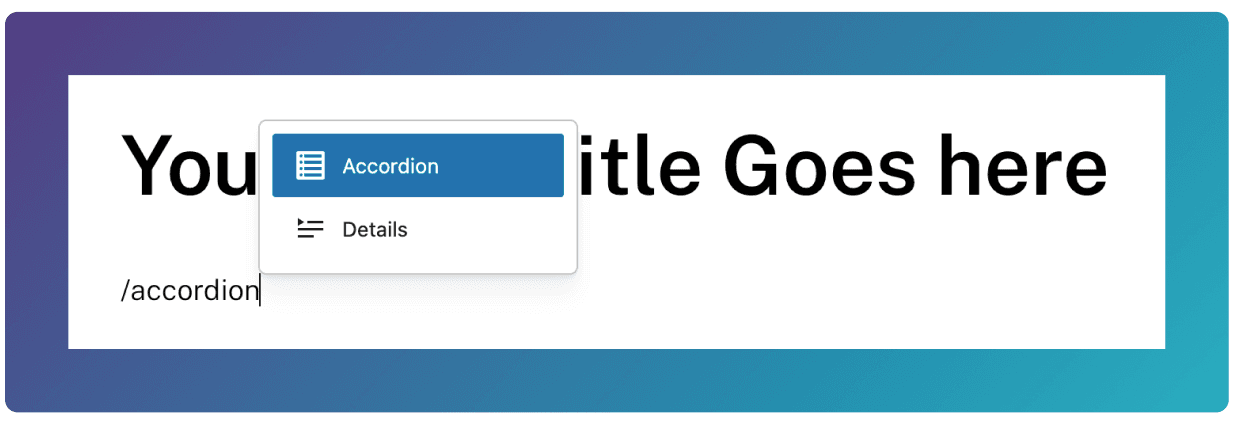
The simplest way to add a block is to type / on a new line, and searching for a block.
New lines are created by pressing Enter/Return on your keyboard.
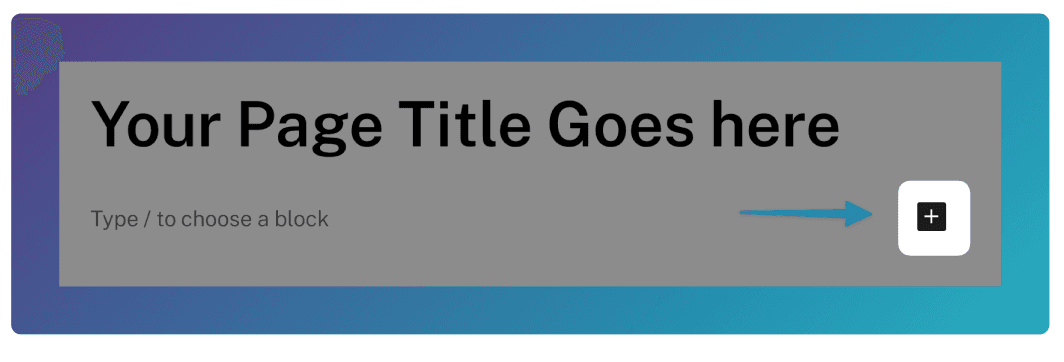
Alternatively, you can click this + icon at the side of an empty block.
Re-arranging Blocks
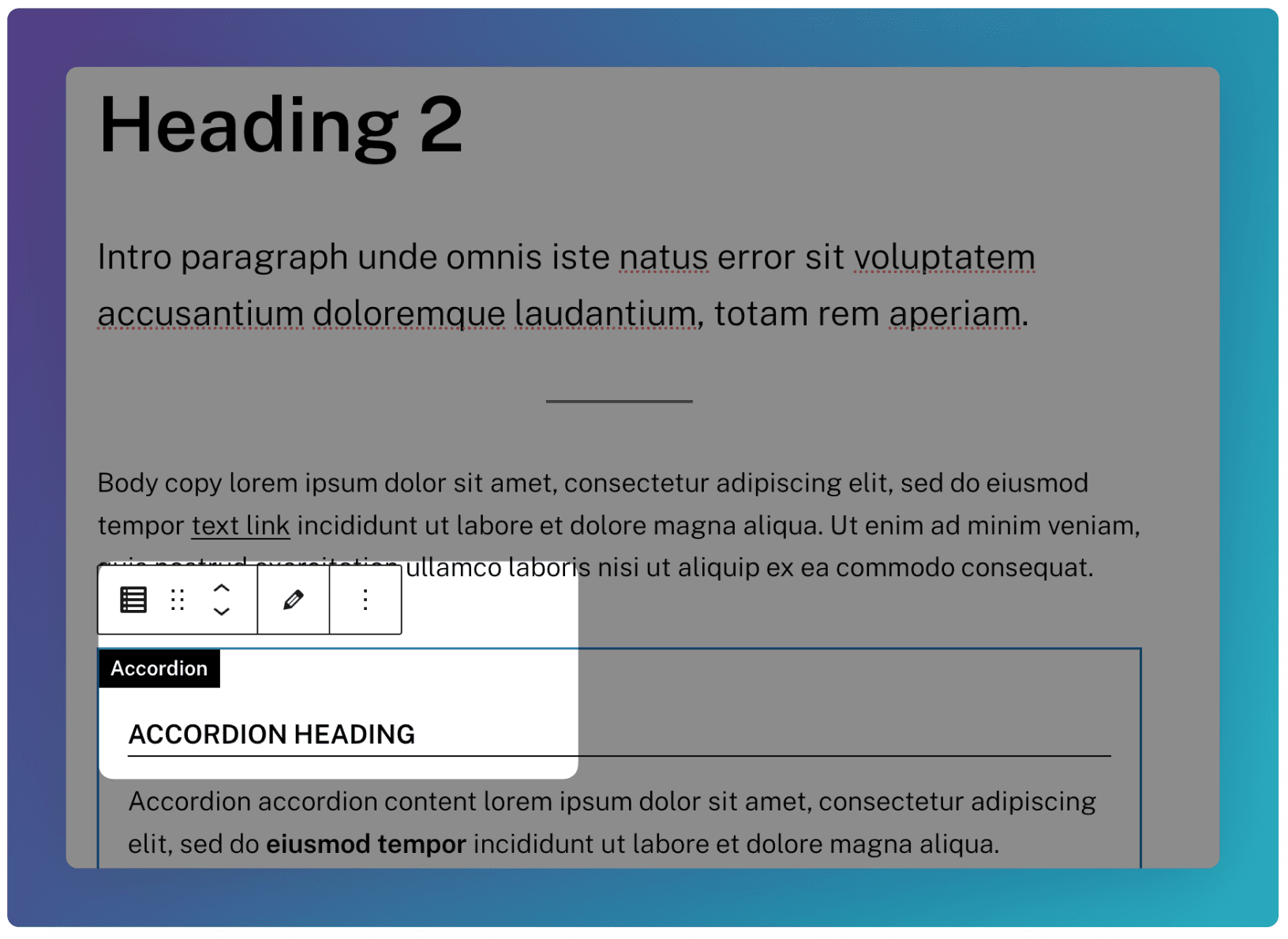
To re-arrange the order of blocks, you can drag the block using the 6-dotted icon. You can also use the up or down arrows to position your blocks.