Wide Content Card
Highlight an important idea, link, or content section in a wide card-style layout.
Overview
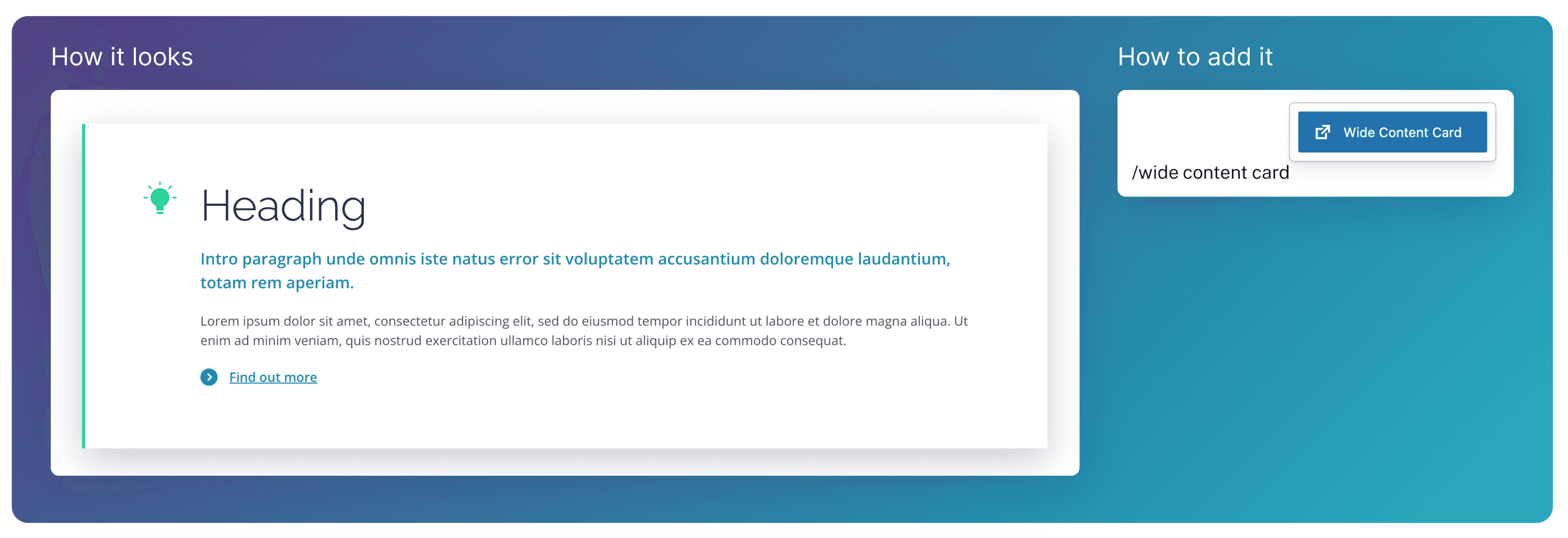
The Wide Content Card block displays a free text section, an icon and link in a clear, readable layout. It’s used to highlight a key idea or section and direct users to learn more without breaking the flow of the page.
Adding Content
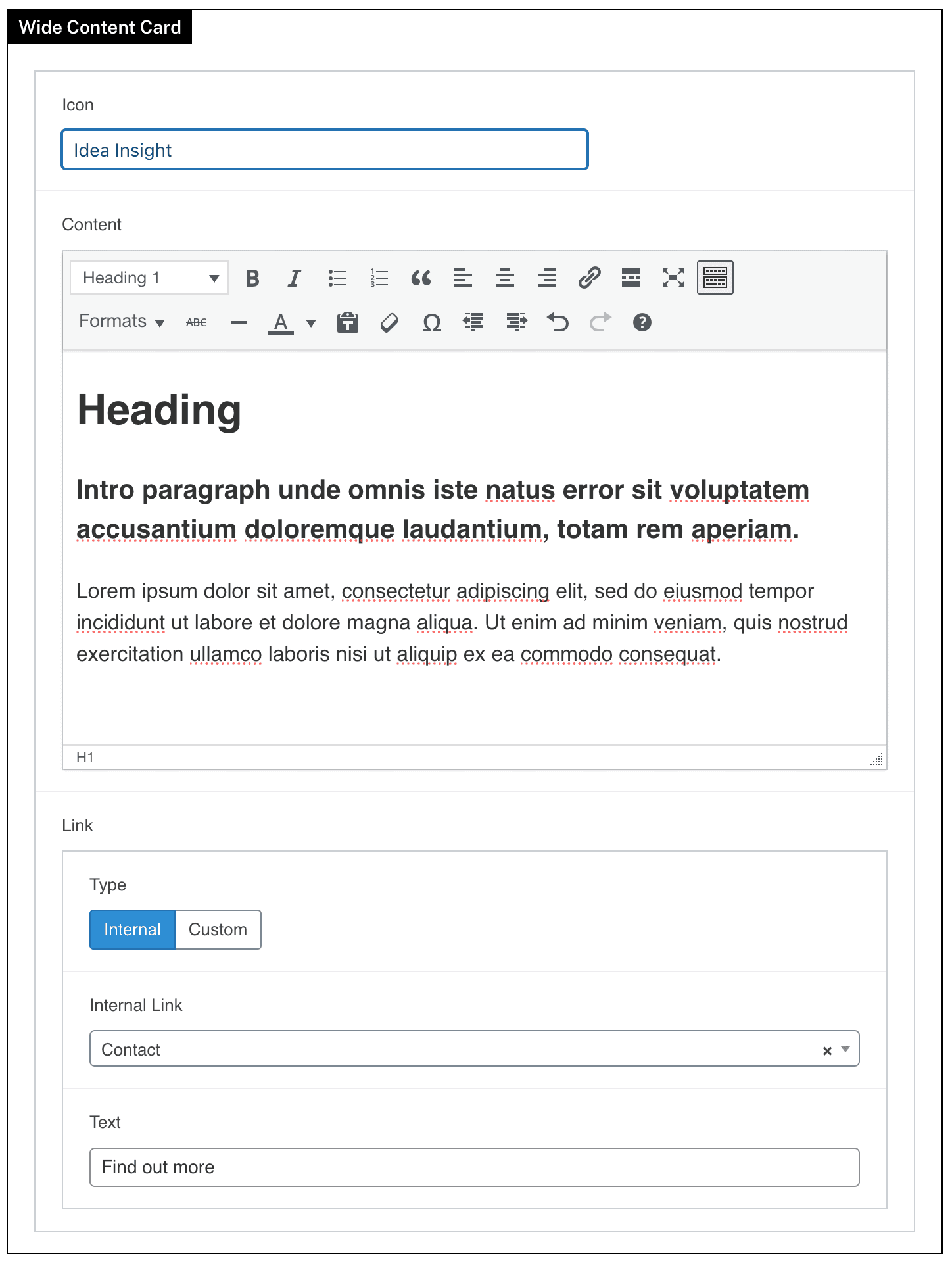
The bulk of the text is added through the Content free text field. Use different text formats like headings, intro paragraphs, and paragraphs to create flow in your content.
An optional Link can also be added to the block.
Icons
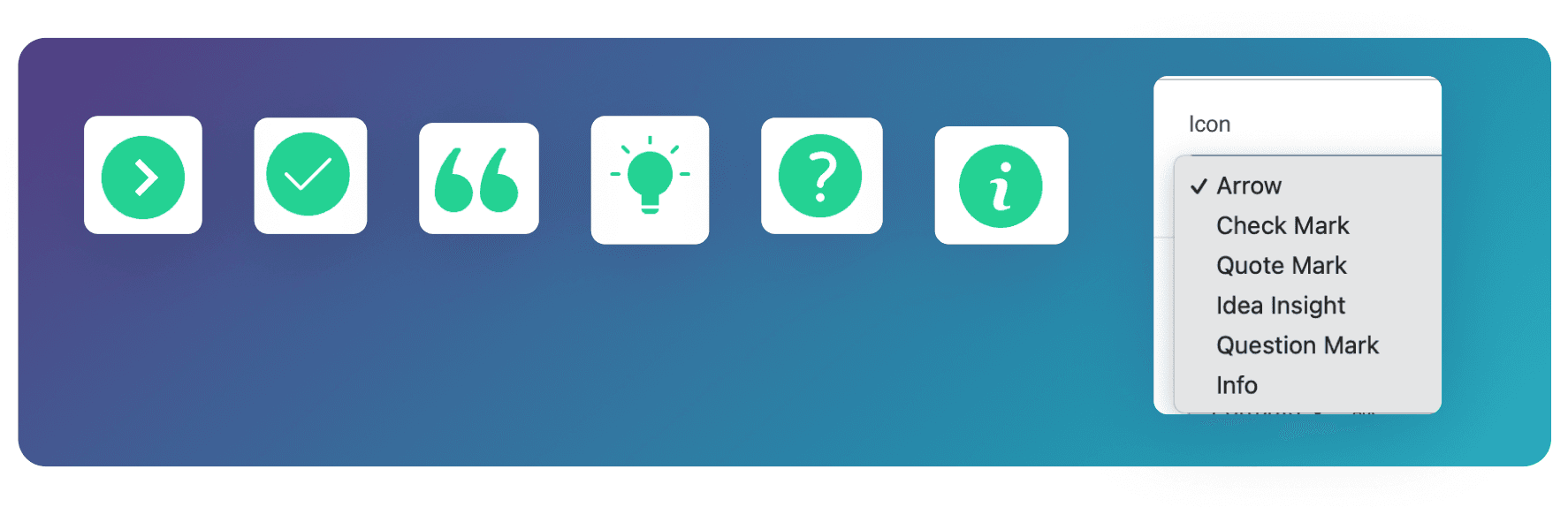
Change the Icon to one of the 6 options below to suit the blocks content.