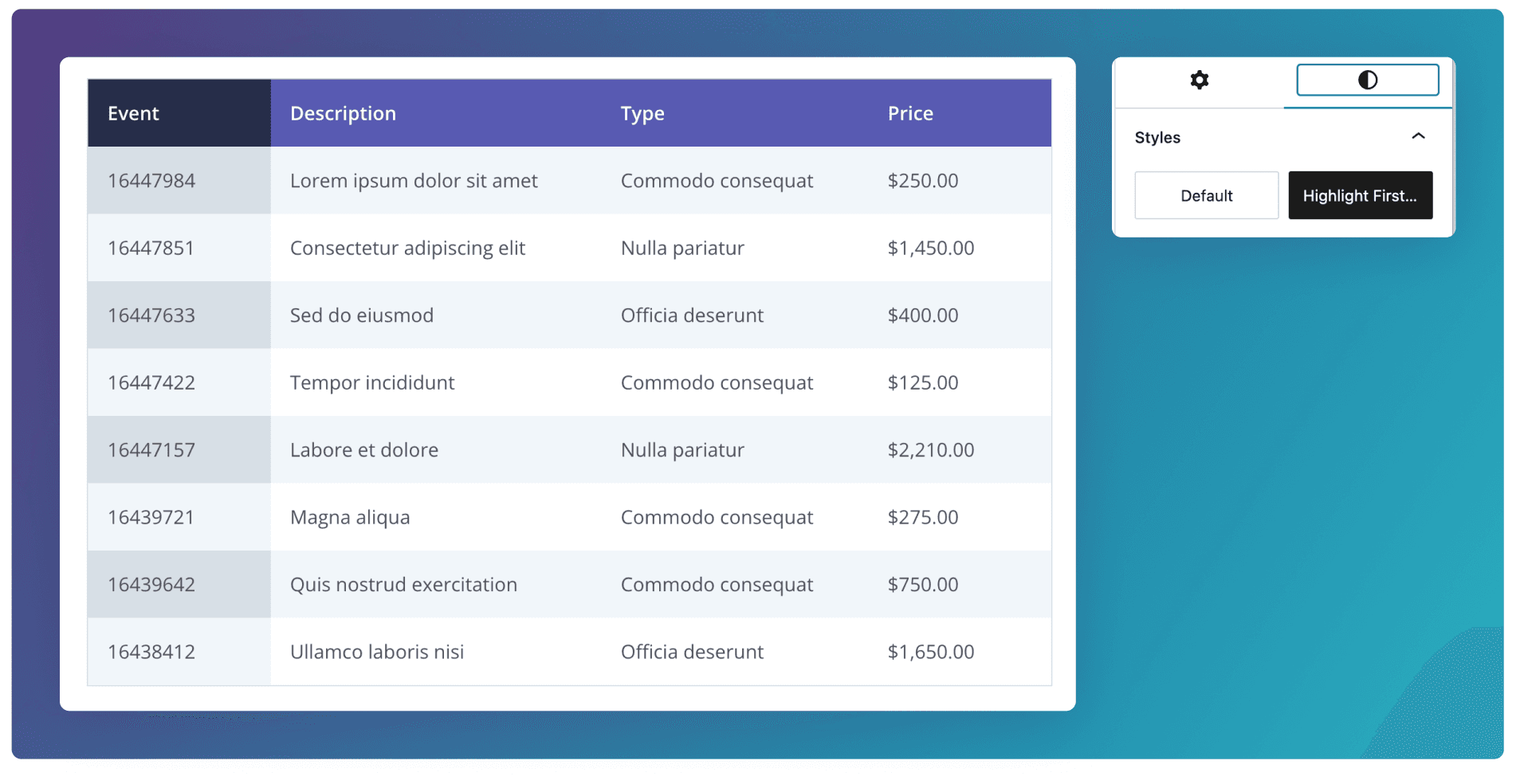
Table
Create simple tables for structured information that benefits from rows, columns, and headings.
Overview
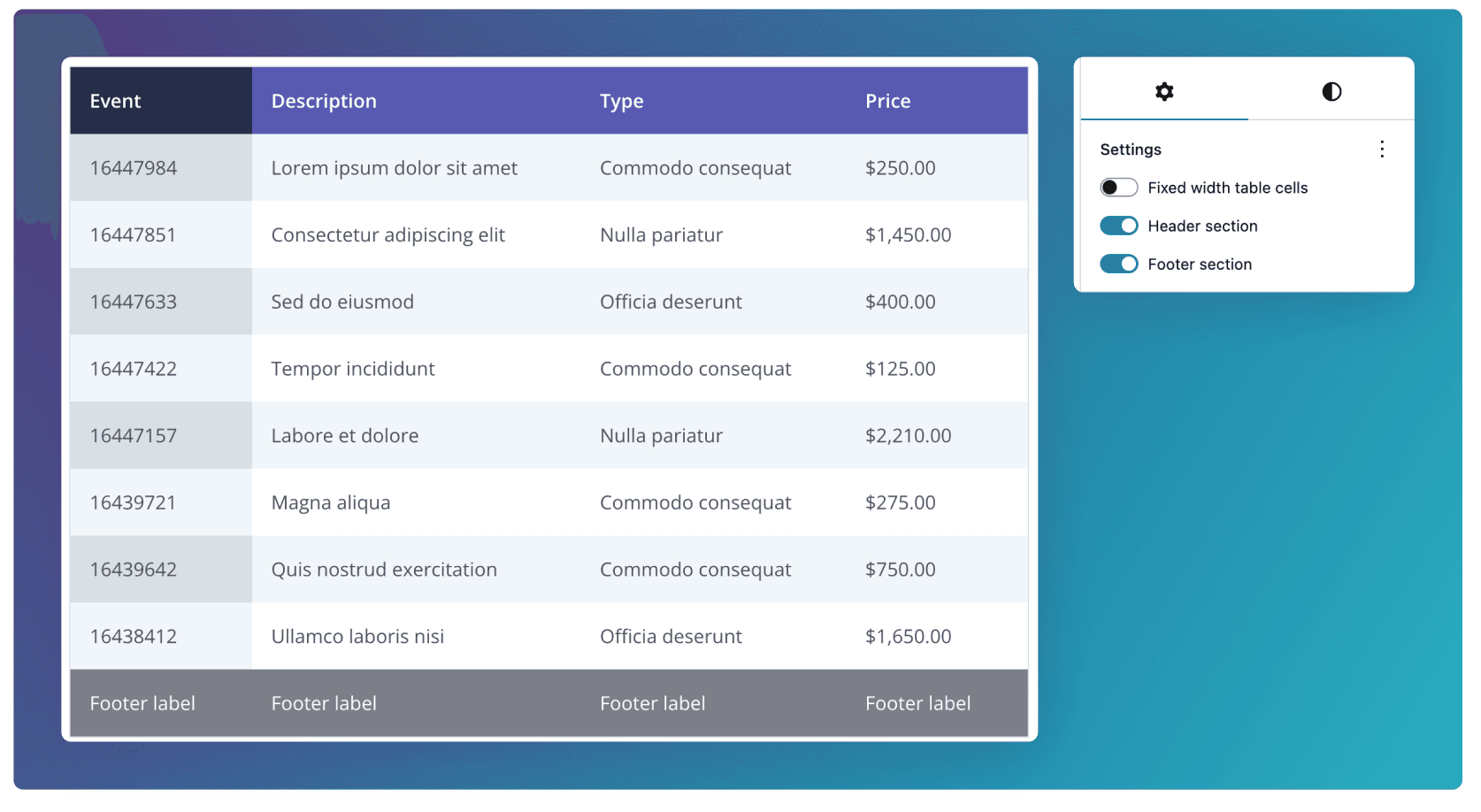
A simple tabular layout that presents information in rows and columns with clear headings. It’s suited to displaying structured data in a way that’s easy to scan, compare, and reference.
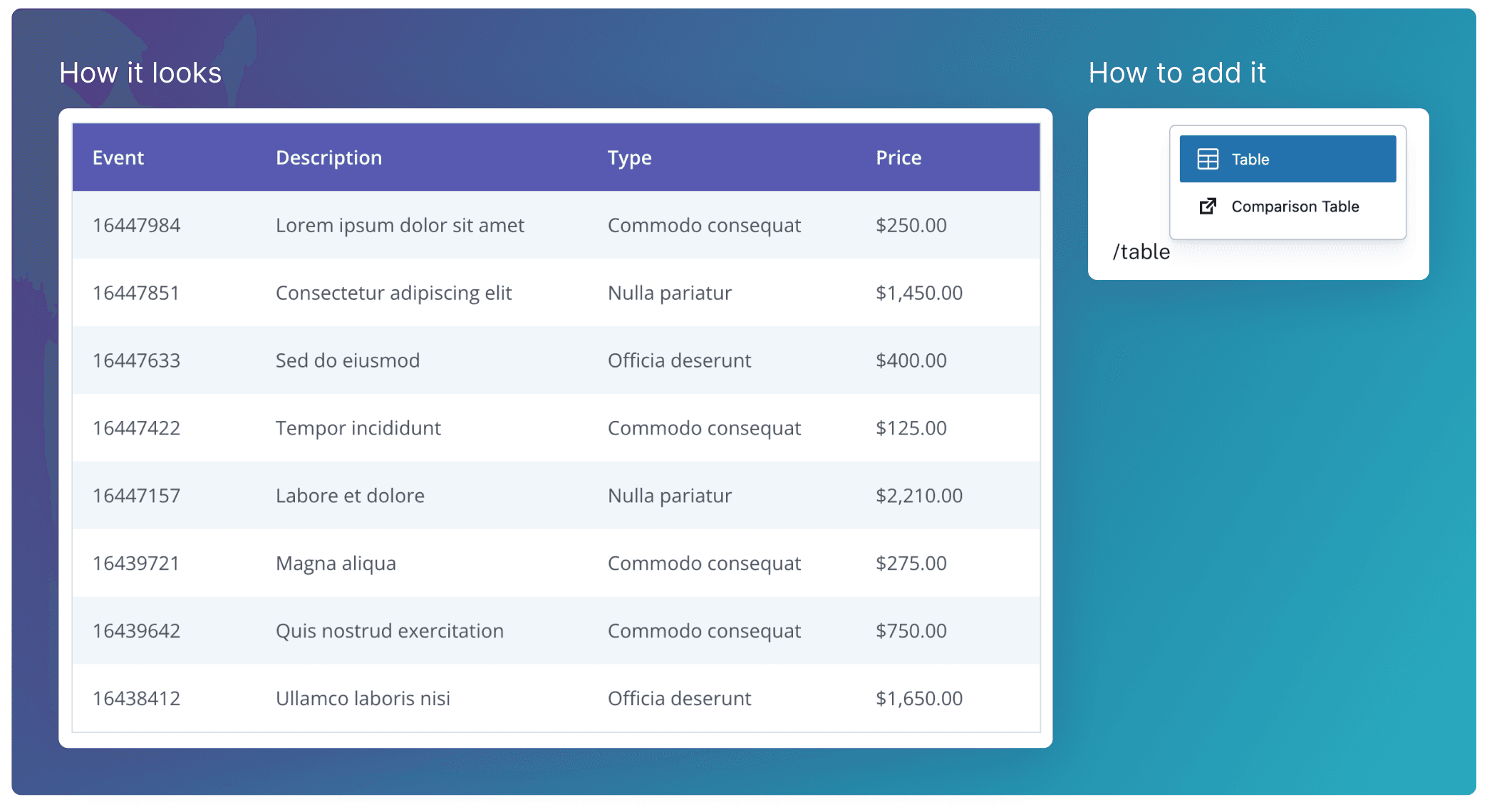
Creating Cells
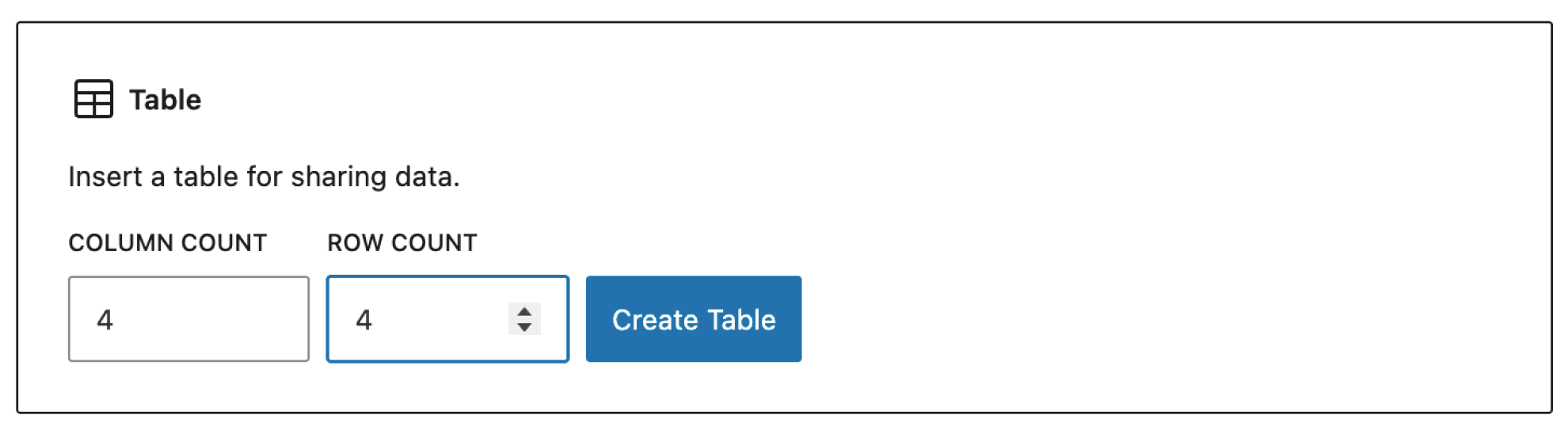
When you add the block. You’ll prompted to set the column and row count. Do a rough estimate, as it’s easy to add/remove these further down the line.
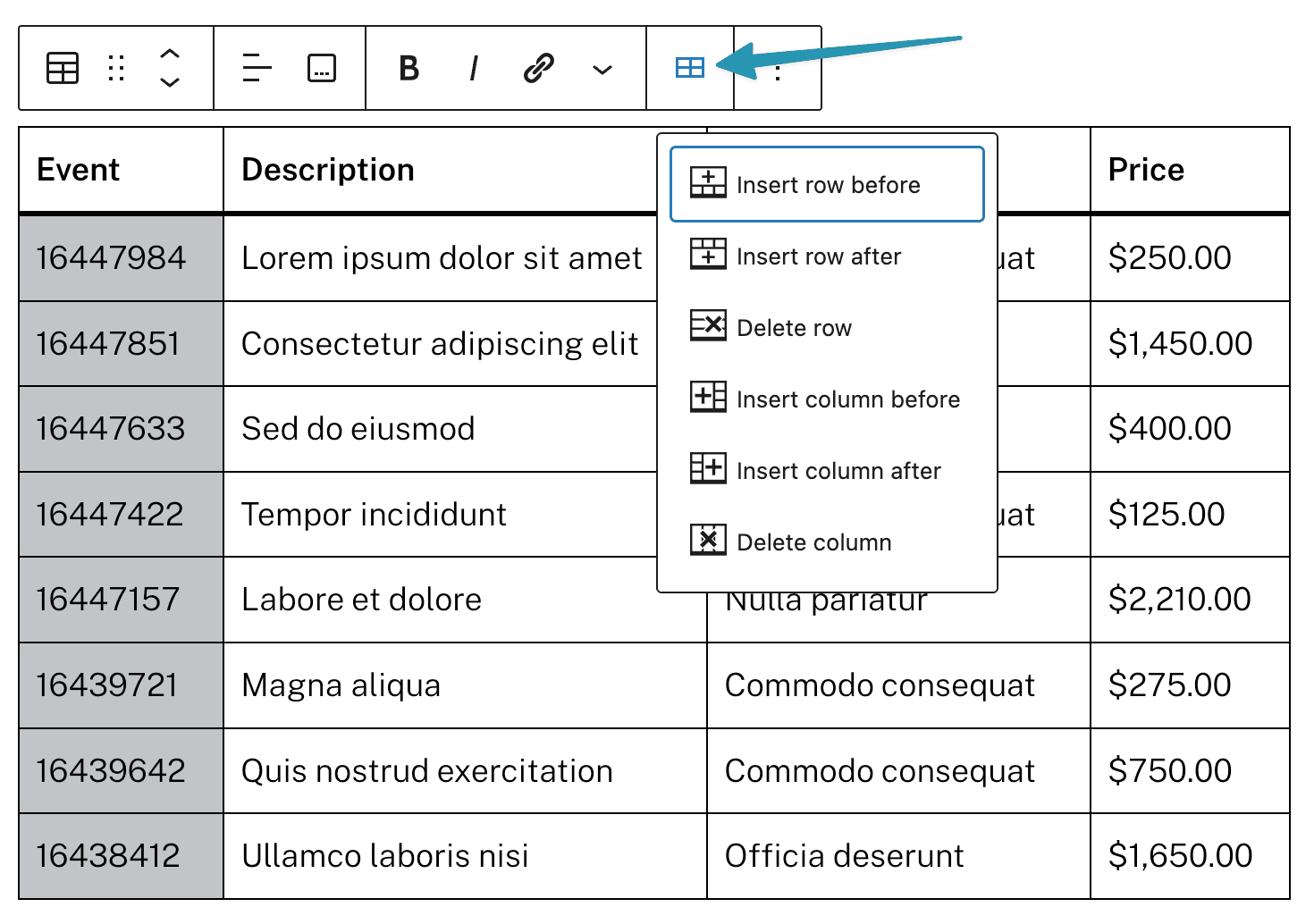
Click this Cells icon to insert or delete yours rows and columns.
Header & Footer
To display the Header and Footer, toggle the switches in the Settings tab in the right hand side panel. You can then enter text for each column.
Styles
Highlight First Column
To display use this variant with the first column highlighted**,** toggle the Highlight First Column switch in the Styles tab in the right hand side panel.