Feature Text + Image
Combine text, calls to action, and imagery in a flexible split-content feature block.
Overview
The Feature Text + Image block displays a split-content block that pairs a strong visual with a heading, supporting text, and a clear call-to-action. It’s used to introduce a section or service and quickly communicate what’s on offer while prompting the user to take the next step.
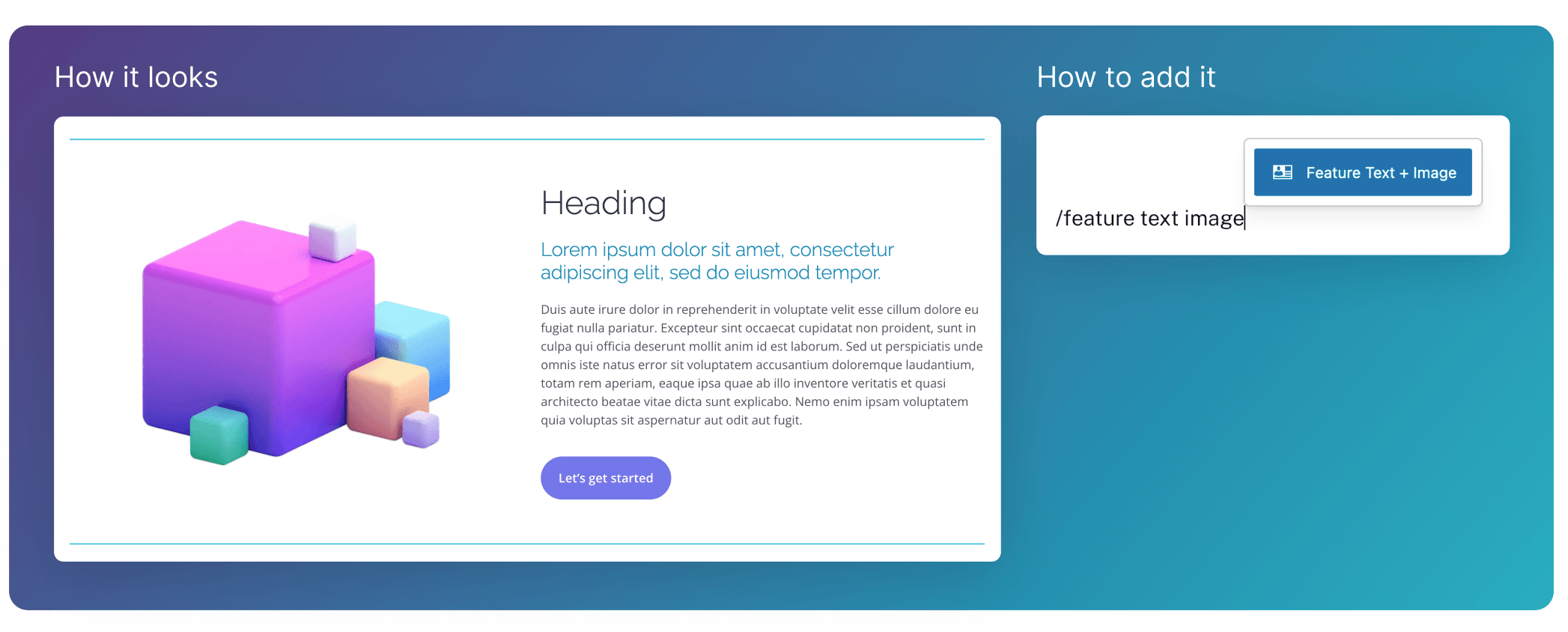
Adding Content
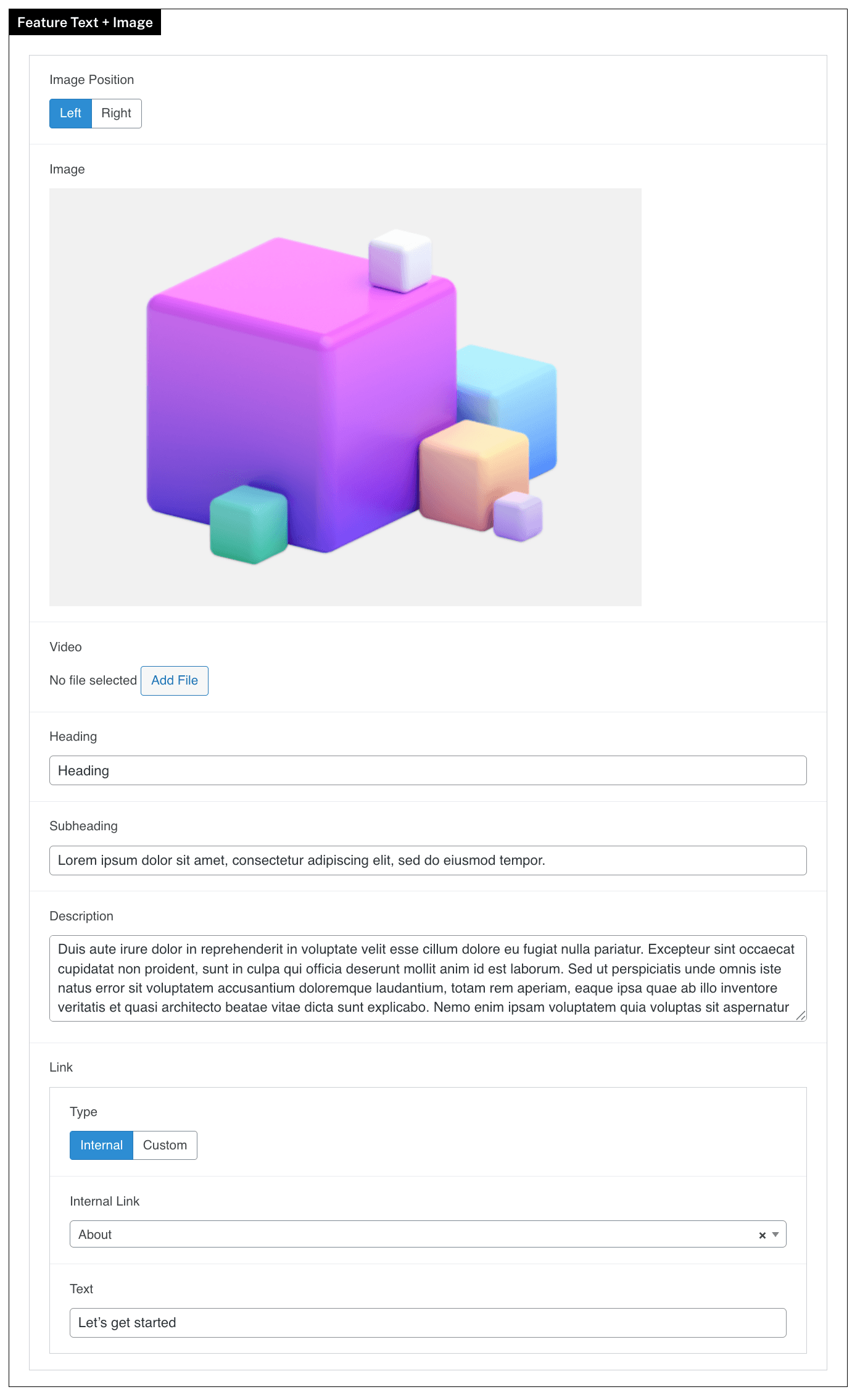
- Content for Text Section Side is set via
Heading,Subheading,DescriptionandLink. - Use the
Imageor aVideofield for other side.- You can change which side this displays using the
Image Positionfield. - If both fields exist, the
Videofield will take priority
- You can change which side this displays using the