Images
Add image blocks, choose sizing options, set custom widths, and include captions where needed.
Sizes
Default
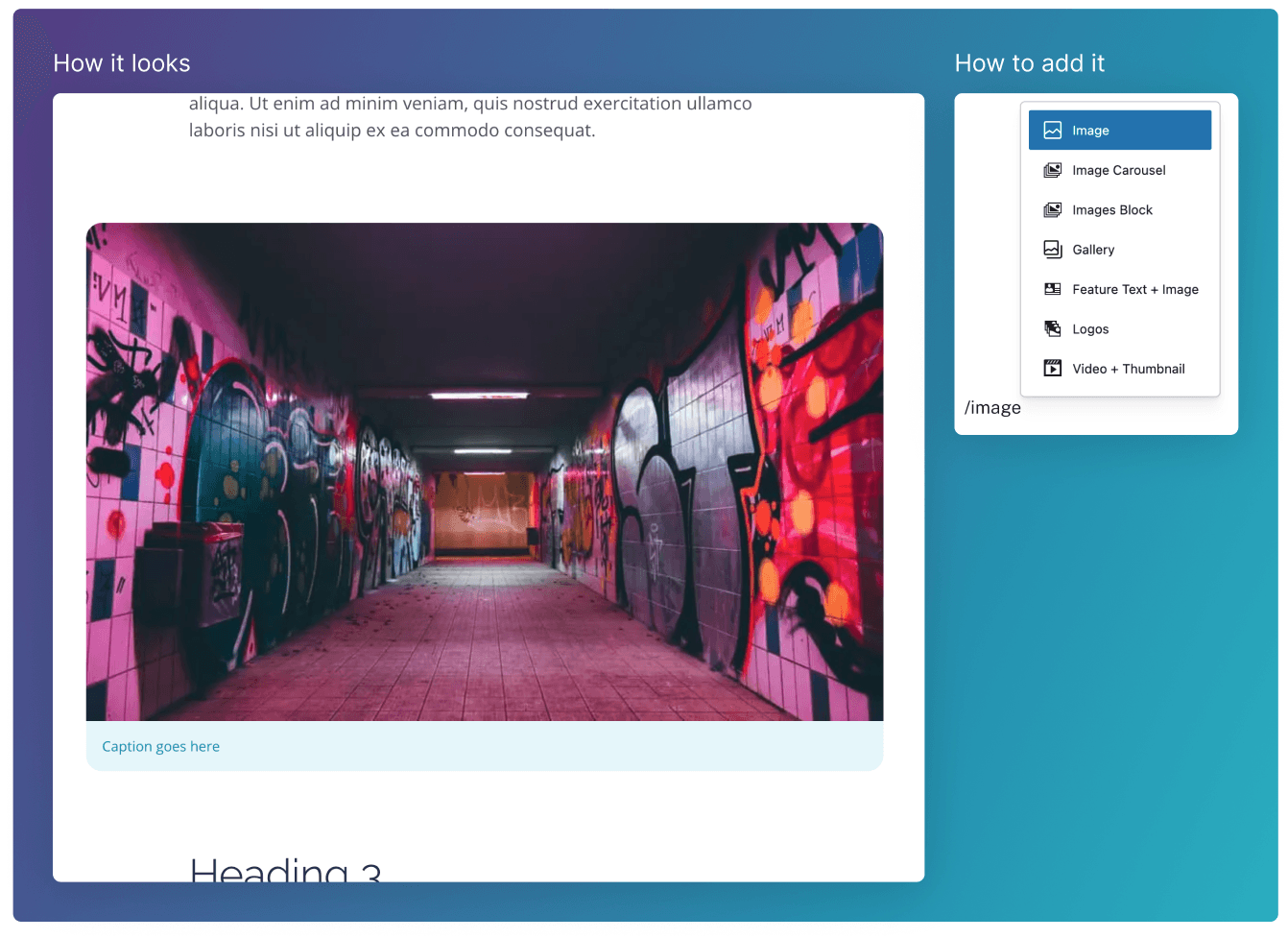
The default image size (pictured above) is slightly wider than the standard body text.
Full Width
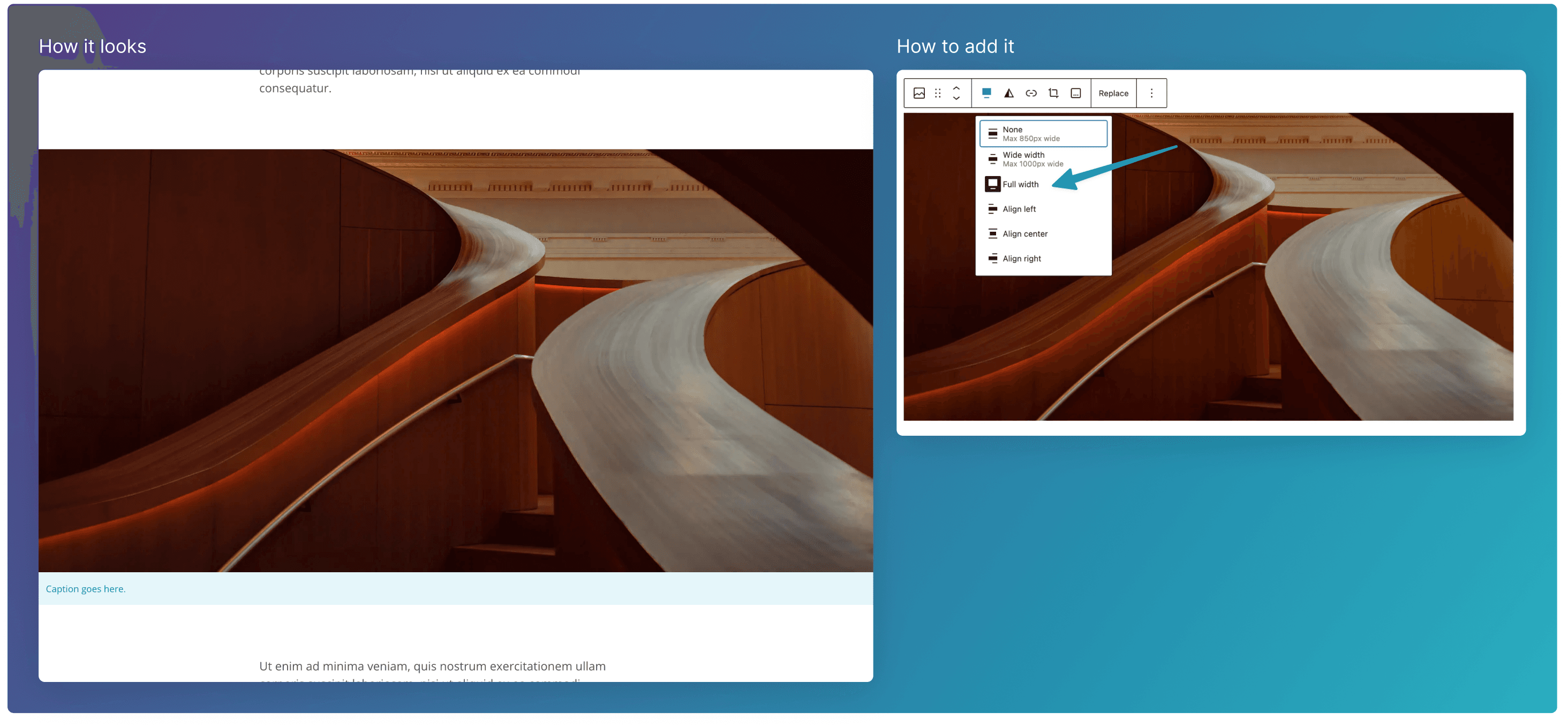
To make the selected image grow to the full width of the screen, click the Alignment icon**,** and select Full width. Ensure that the image has a high resolution to allow it to be displayed at this size.
Custom Maximum Width
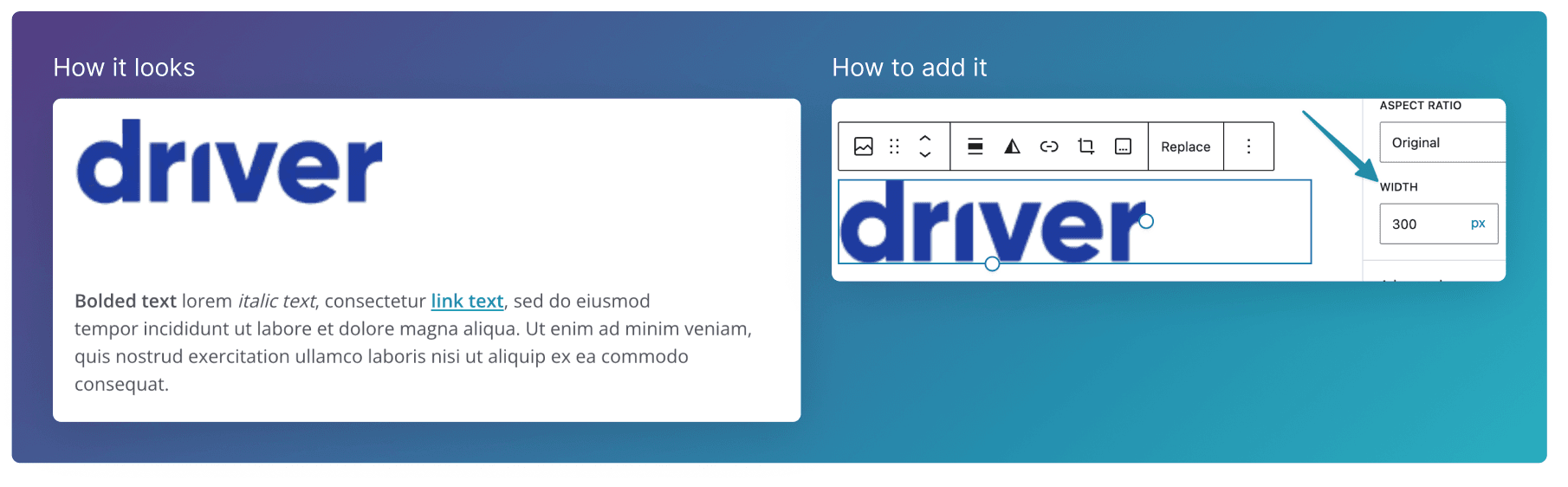
If you want to make an image smaller, you can restrict it’s maximum width by setting the Width parameter in the right hand side panel. This is useful to display single logos that you don’t want growing to the default image width.
Adding Captions
To add a caption to an image, click on this dotted icon, and type your text below the image.
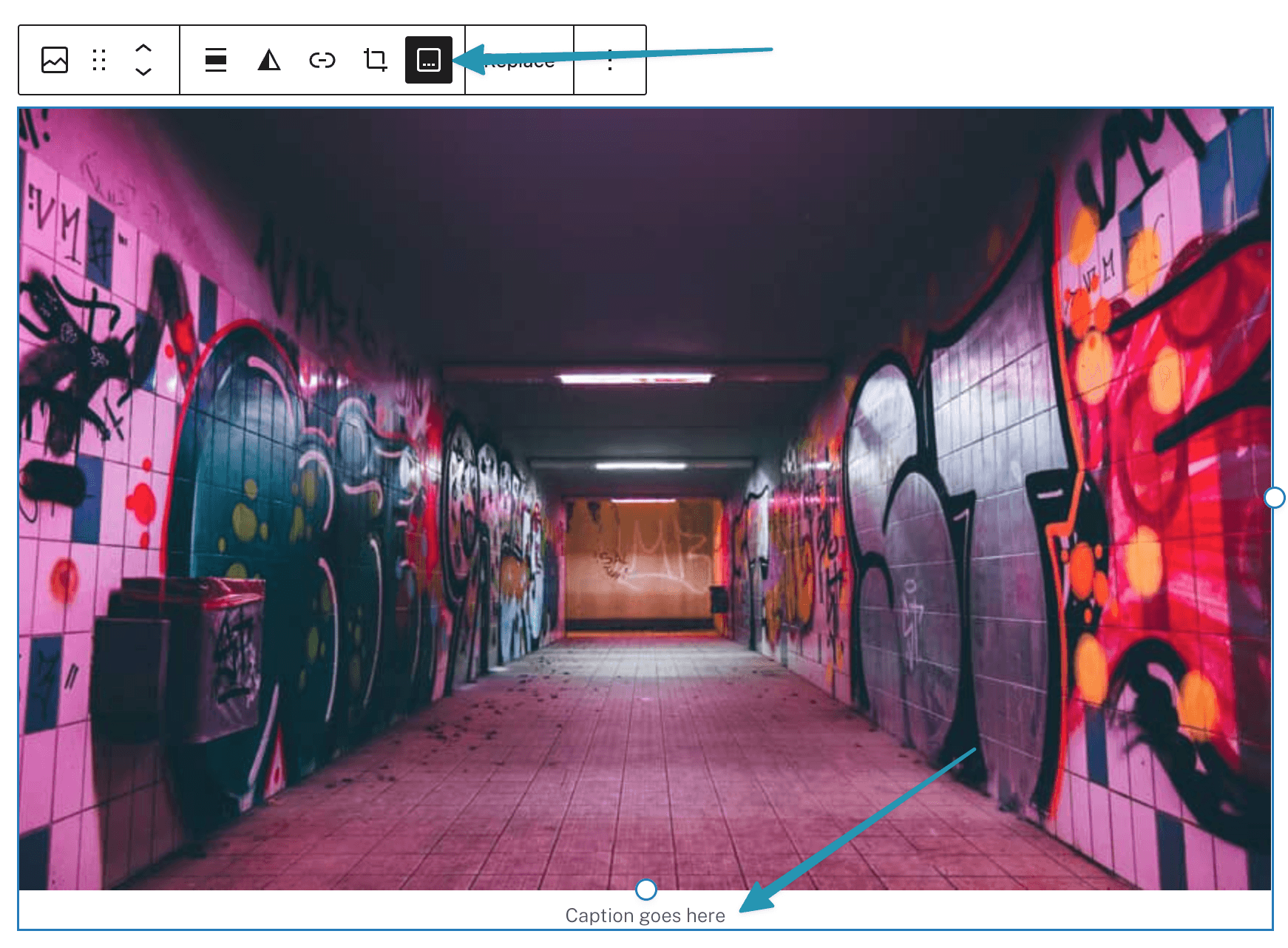
Image Optimisation
See here for some guidelines on how to best prepare the images for your website.