Navigating the CMS
Learn where key content types and site settings live in the CMS dashboard, including pages, posts, people, media, menus, and site options.
Pages
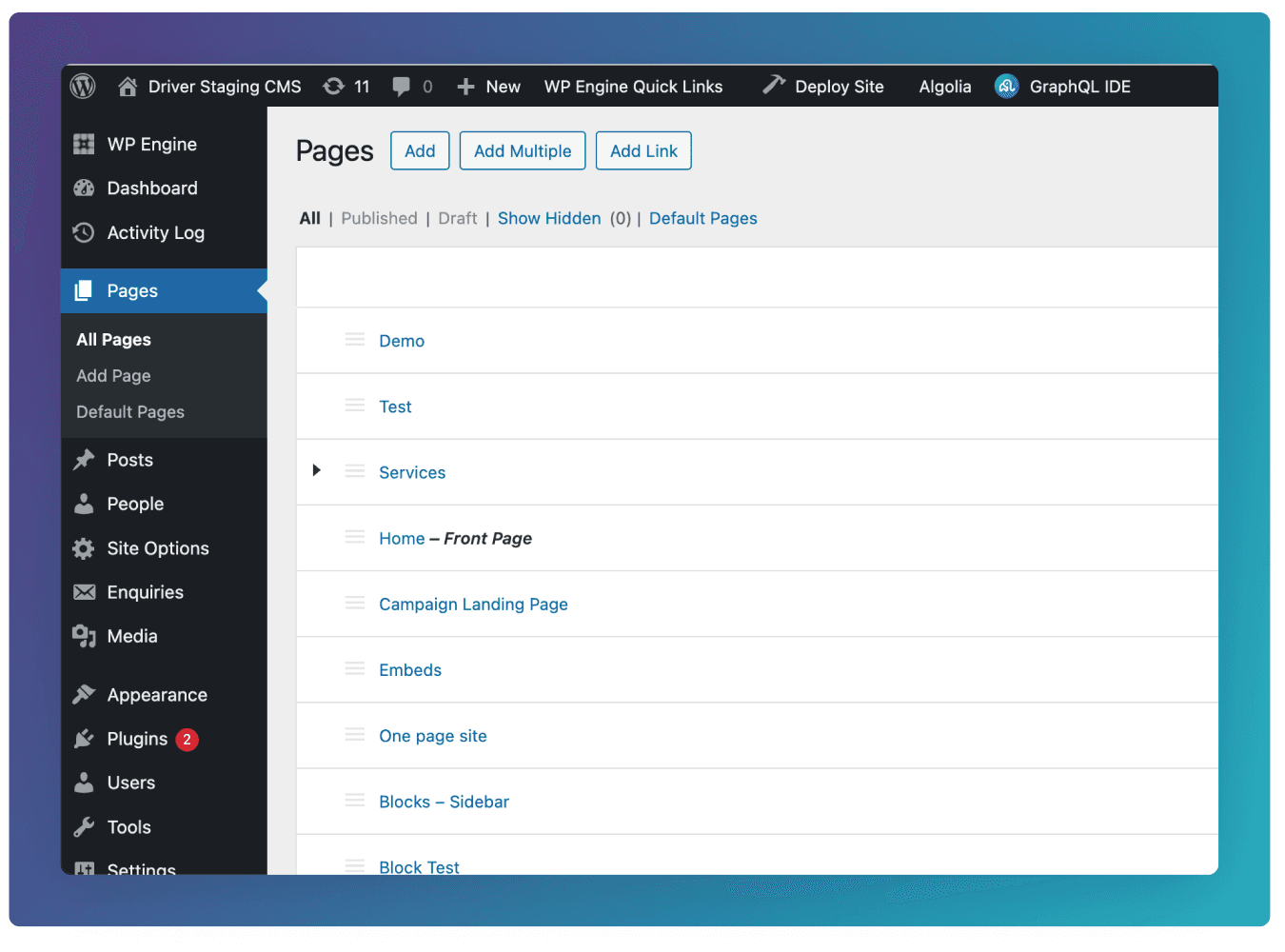
Pages are used for core, long-lasting website content such as the homepage, service pages, or contact pages. They are structured with blocks and are used to build the main layout and hierarchy of the site.
See here for more about how to use the Pages template.
Posts
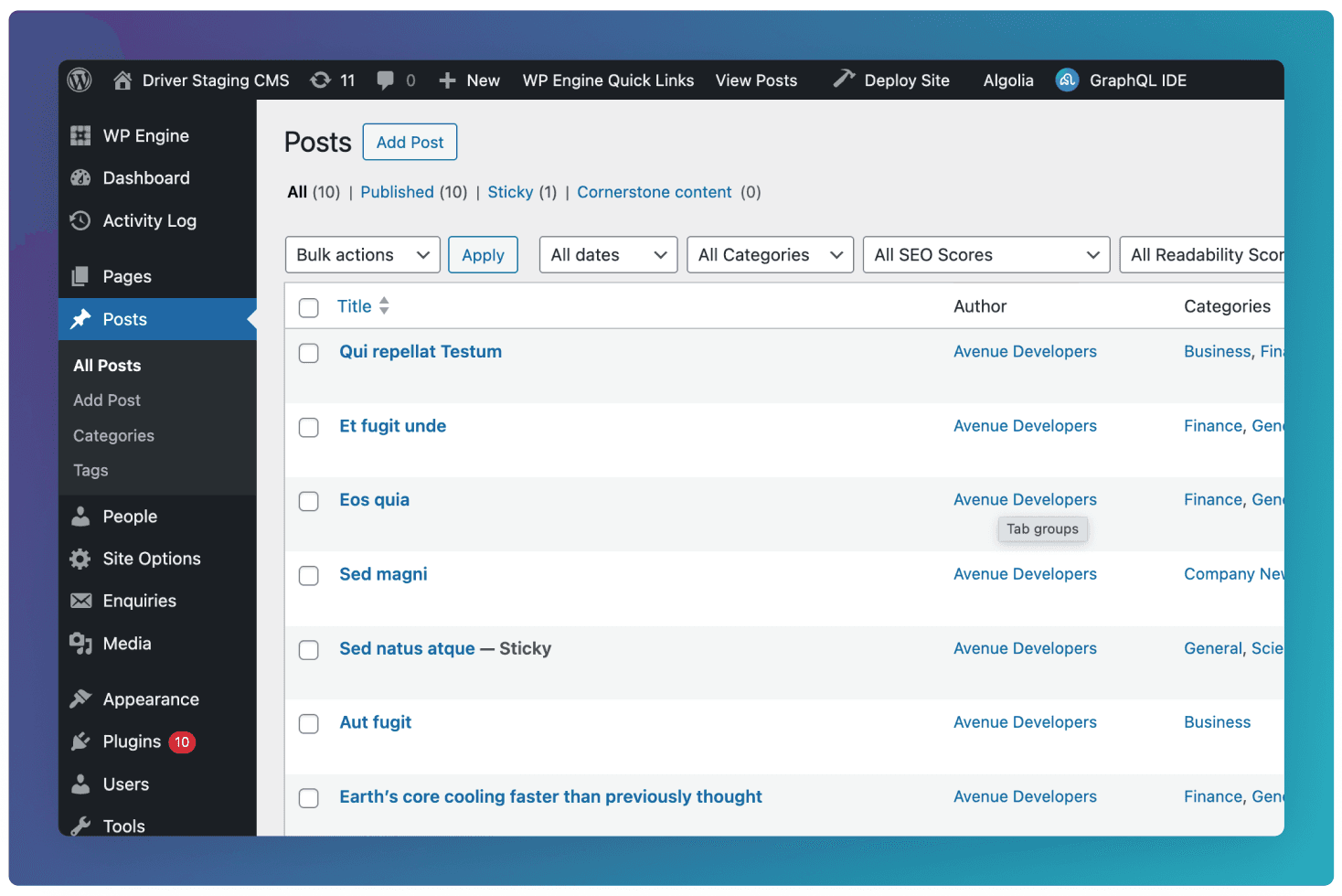
Posts are used for regularly updated content like news, articles, or blog entries. They are date-based, can be categorised or tagged. All posts created here will automatically display on Blog Index Templates.
See here for more about how to use the Post template.
People
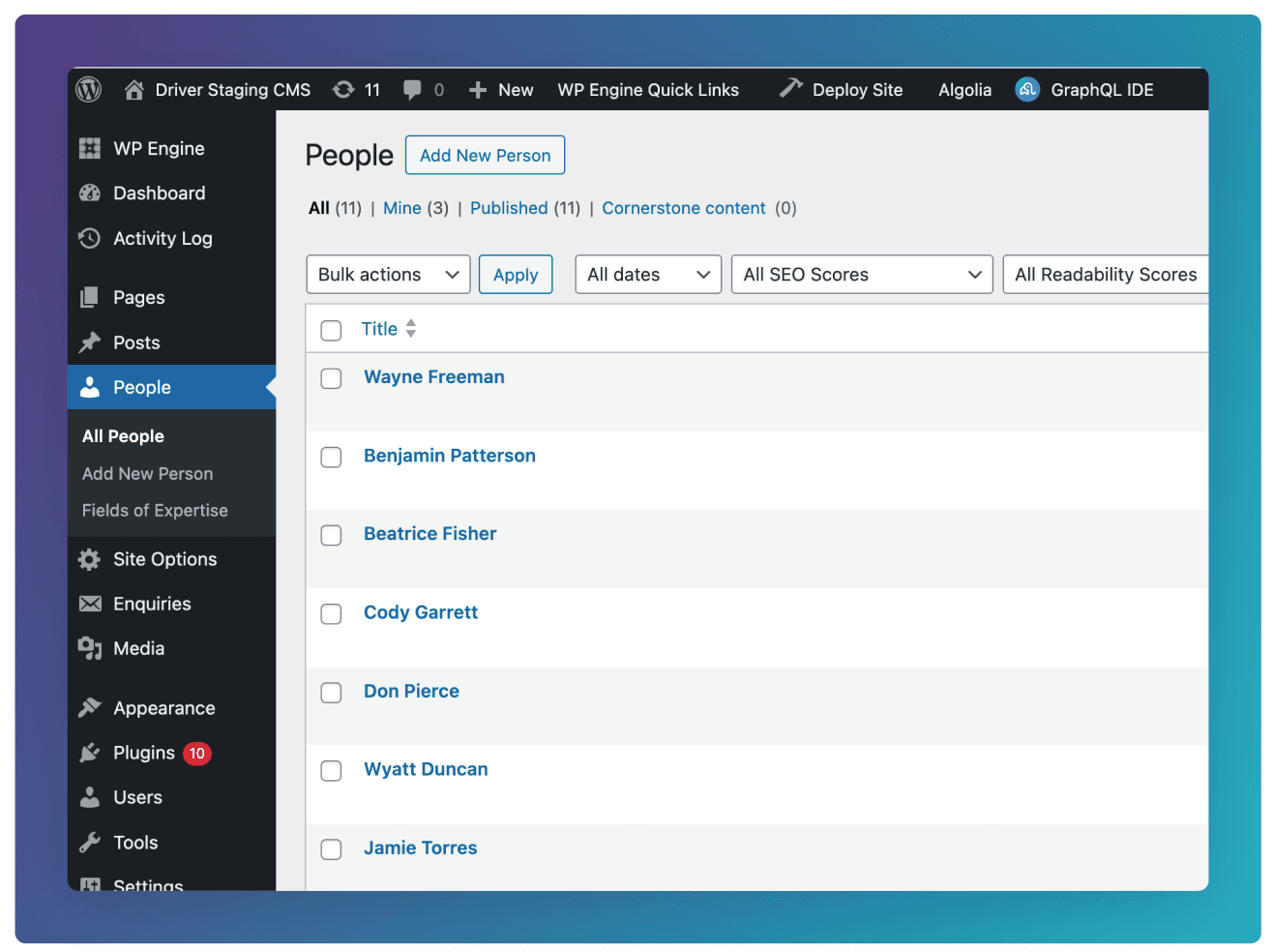
People is used to manage profiles for staff, team members, or contributors. Each entry usually includes structured fields such as name, role, bio, and image, and can be reused across the site wherever people need to be displayed. One common pattern would be to use the Cards block to display People on a page such as an “Our Team” page.
See here for more about how to use the People template.
Site Options
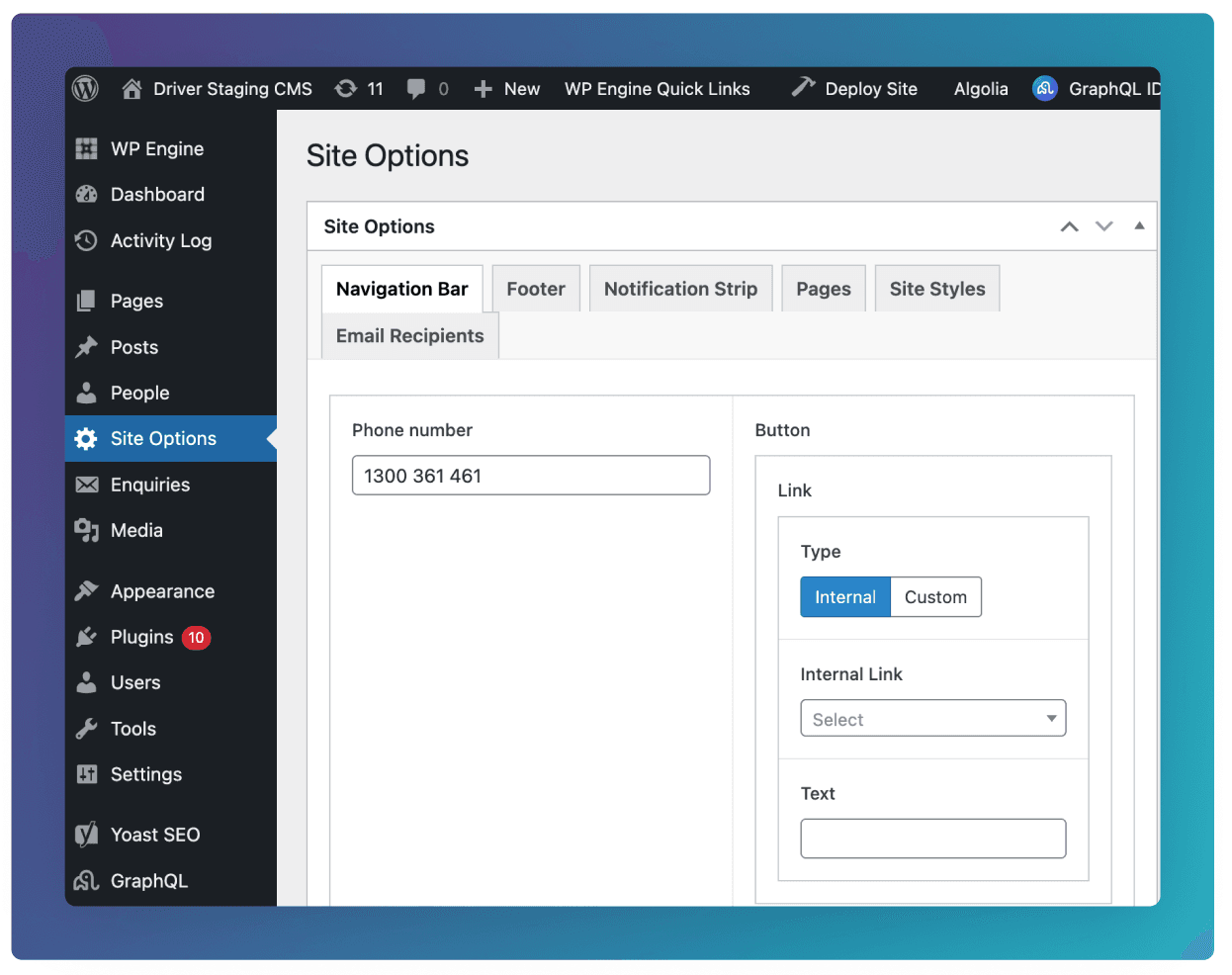
Site Options contains global settings that apply across the entire website. This is where shared content such as navigation bar settings, footer social links, or site notifications are managed so they only need to be updated in one place.
Menus
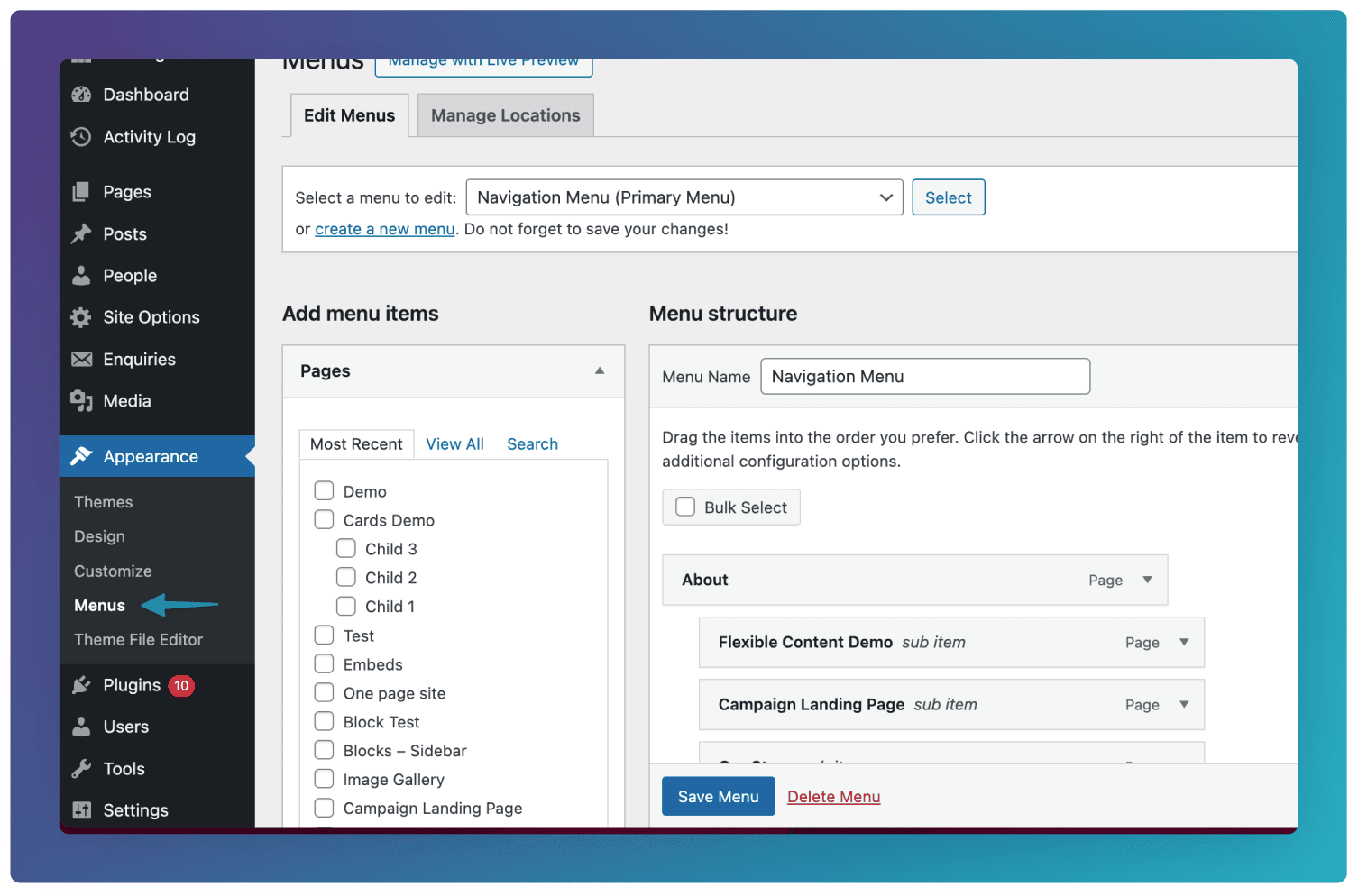
Menus are used to control the site’s navigation structure. This section defines which pages or links appear in navigation areas, their order, and how they are grouped. Here you can edit the Navigation Bar and Footer menus. See here on how to edit menus.
Media
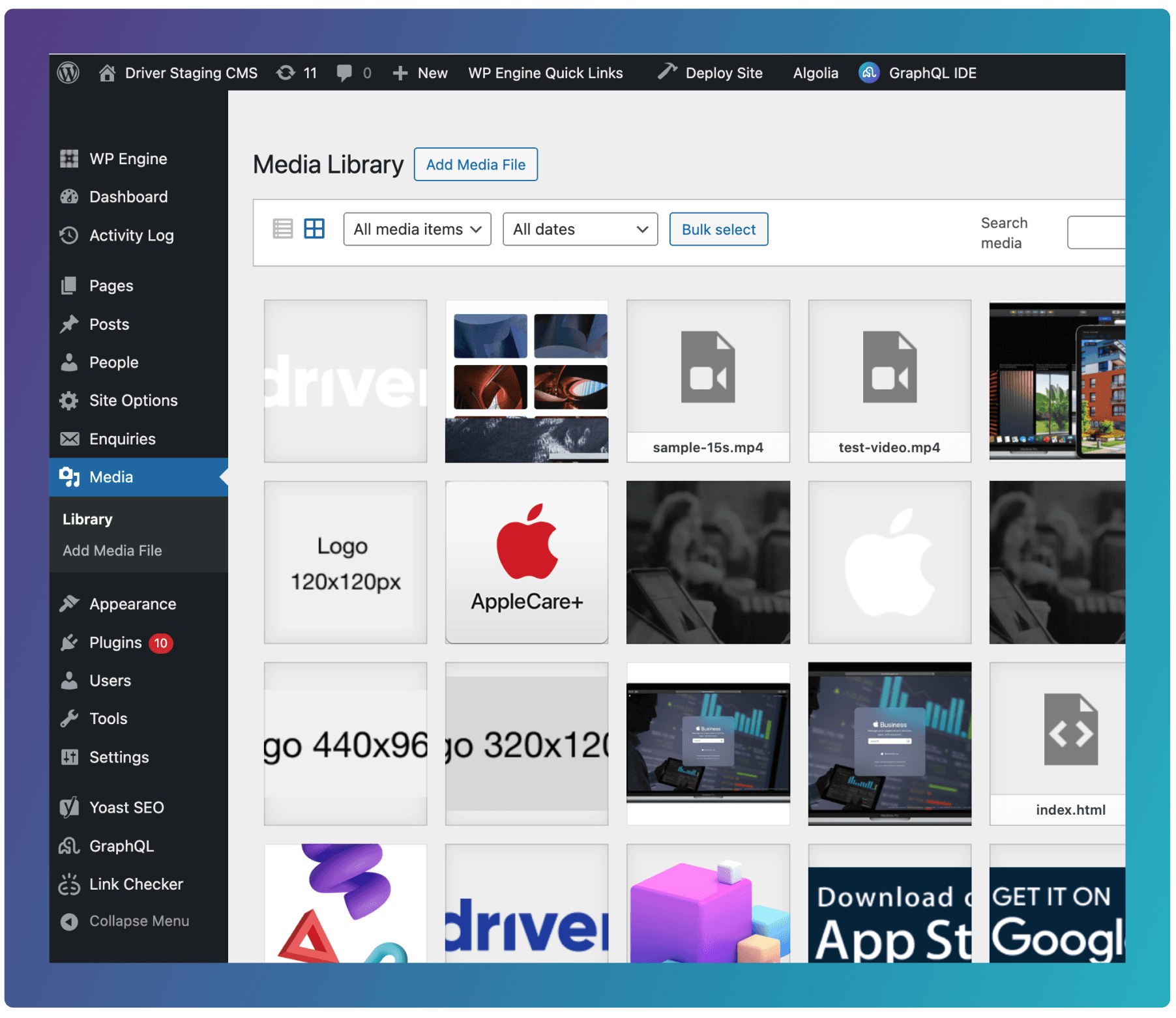
Media is the library for all uploaded files, including images, videos, PDFs, and documents. Files added here can be reused anywhere on the site, helping keep assets organised and avoid duplicate uploads.