Posts
Create and edit individual article or news pages using the Posts template.
Overview
The Post template is used to display individual news or blog articles on the website. It is very similar to the Flexible Content template in that it leverages the use of Blocks for all of its content.
In addition to using blocks, the Post template can be assigned an Author, Categories, and they also automatically display in any Blog Index Templates.
This template is created in the Posts section of the CMS.
Author
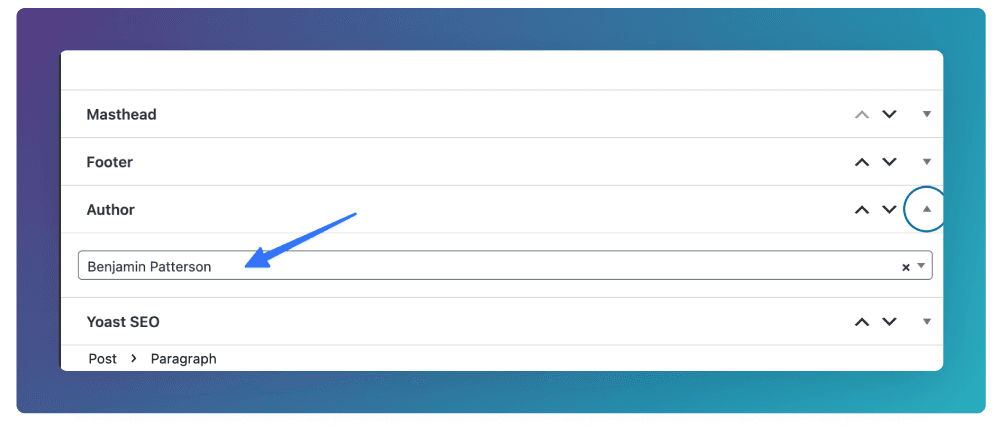
Assign Authors to a Post by going to the Author field group at the bottom of the edit screen. You will be able to choose from existing entries in the People section in the CMS.
Categories
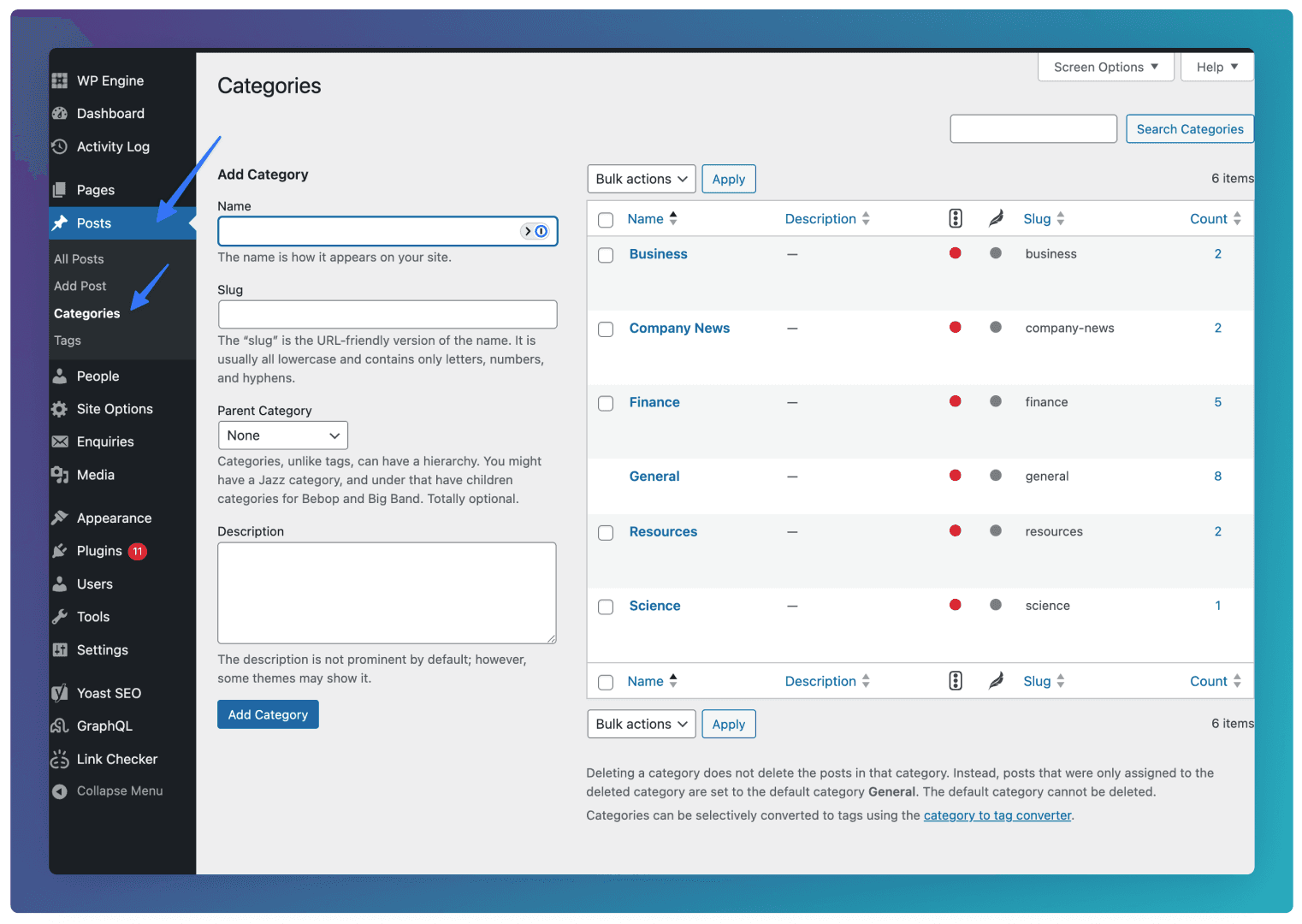
You can add Categories by going to Posts ⇒ Categories in the CMS. When adding a Category, leave the Parent Category as “None”.
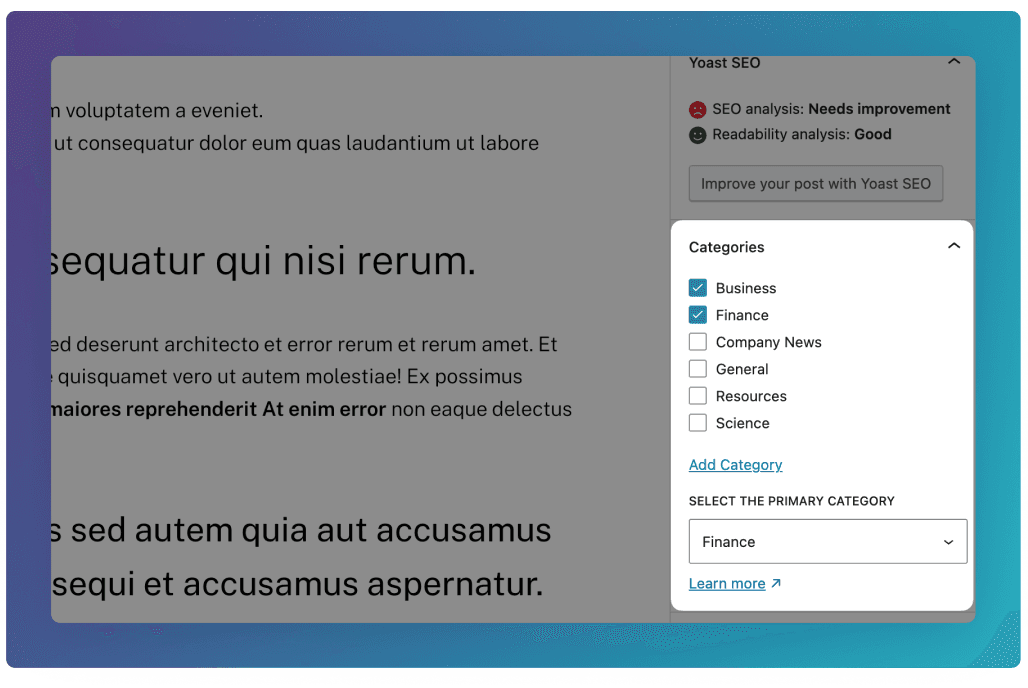
See below for how to add Categories to individual posts.
Breadcrumb
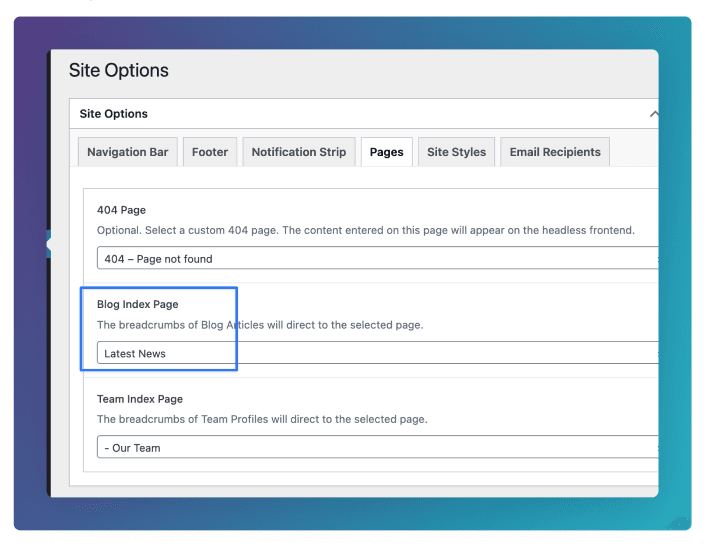
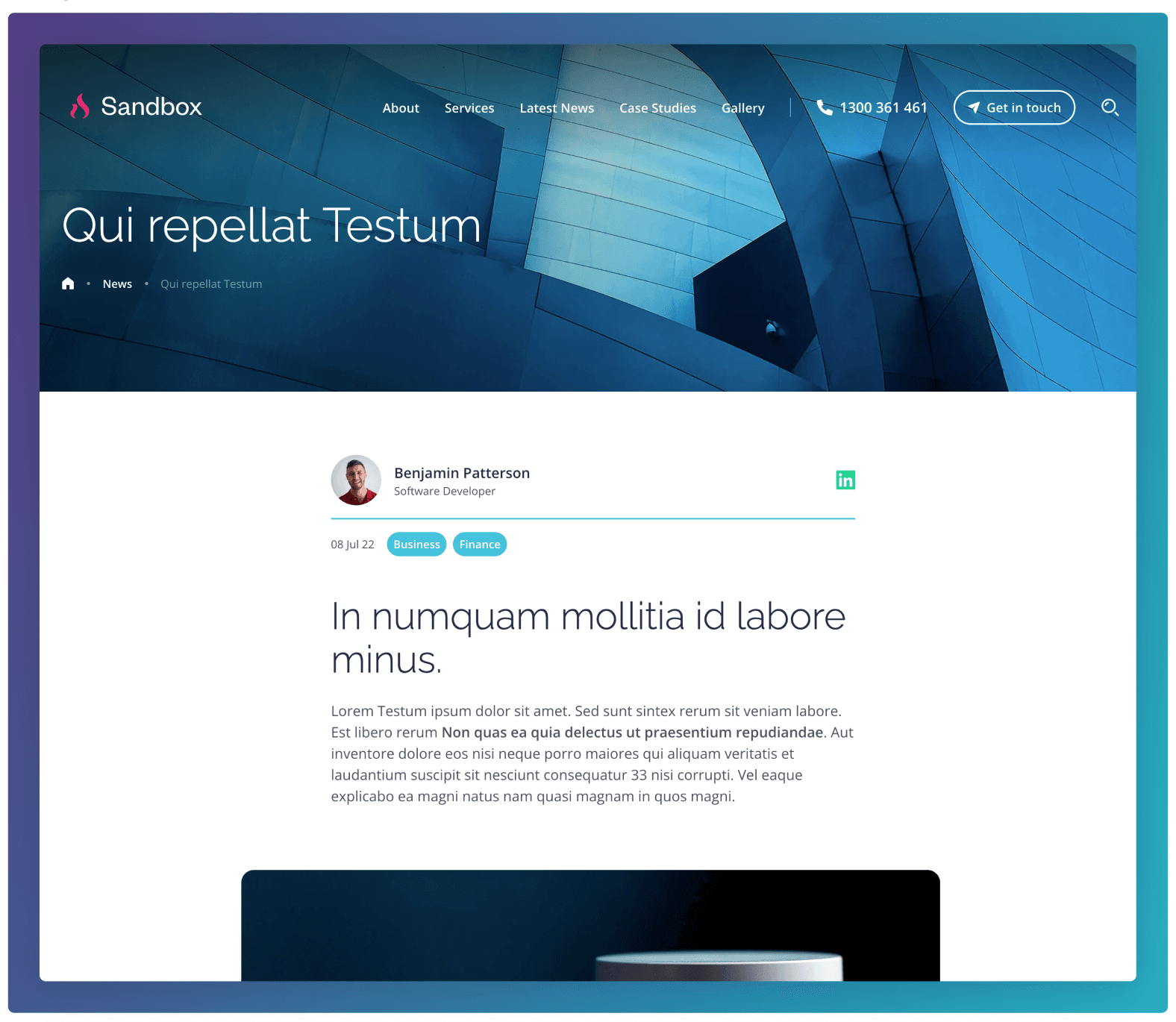
To ensure the correct breadcrumb link is used in the Masthead, ensure your desired Blog Index Page is selected under Site Options ⇒ Pages ⇒ Blog Index Page