404
Configure the fallback page shown when visitors land on a missing or moved URL.
Overview
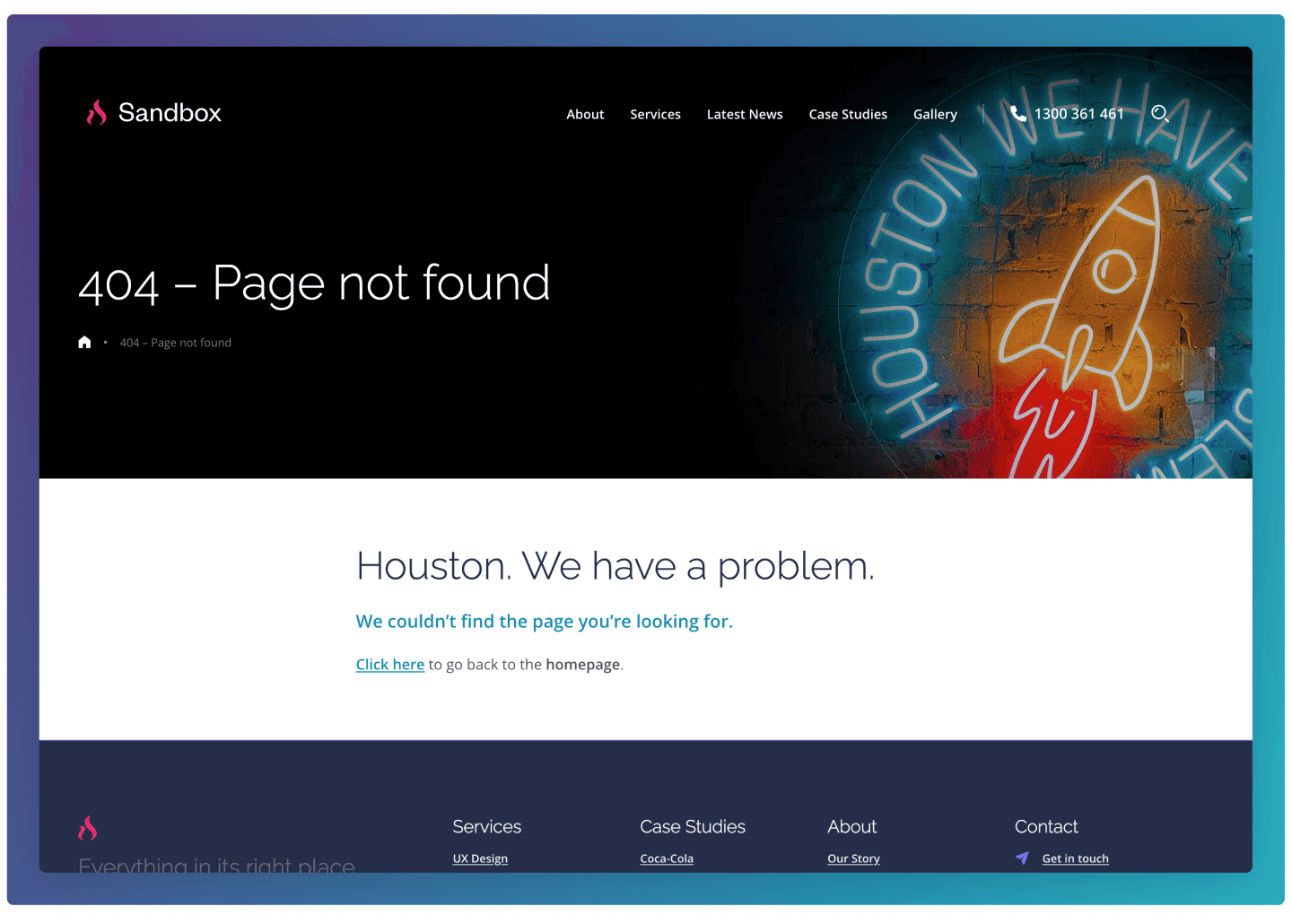
The 404 Page is a standard Flexible Content page displayed when a user tries to access a page that does not exist or has been moved. It provides a clear message explaining that the requested page cannot be found and typically includes a link back to the homepage to help users continue navigating the site. This helps prevent users from reaching a dead end and guides them back to useful content.
How to configure
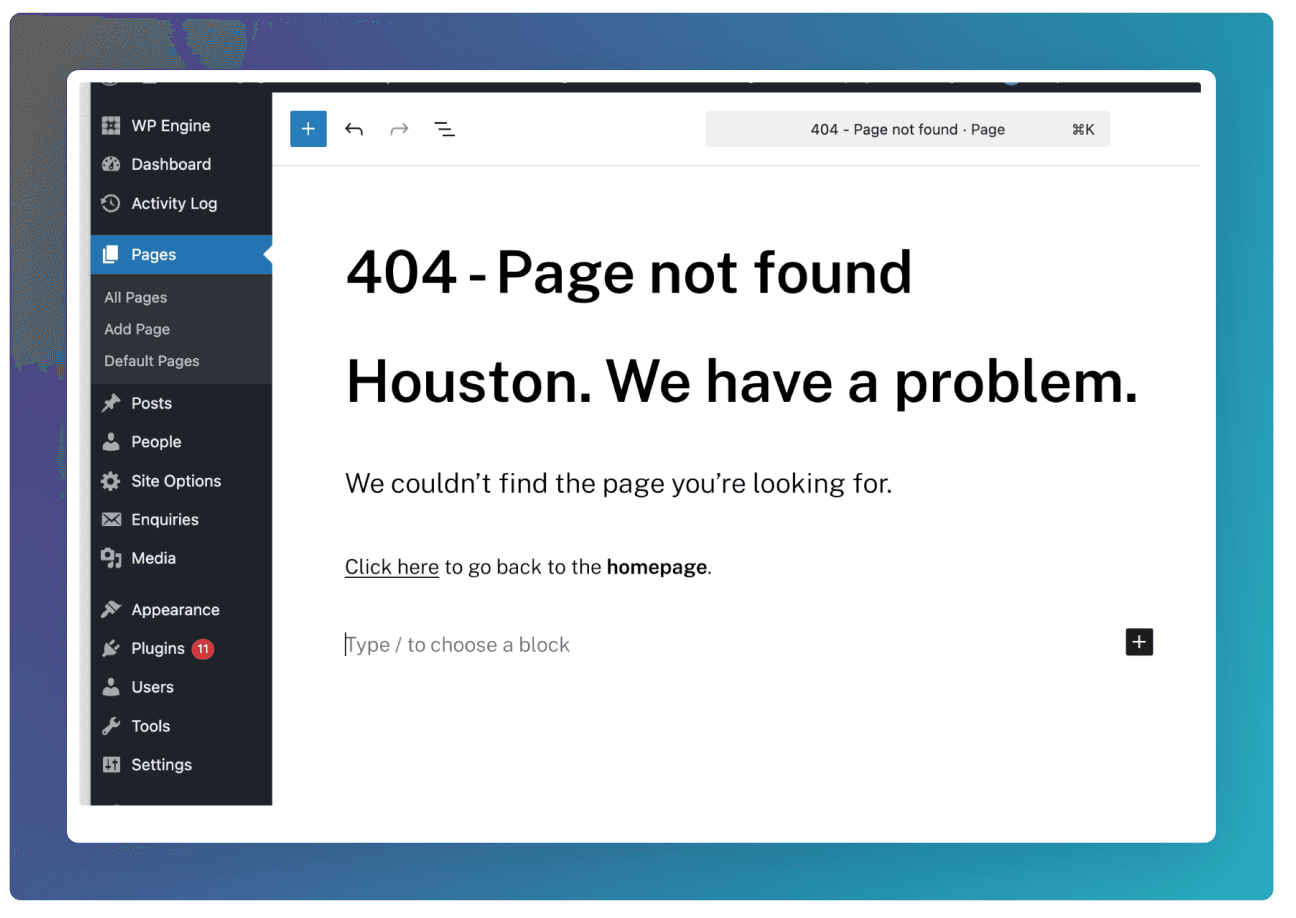
To configure a 404 page, create a page in the Pages section and add your desired content.
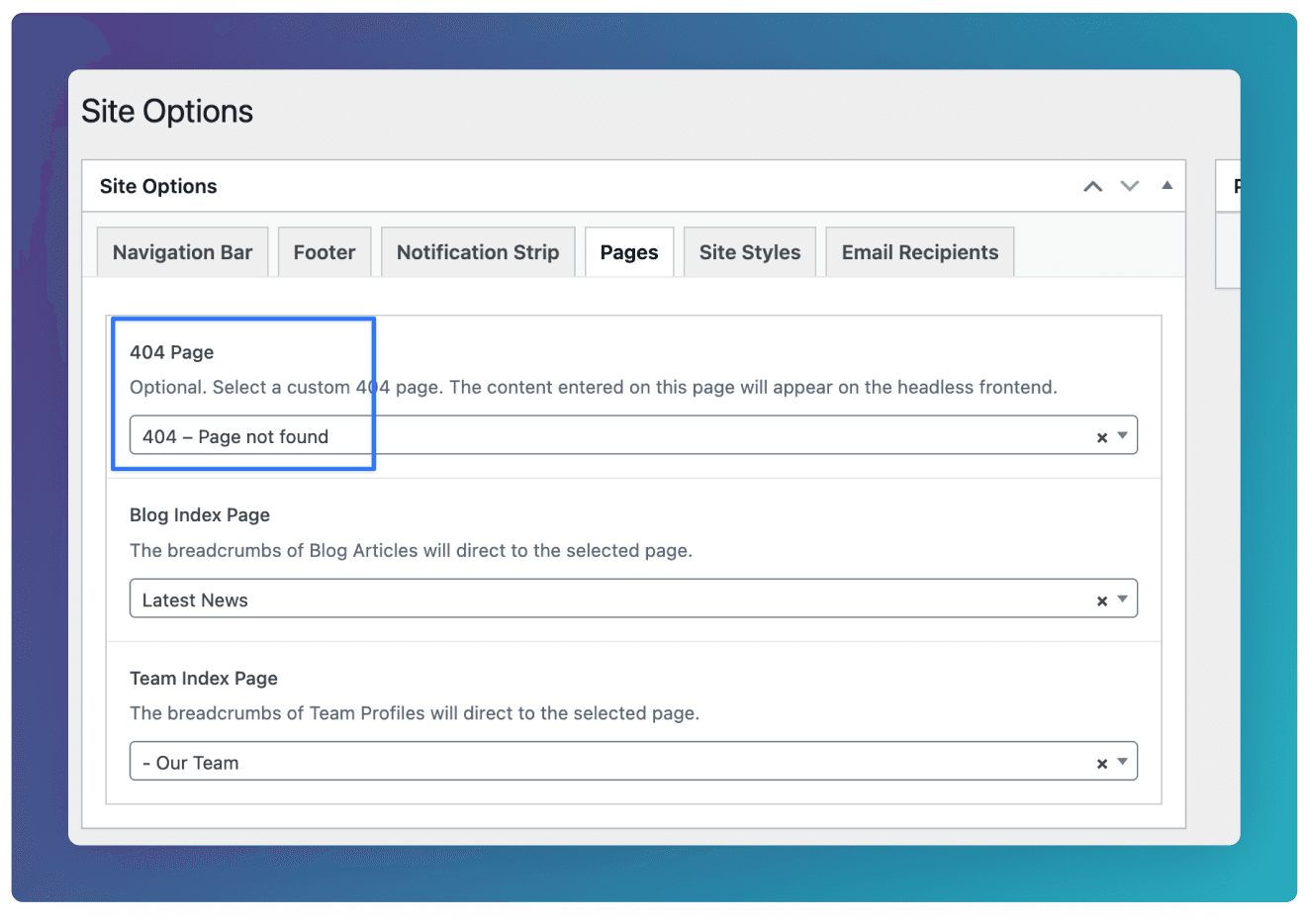
You then need to make sure this page is selected underneath Site Options ⇒ Pages ⇒ 404 Page