Contact
Configure a contact page with form content, supporting details, and recipient settings.
Overview
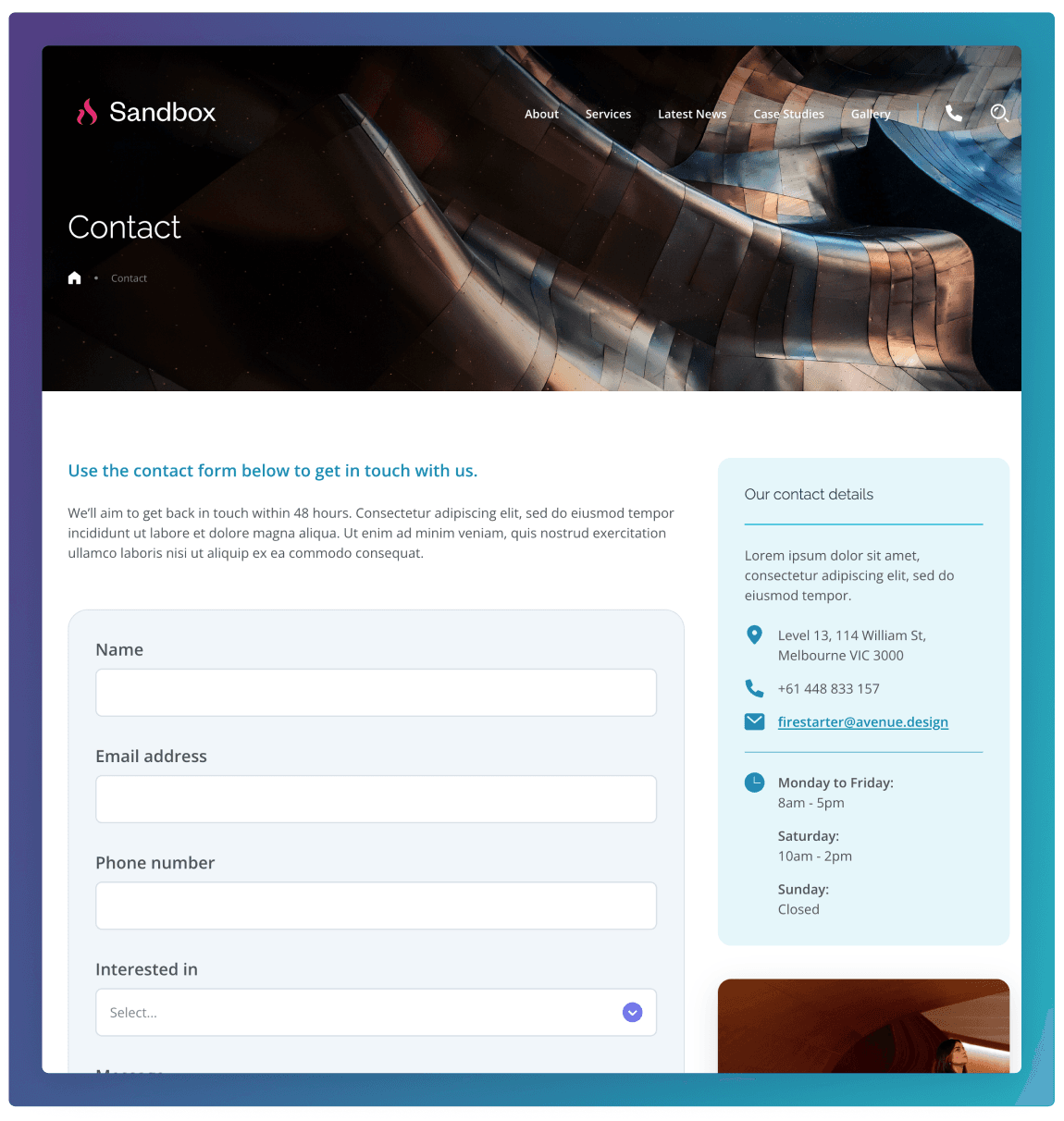
The Contact template is designed to make it easy for visitors to get in touch with the organisation. It includes a contact form where users can submit enquiries, along with key contact details such as phone number, email, address, and business hours. The page may also include supporting information such as a map showing the location and links to related pages.
Body Copy
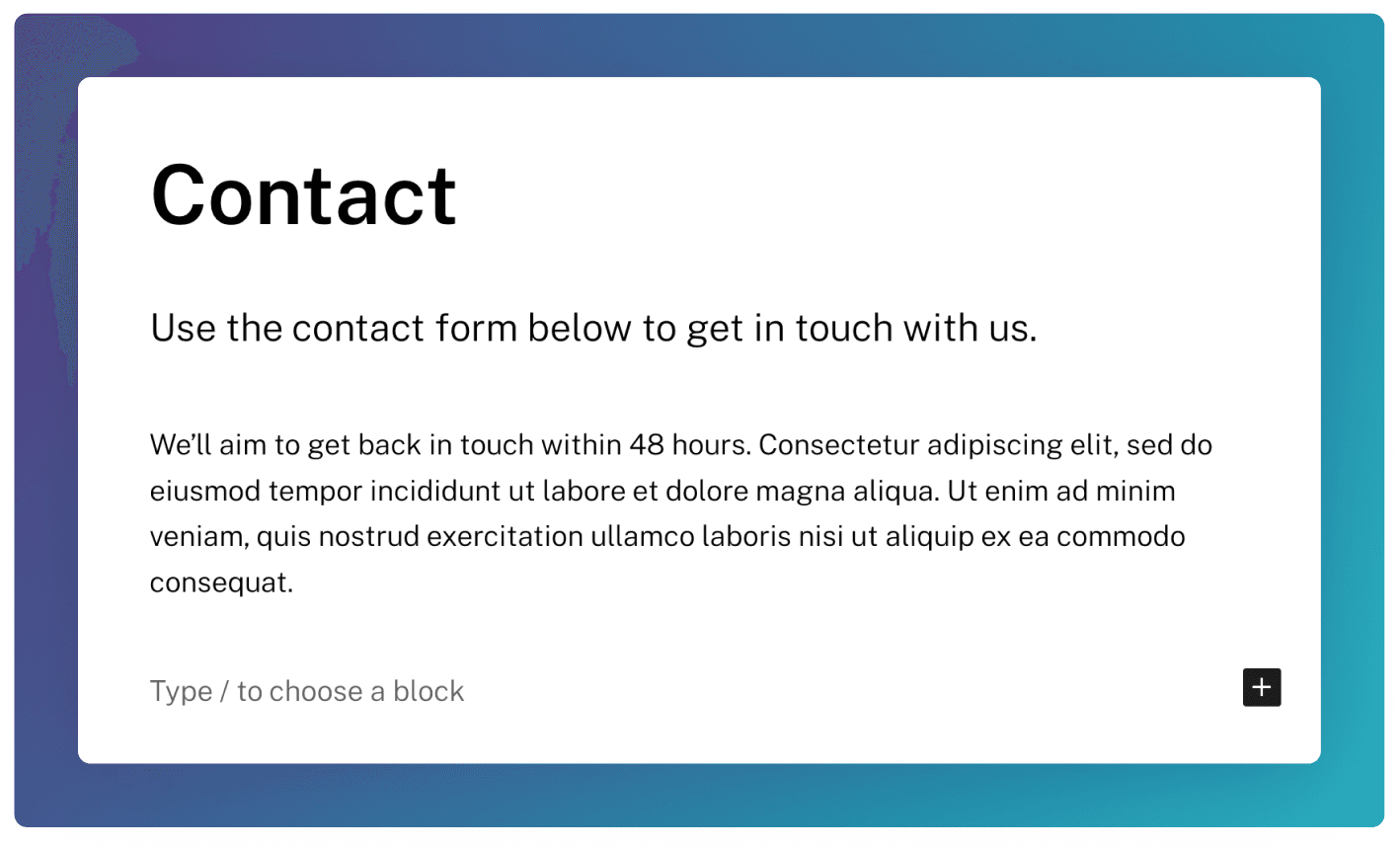
You can add introductory body copy to your Contact template simply by adding content in the Blocks section of the edit screen. All blocks will be available in this section.
Form
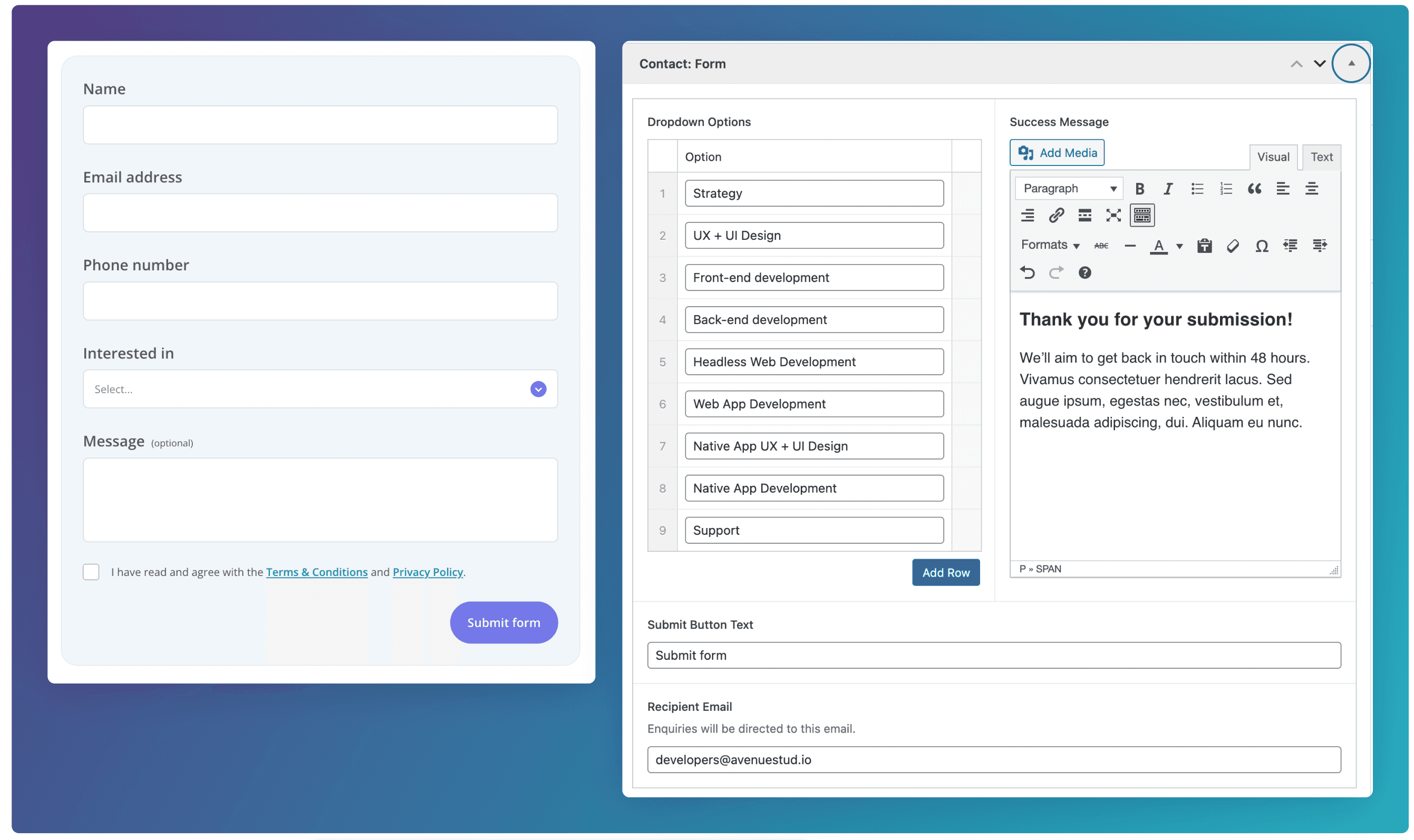
Configure the form by going to the Contact: Form field group at the bottom of the edit screen.
The has Name ,Email address, Phone Number and Message fields baked in.
The Interested In dropdown field is optional and shows if Dropdown Options have been added.
Success Message
This message will display once the form has been submitted.
Recipient Email
Any form submissions on this template will be directed to this email.
Details
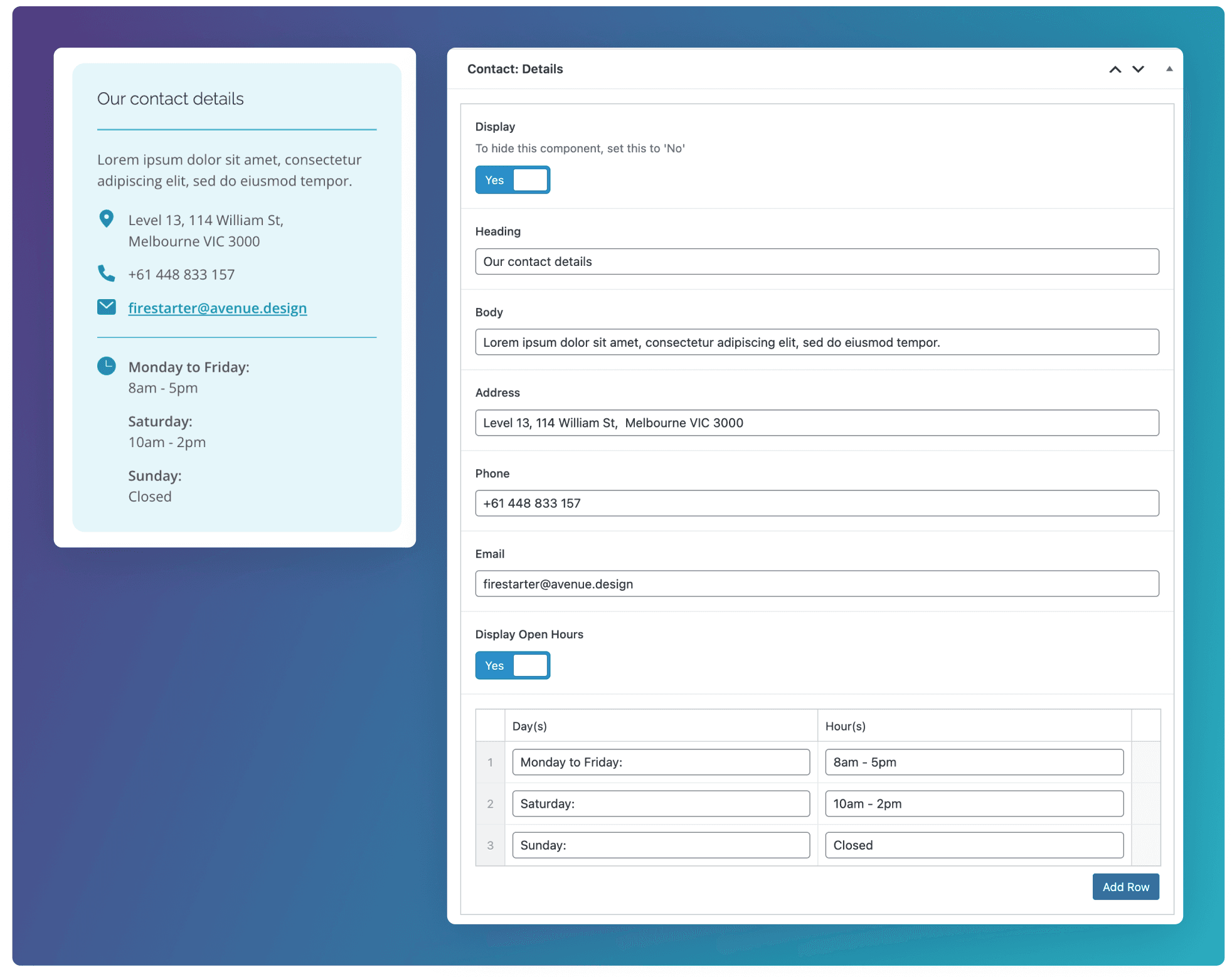
Configure the contact details on this template by going to the Contact: Details field group at the bottom of the edit screen. Here you will see text fields for the Heading, Body, Address, Phone, Email, and Open Hours.
Bottom Section
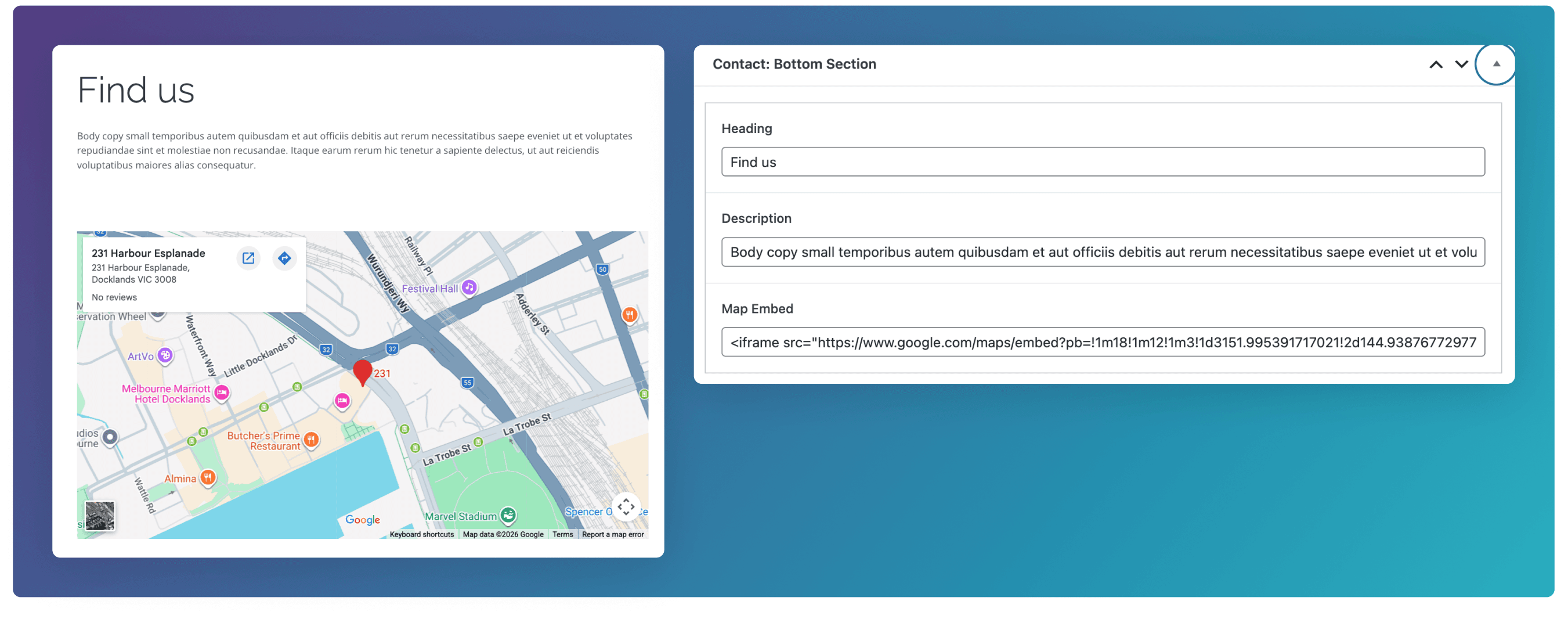
Add some extra content below the form by going to the Contact: Bottom Section field group at the bottom of the edit screen.
Sidebar Card
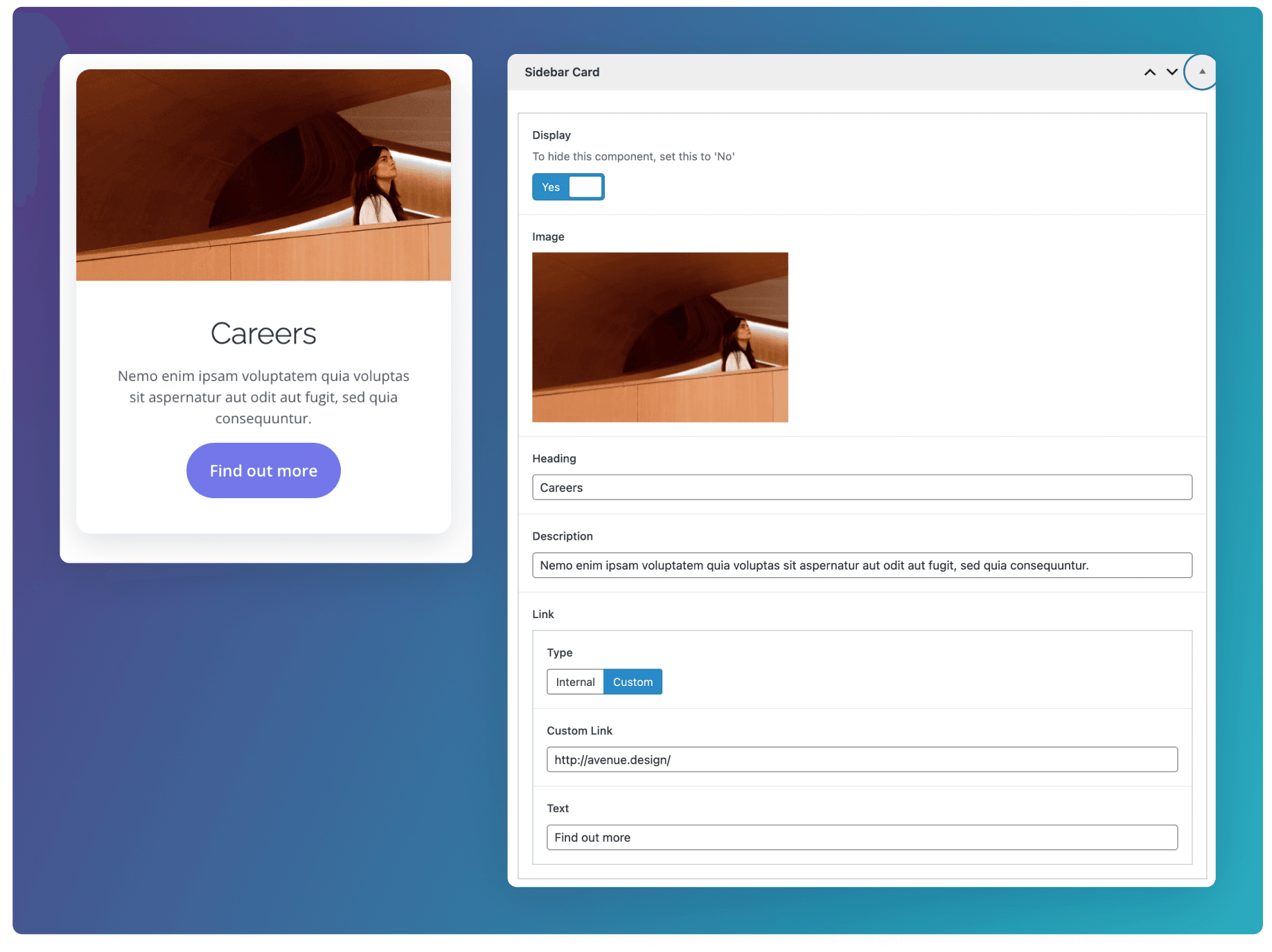
Add a card component in the right hand side panel by going to the Sidebar Card field group at the bottom of the edit screen.