People
Create individual profile pages for team members, contributors, or other people records.
Overview
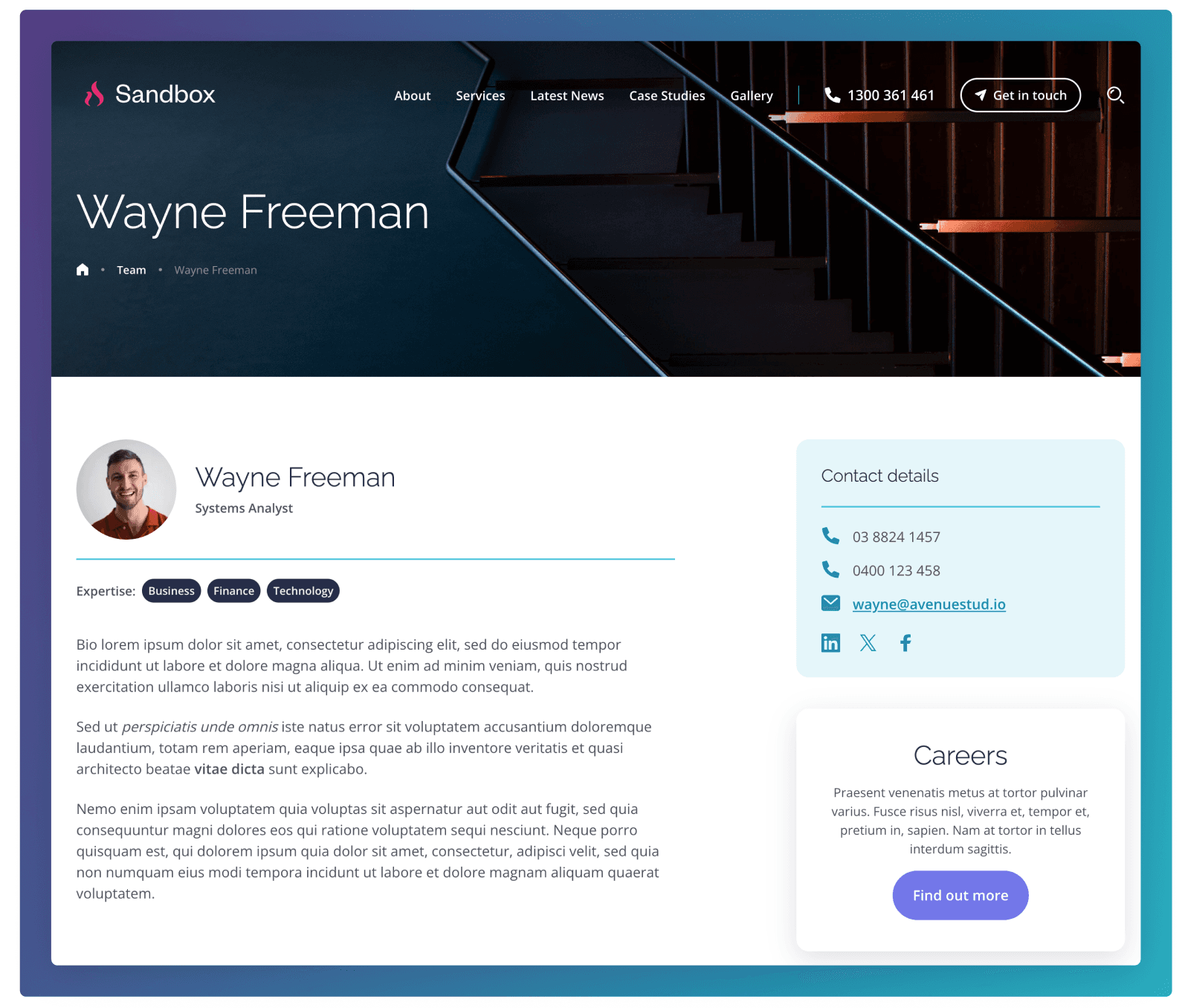
The People template is used to present an individual staff or team member profile. It typically includes the person’s name, role/title, photo, areas of expertise (as tags), and a bio section for background and experience. A contact panel can be added alongside the bio to show phone numbers, email, and social links, making it easy for visitors to connect with the right person directly.
This template is created in the People section of the CMS.
Avatar & Role
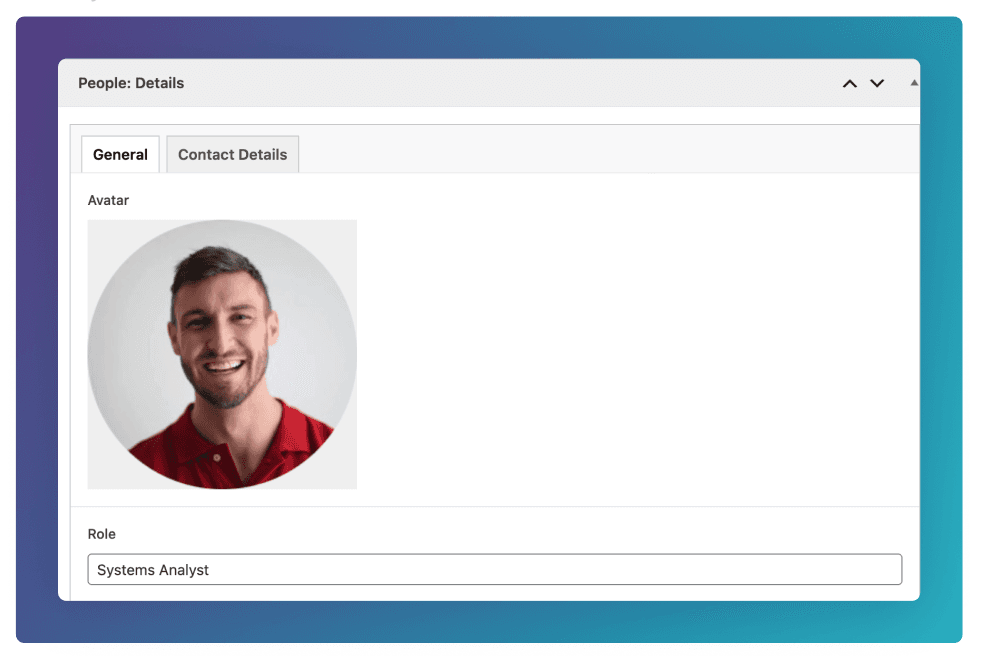
Set the Avatar & Role by going to the General tab of the People: Details field group at the bottom of the edit screen.
These details will also be used if a People post type is selected in the Cards block.
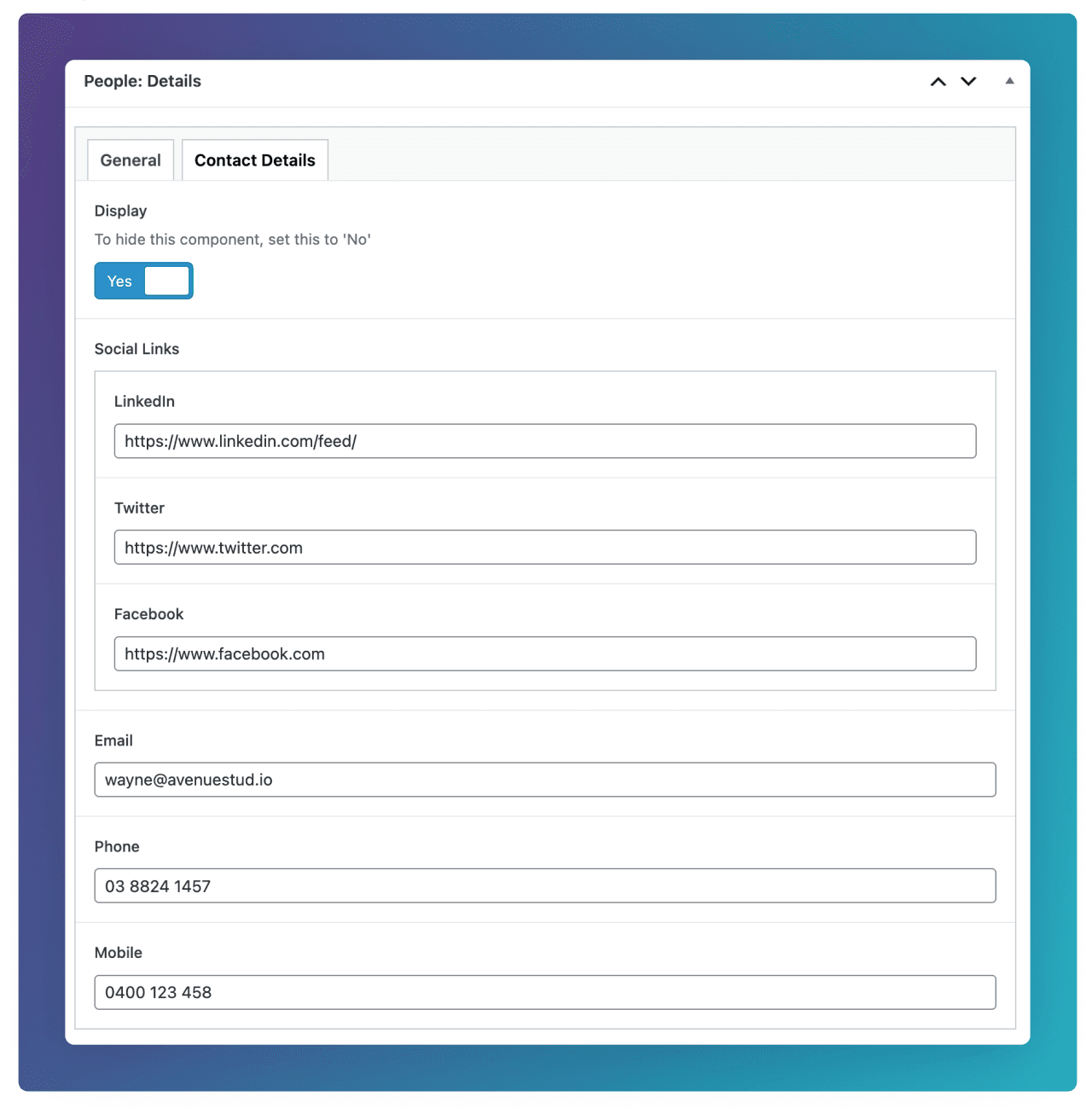
Contact Details
Set the contact details shown in the right hand sand panel by going to the Contact Details tab of the People: Details field group at the bottom of the edit screen.
Expertise Tags
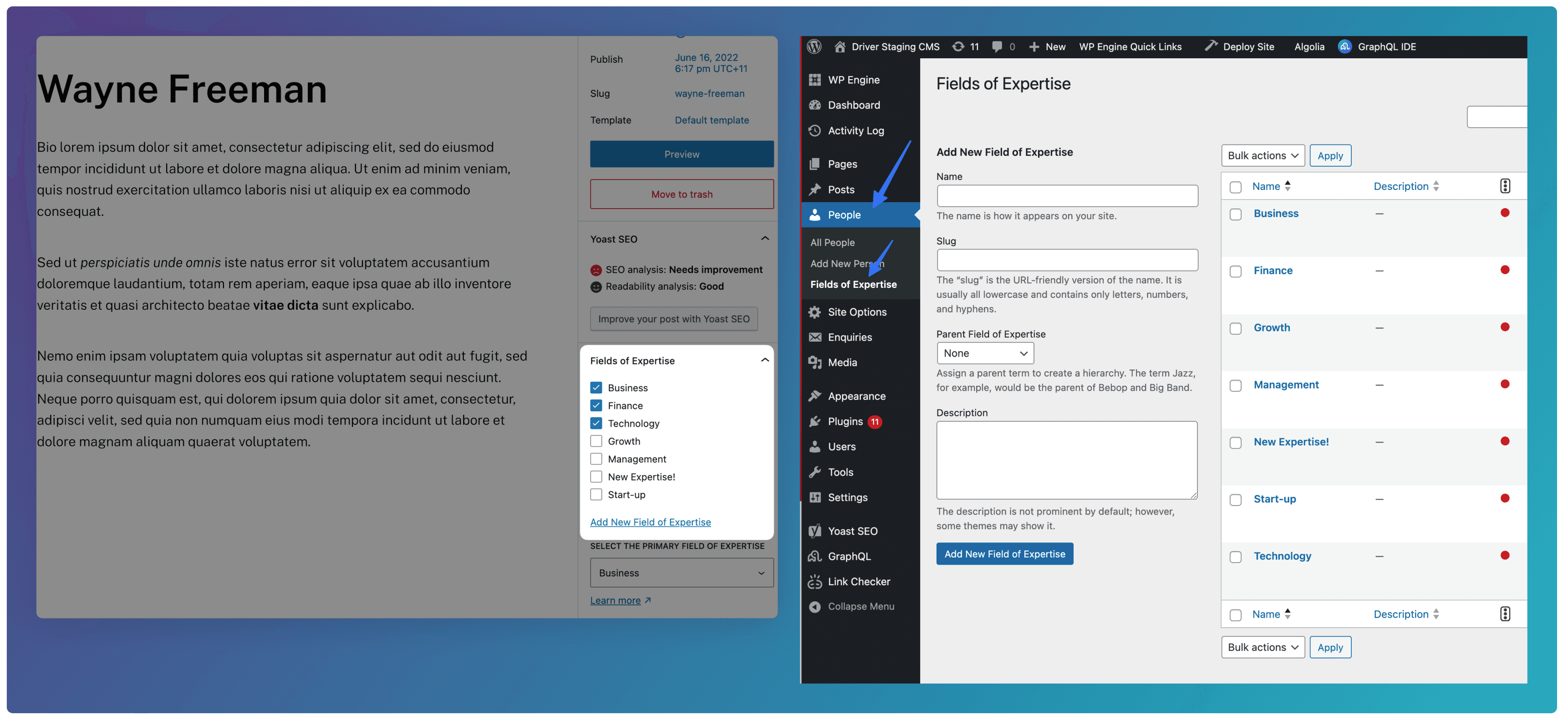
Set the Expertise tags shown below the Profile Avatar by going to the Right hand panel in the edit screen, and choosing from the existing options.
New options can be added by going to People ⇒ Fields of Expertise, and adding your desired expertise.
Sidebar Card
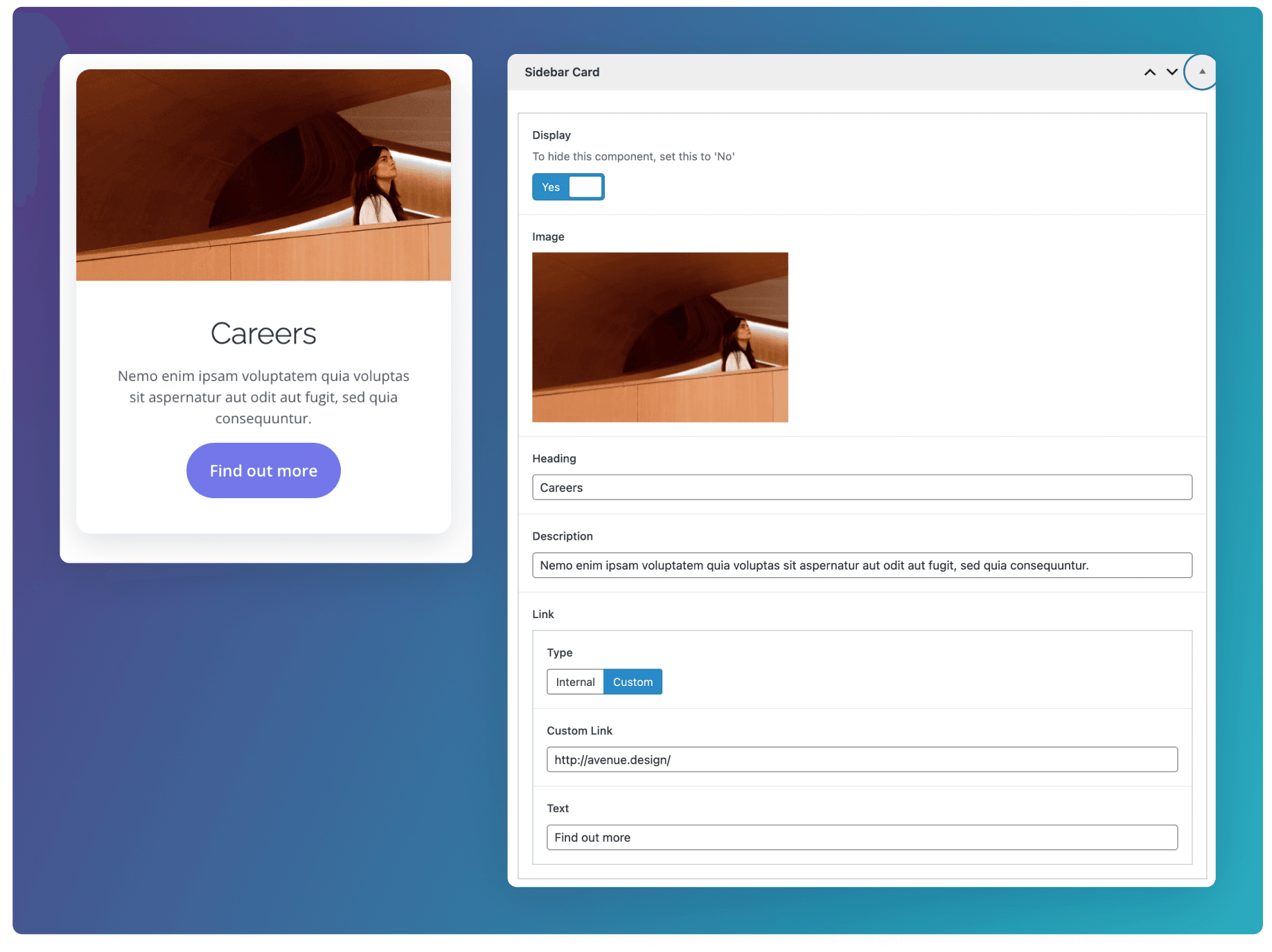
Add a card component in the right hand side panel by going to the Sidebar Card field group at the bottom of the edit screen.
Breadcrumb
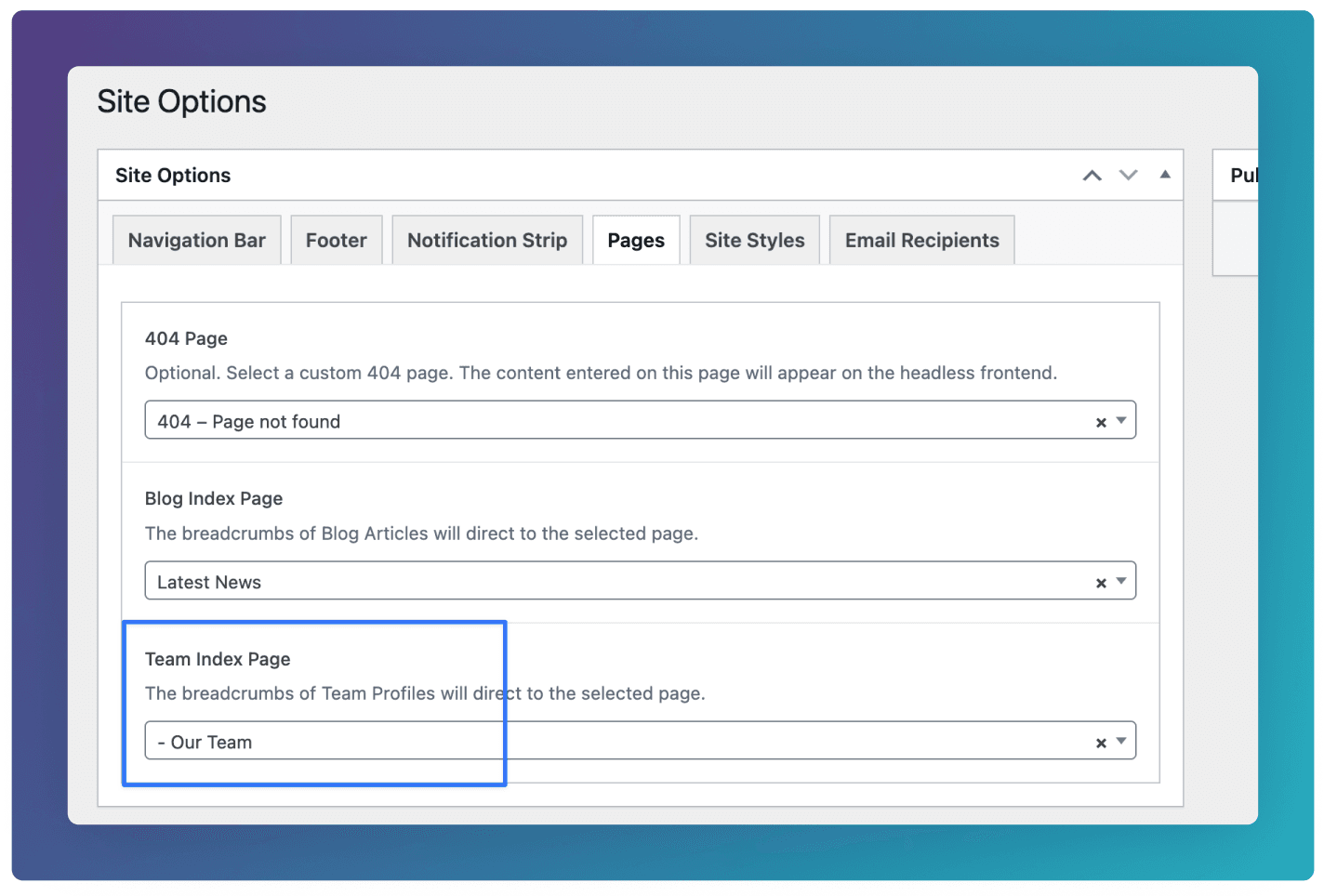
To ensure the correct breadcrumb link is used in the Masthead, ensure your desired Team page is selected under Site Options ⇒ Pages ⇒ Team Index Page