Text Blocks
Use the available text-focused blocks to structure body copy, headings, links, and supporting page content.
Overview
This section will go over all of the basic Text Blocks available on the site.
Paragraphs
Paragraphs are the default text block in the WYSIWYG text editor, simply type and a paragraph block will be created.
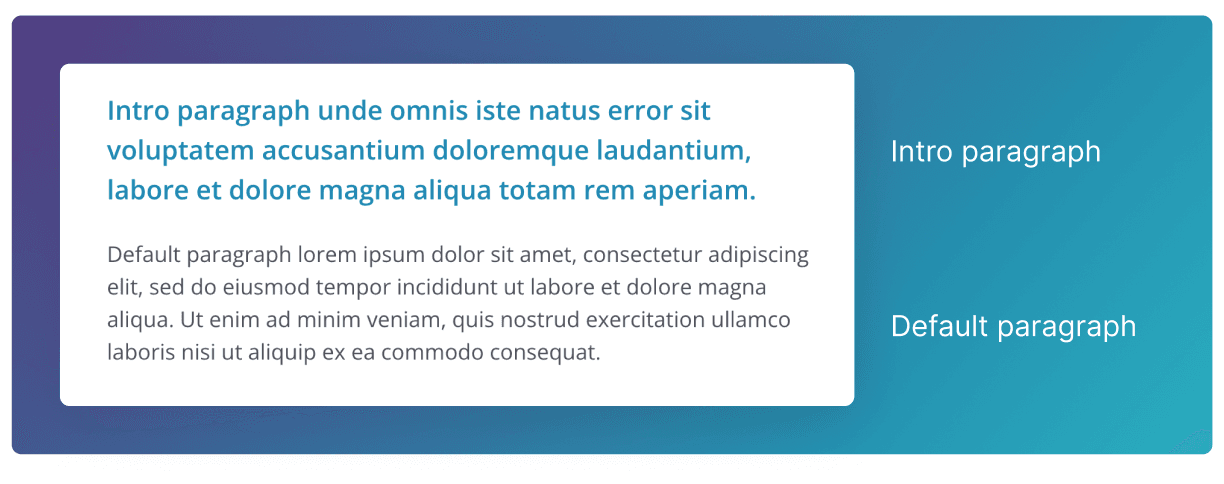
Intro style paragraph
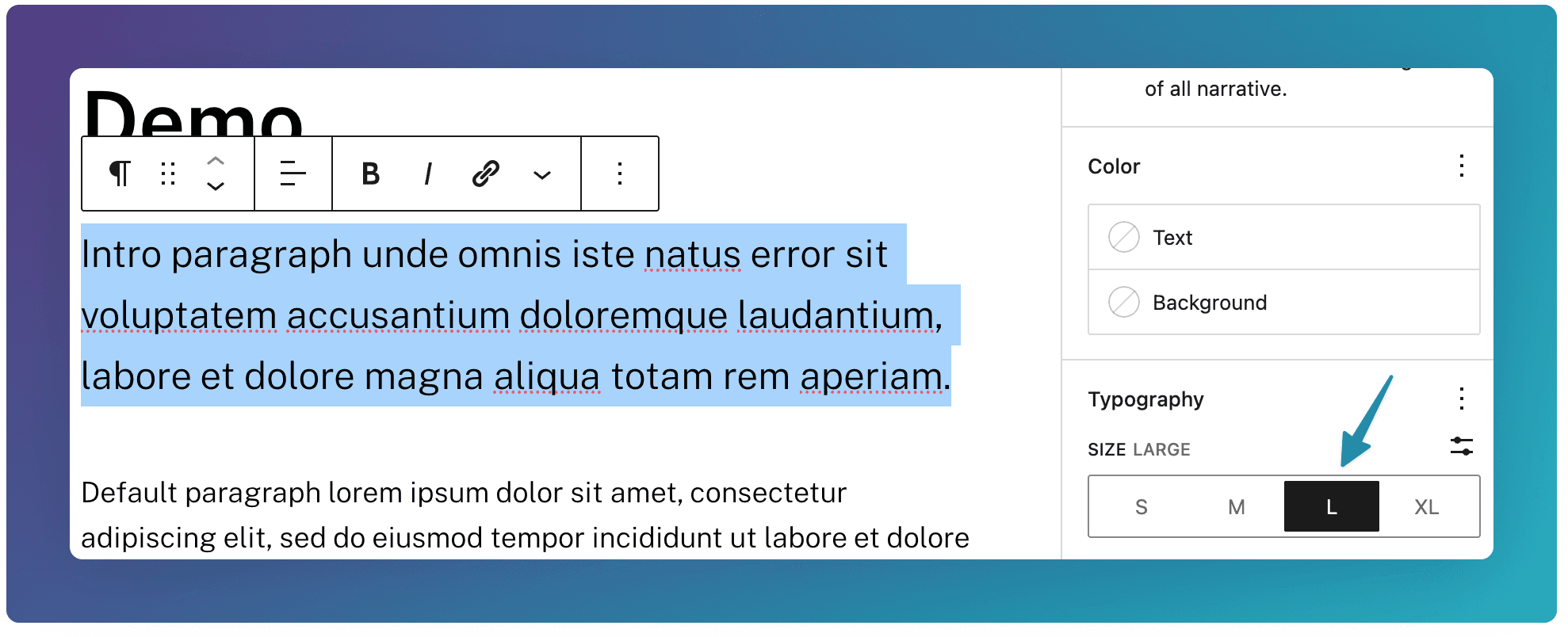
To create this larger, intro style paragraph, highlight the paragraph, go to the Typography section in the right hand panel, and select Size Large.
Use this at the top of your page to introduce, or provide a short summary of the page..
Headings
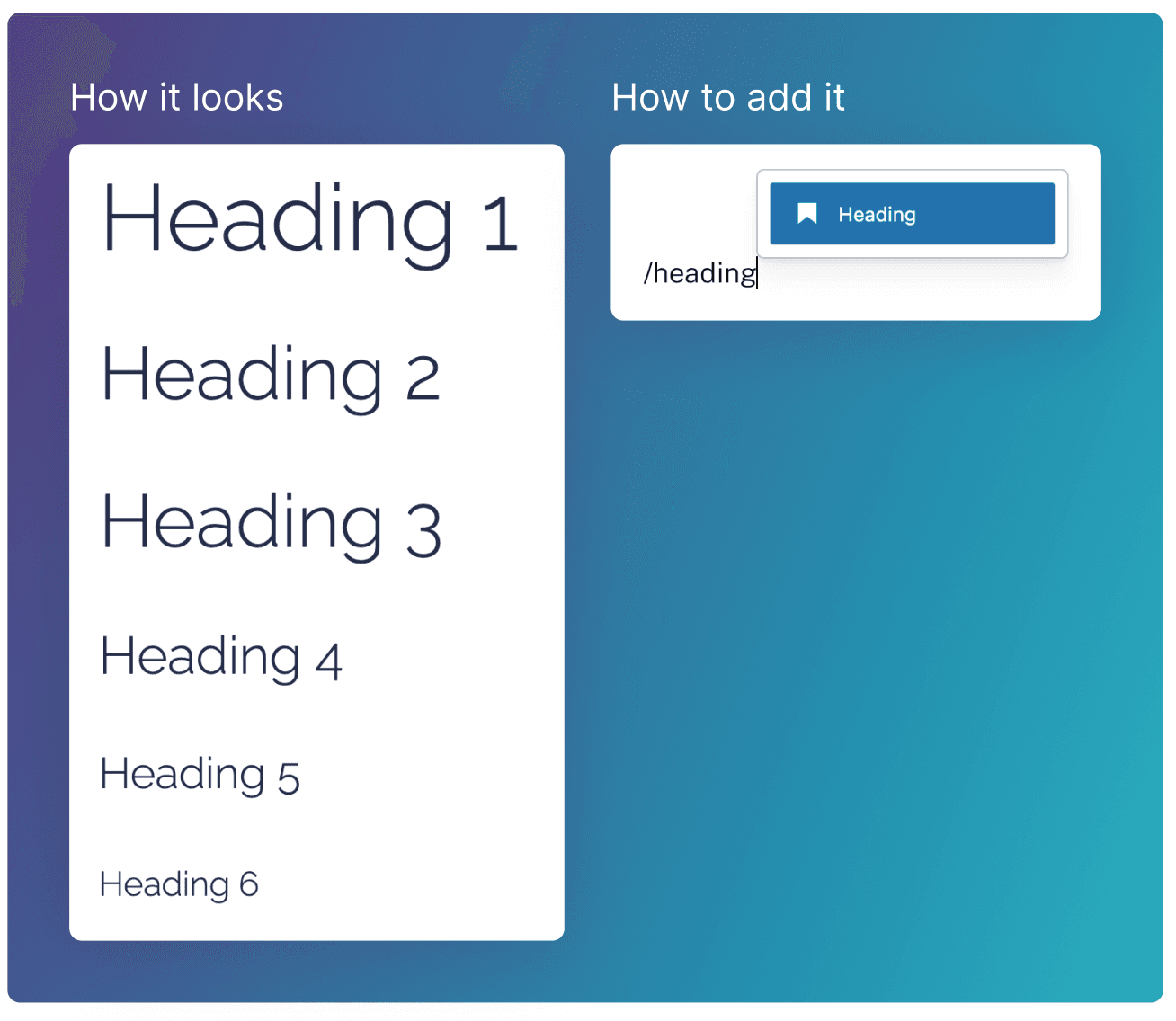
Headings create a visual distinction for the different sections on your page. They improve SEO by helping search engines understand page hierarchy, and enhance accessibility for screen readers.
Changing the heading size
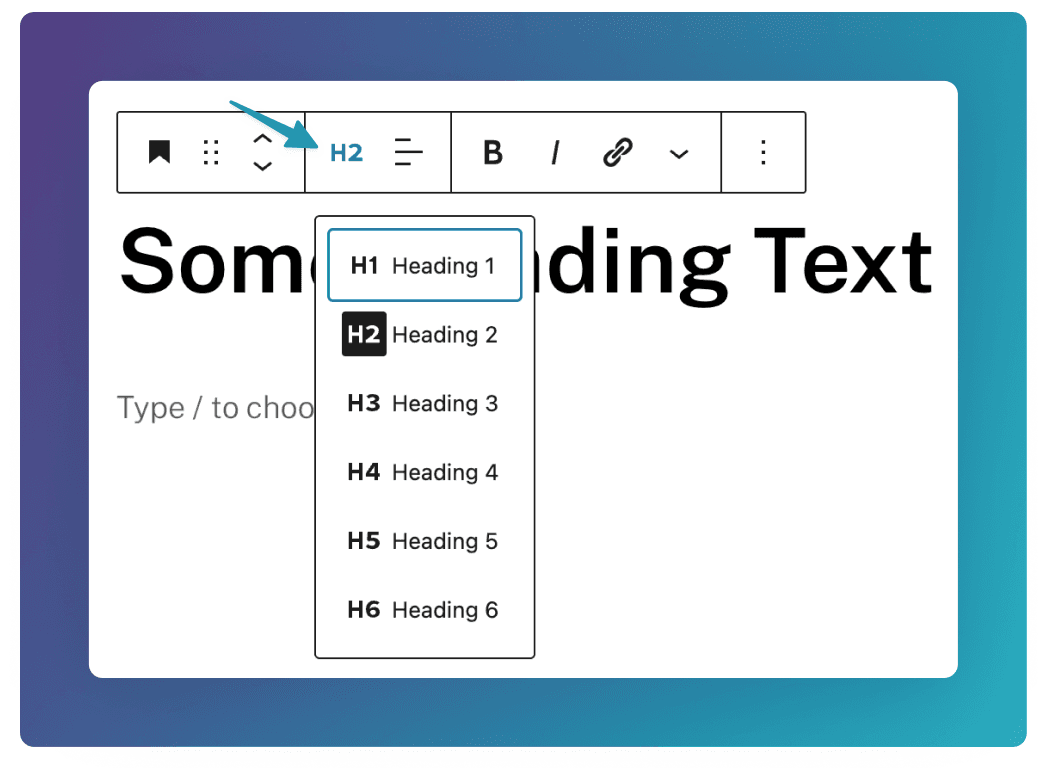
Change the size of a heading by clicking this icon and choosing the desired size (H1 - H6).
See here for more information on how to best structure your page with different heading sizes.
Lists
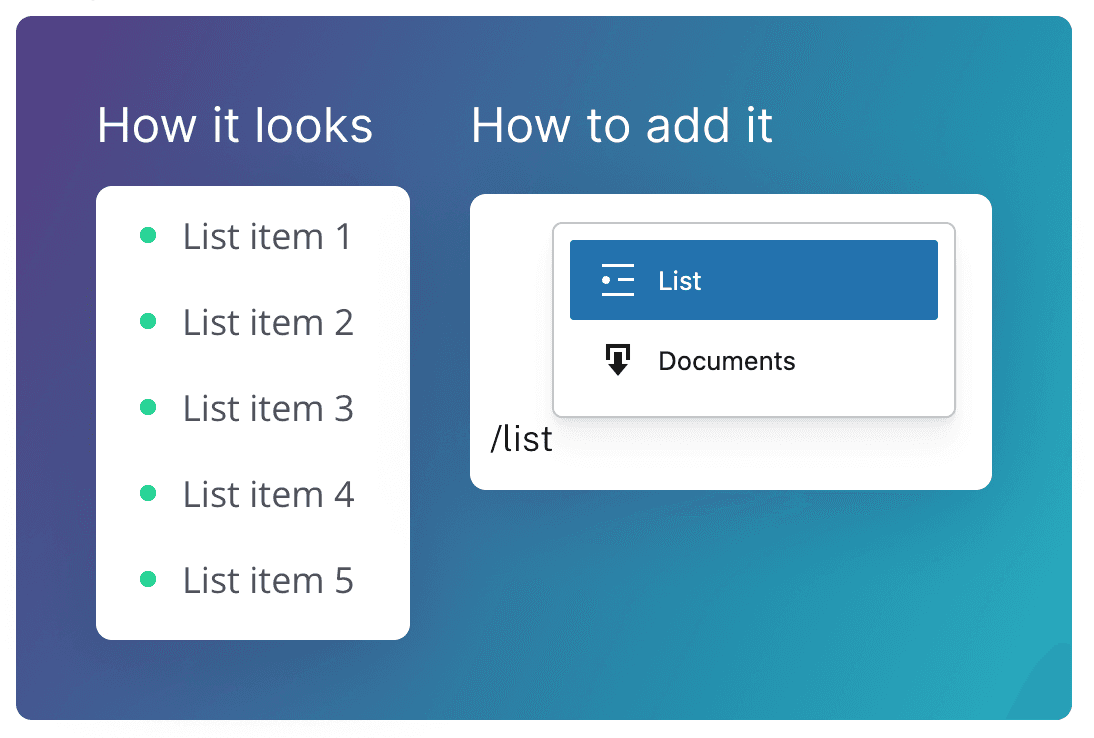
The List block displays a bulleted or numbered list.
Dotted vs Numbered Style
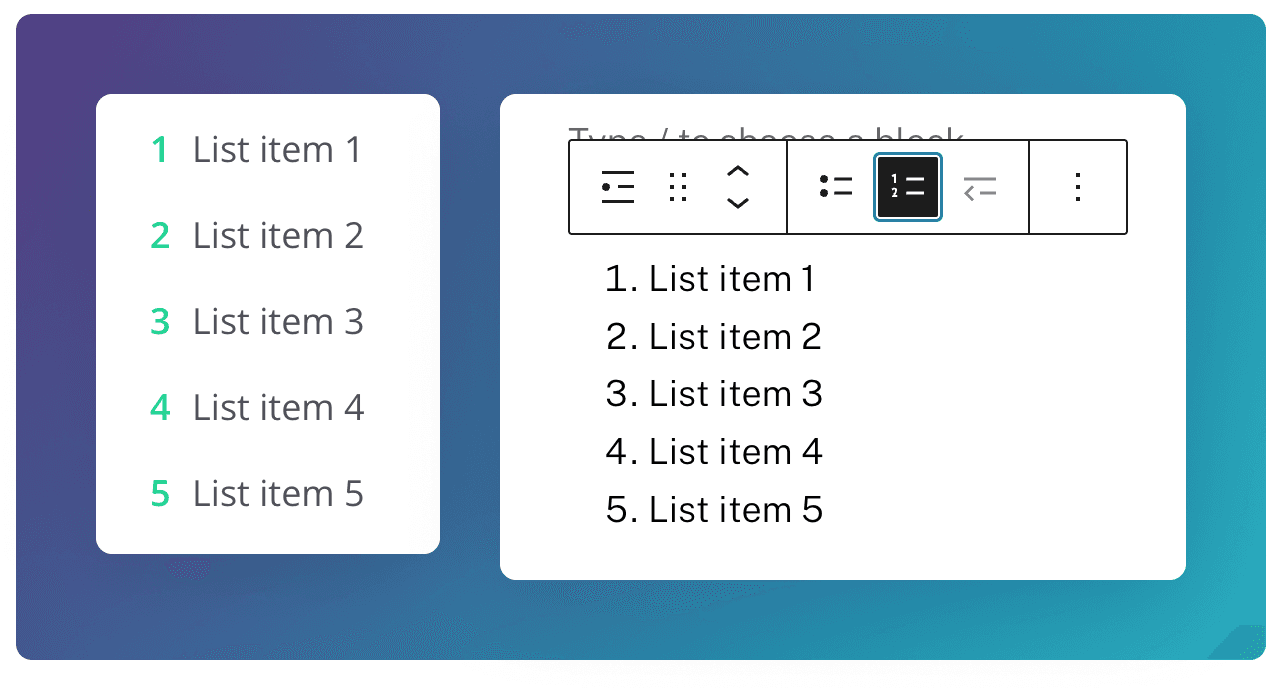
The List type is unordered (dotted) by default. Click the Numbered list icon to change it to an ordered list.
Quote
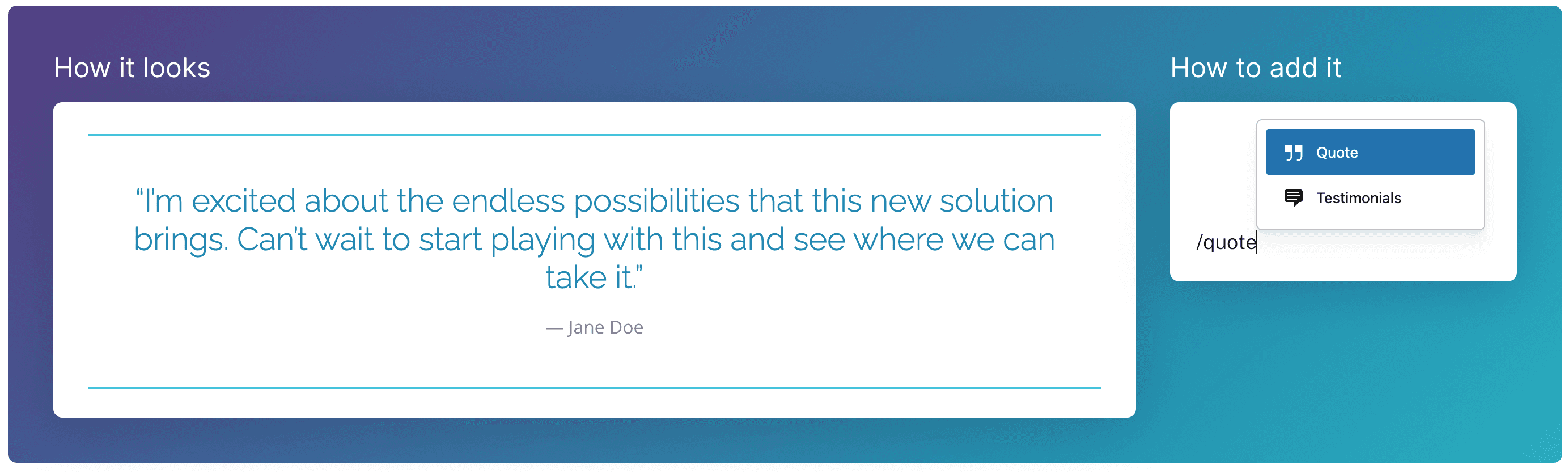
The Quote block displays text quoted from external sources, such as testimonials, reviews, or expert statements. It enhances readability by creating a stylised block quote with an optional citation field.
Adding an author or citation
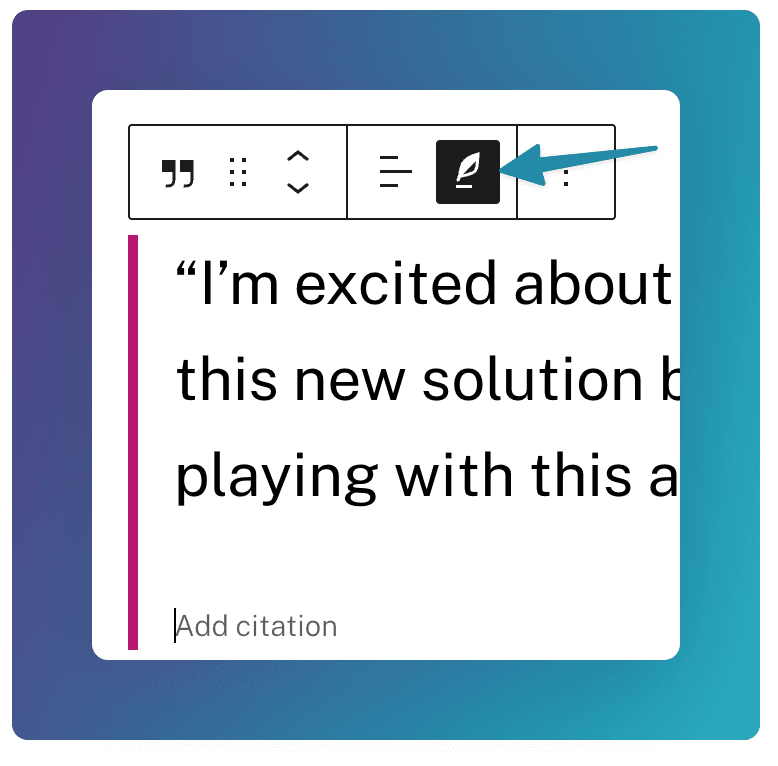
To add an author’s name, citation, or reference below the quote, click this Icon, and add your text.
Text Formatting Options
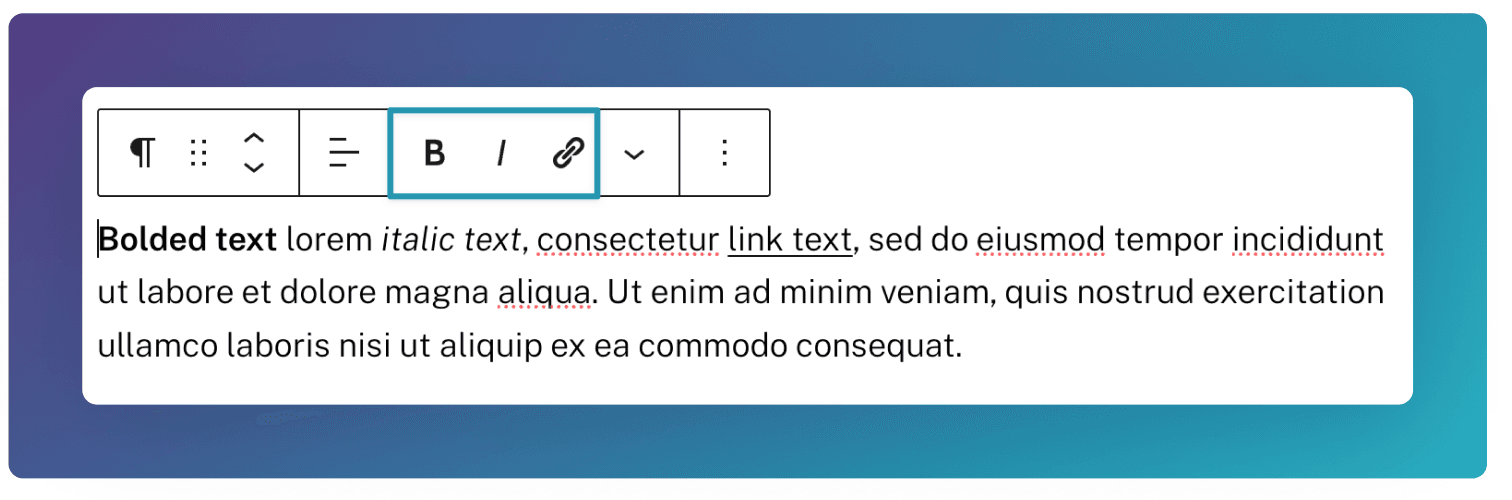
For all of these text blocks, you have 3 formatting options:
Bold Italic Link
To apply these, highlight the text you would like to format, and select one of the options show below.
Alignment
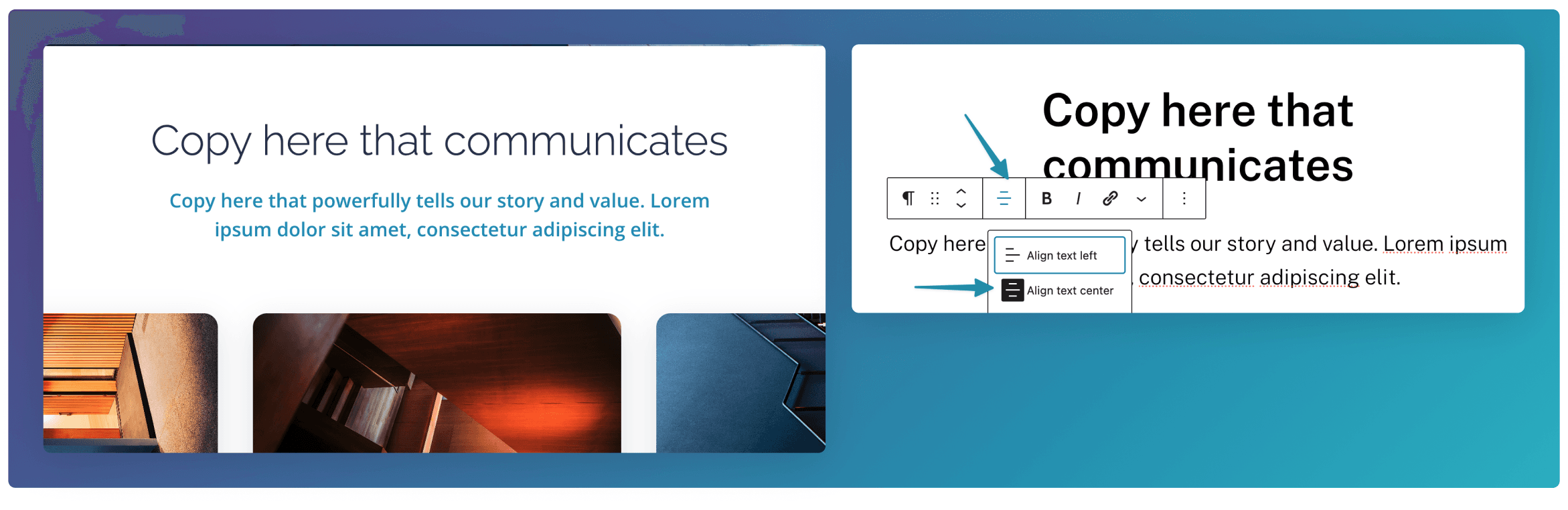
By default, all text elements will be left-aligned. You can center the text by clicking this Align icon, and choosing Align text center