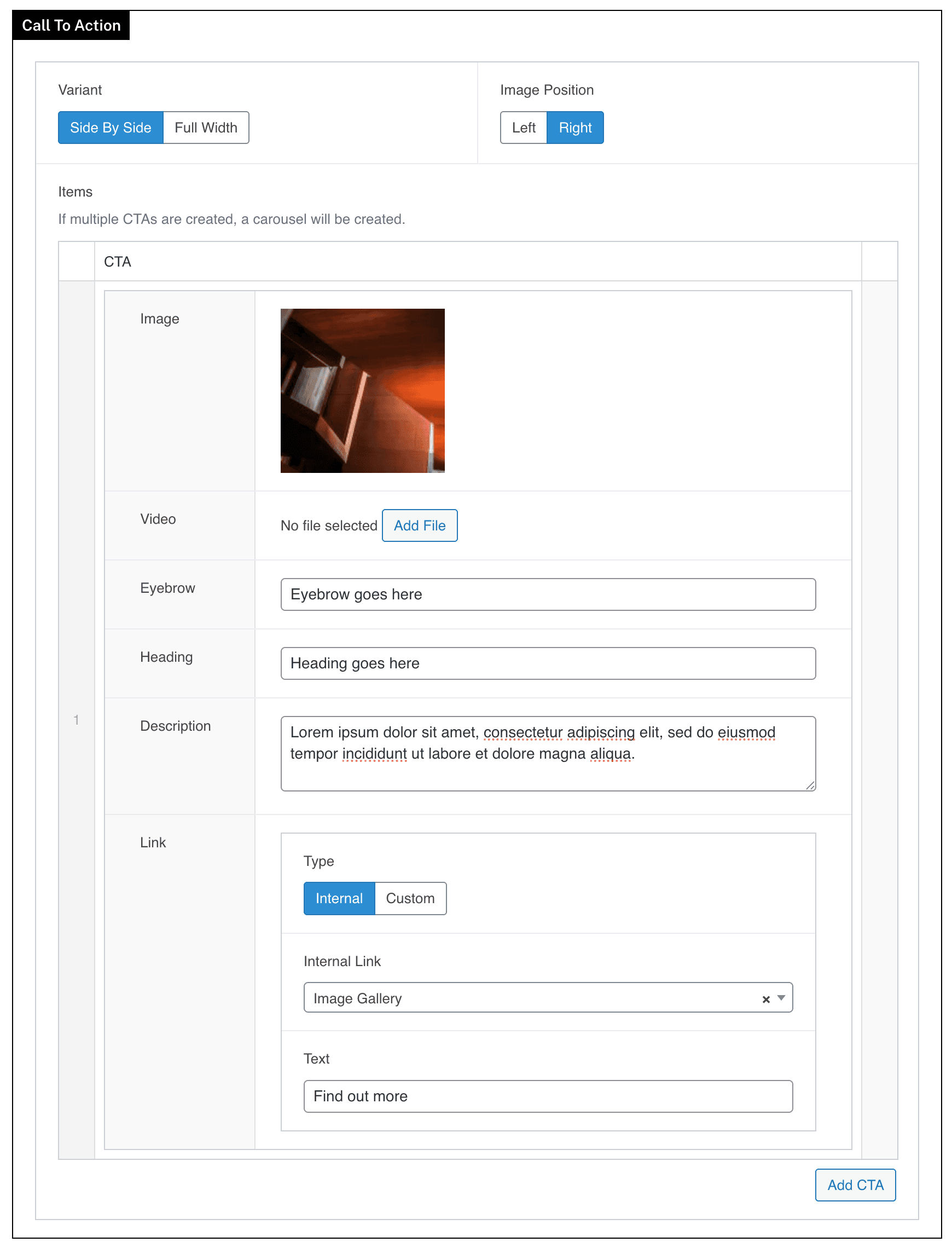
Call To Action
Build prominent call-to-action sections with focused copy, imagery, and links that direct visitors toward a key next step.
Overview
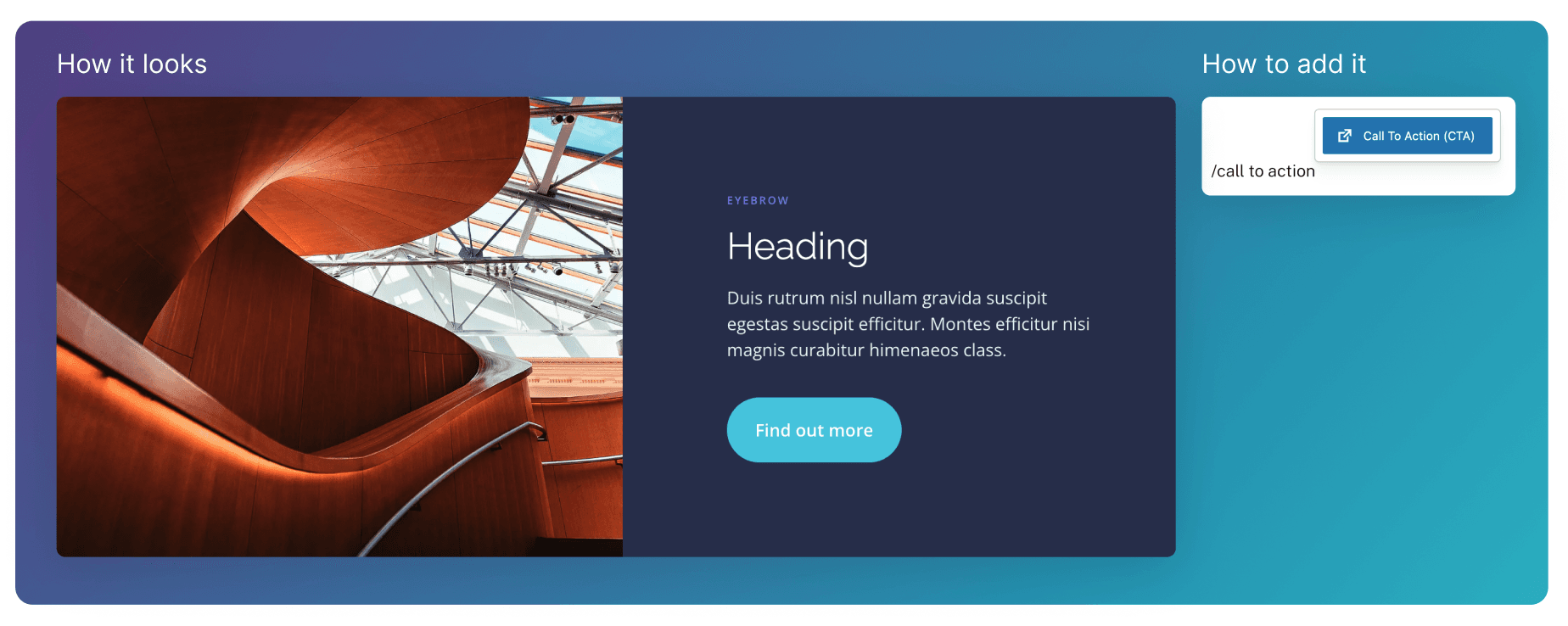
The Call To Action block displays a wide component that combines a strong visual with focused text and a clear button. It’s used to draw attention to a key message and prompt users to take the next step, such as learning more or getting in touch.
Full Width Variant
When the Full Width variant is selected, the image is positioned behind the text and takes up the full width of the block.
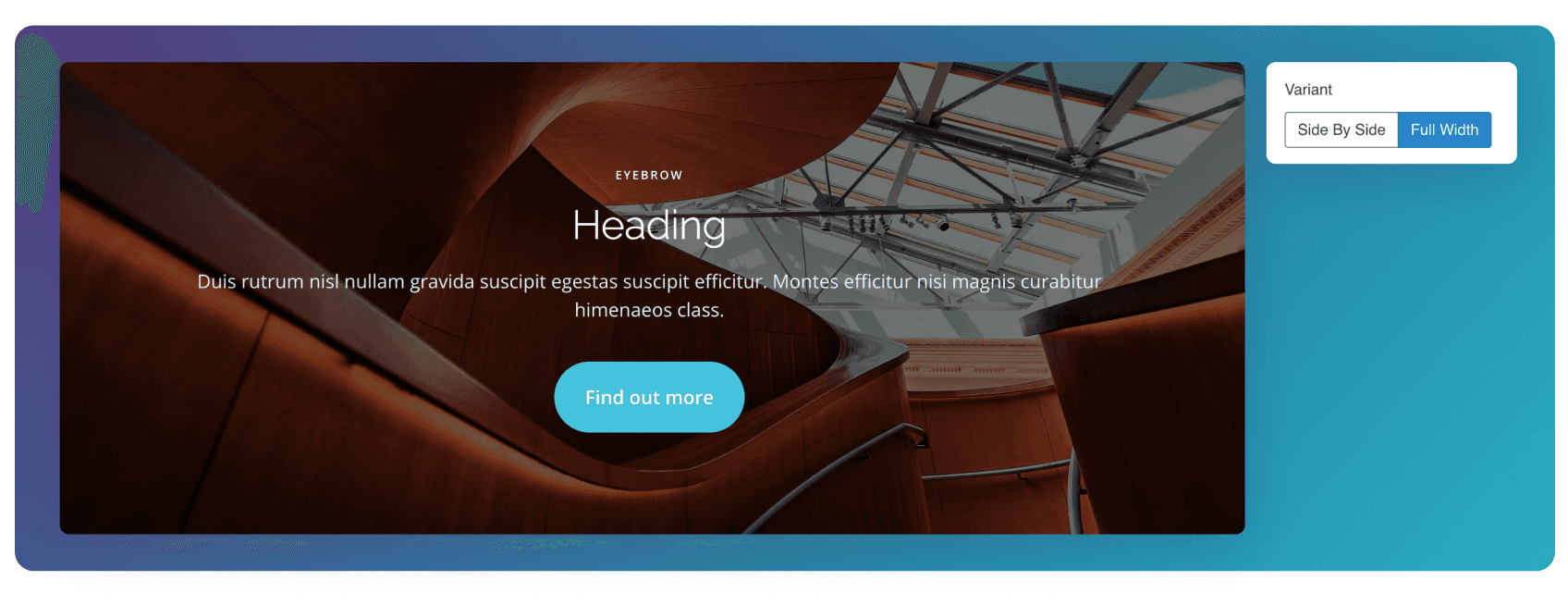
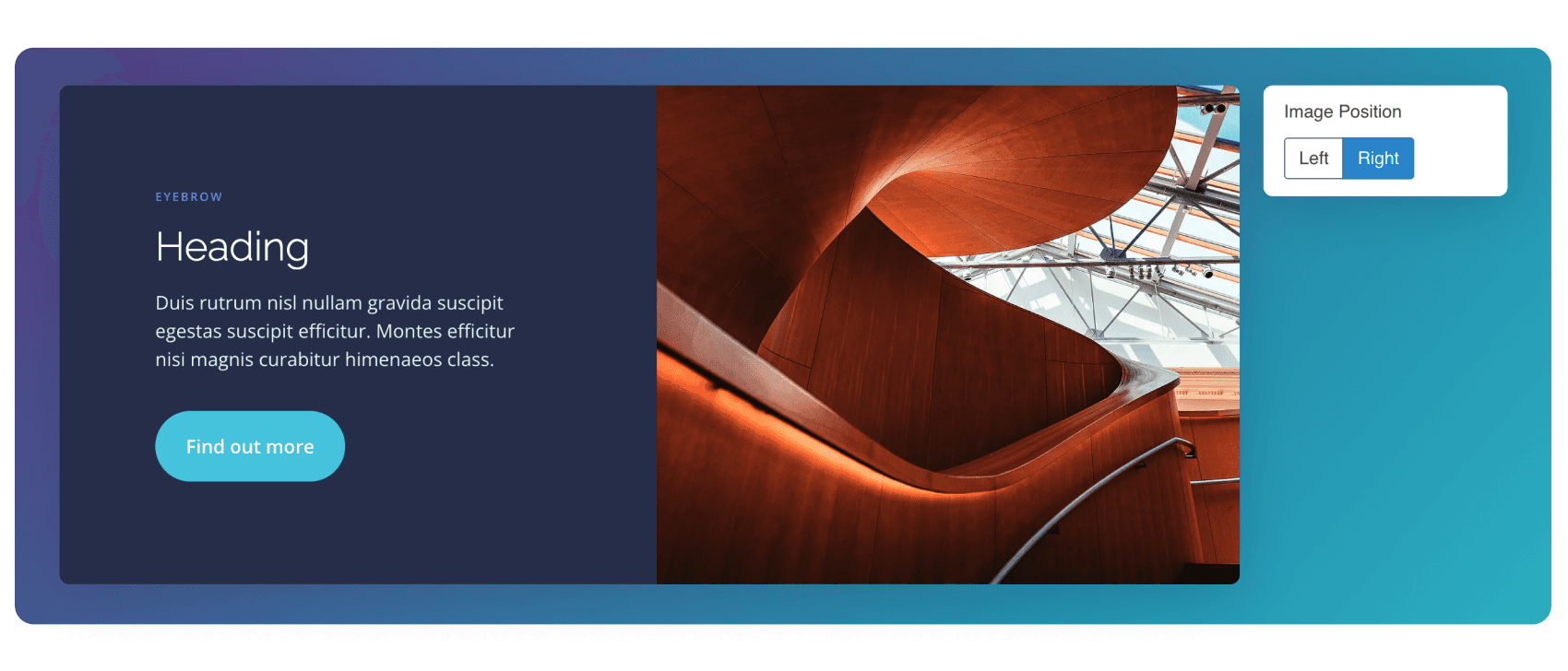
Image Position
When the Side By Side variant is selected, you’ll have the option to change the image position.
Carousel
If multiple CTA slides are added, arrows and dots will appear, allowing the different slides to be paginated to and from.
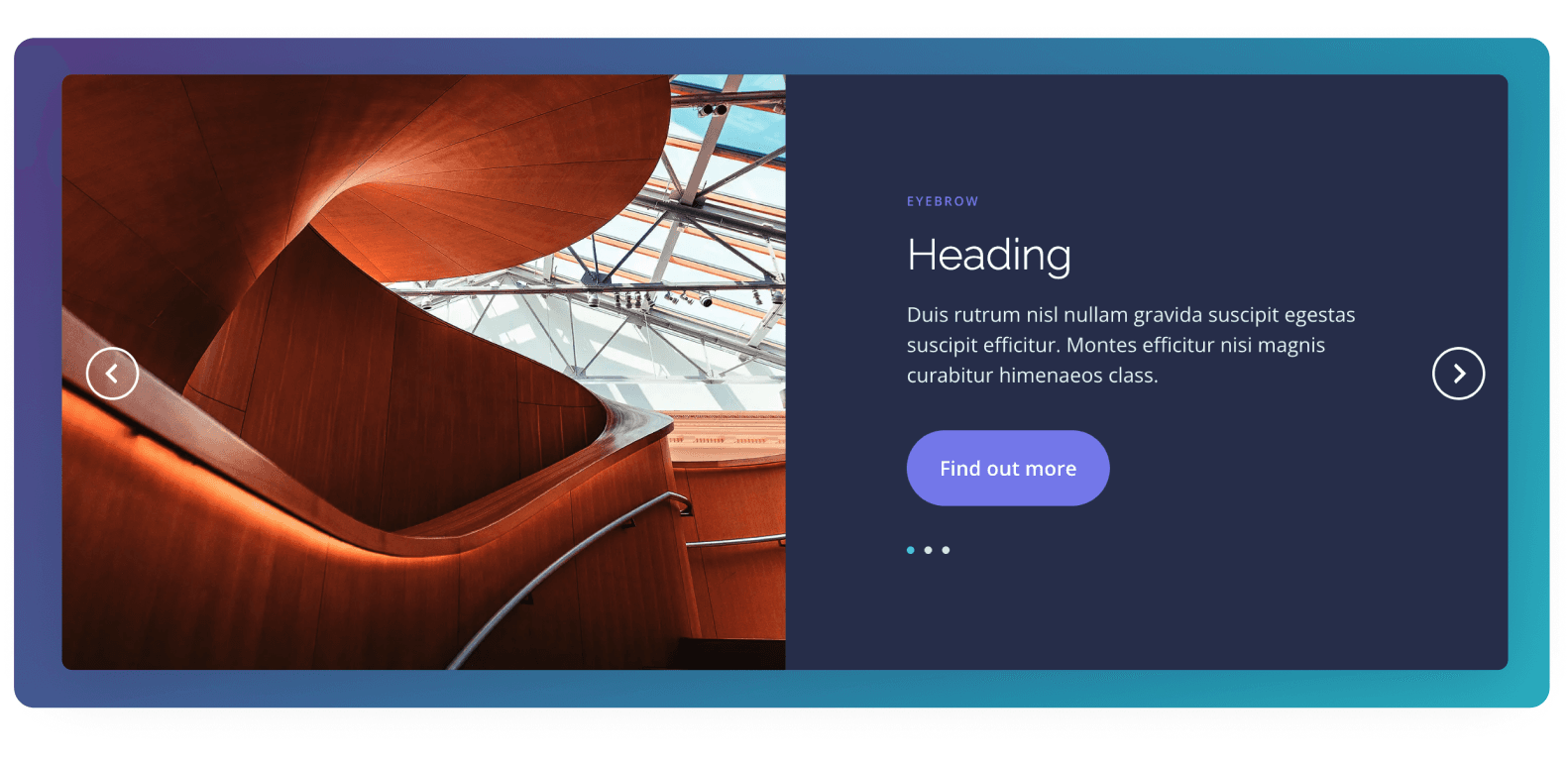
Fields Example