Accordion
Create collapsible content sections with optional supporting text, headings, and rich descriptions.
Overview
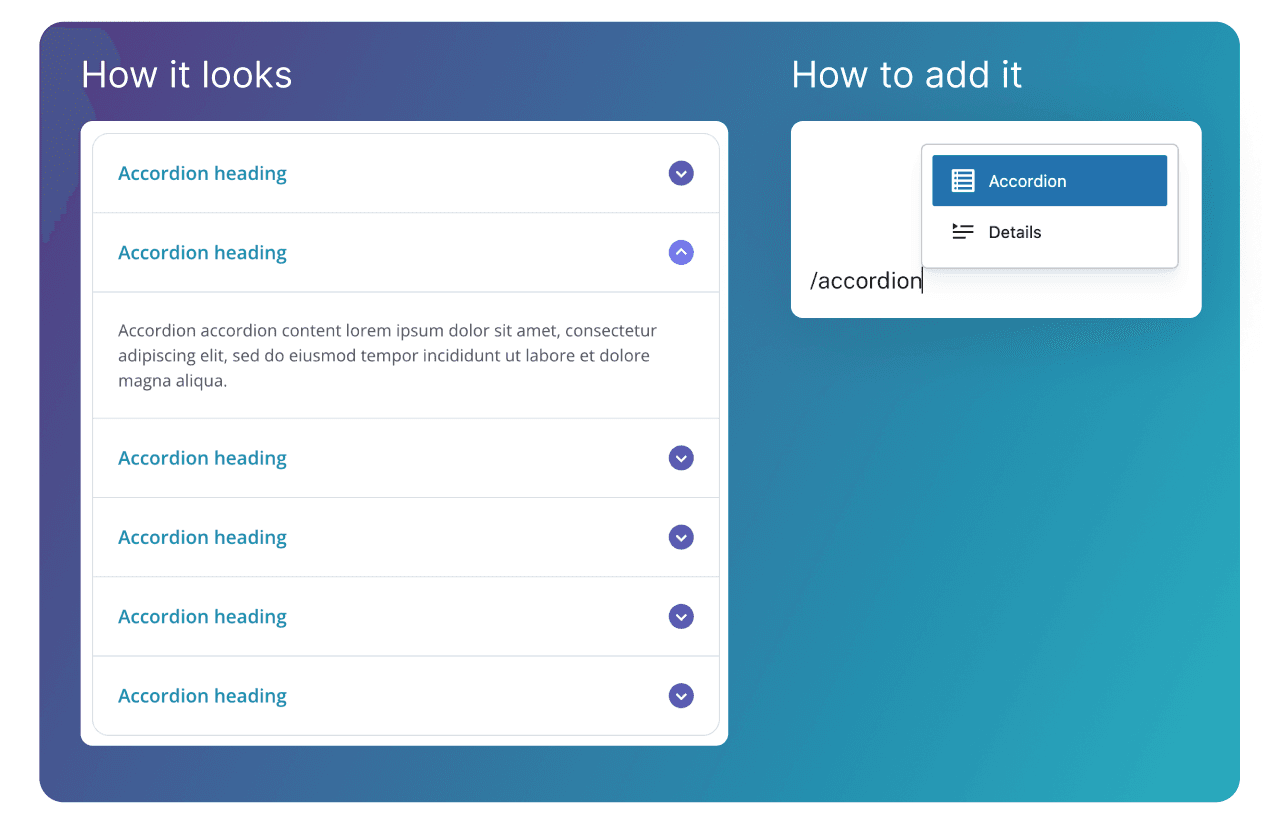
The Accordion displays collapsible sections of content, each with a clickable header that expands or collapses the content within.
Adding content
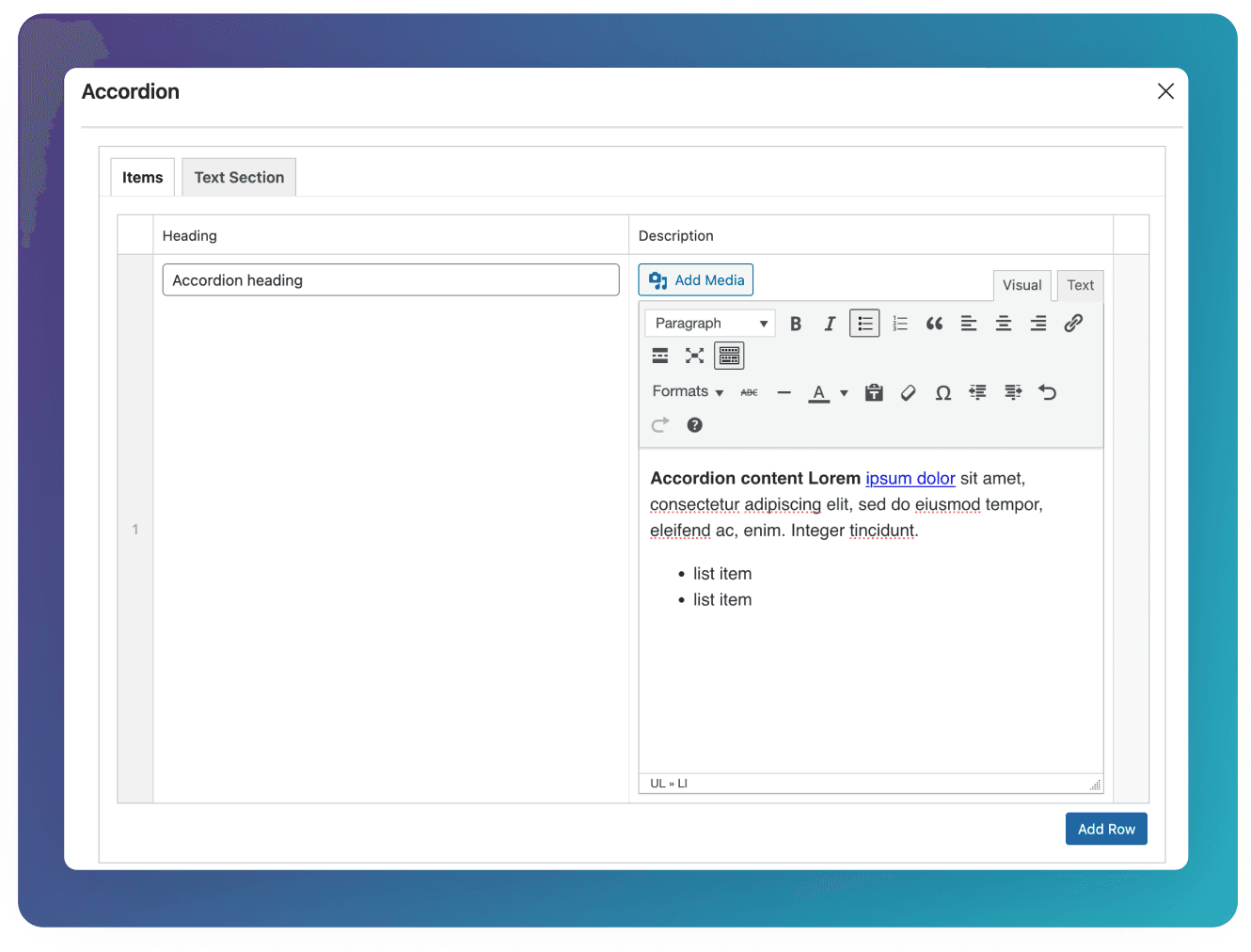
Add each row of the Accordion block inside of the Items tab. Each row has text fields for the Heading (the text displayed before the row has been expanded), and the Description (the expanded content section). The Description uses a rich content editor, allowing you to add all of the different text content types as well as images.
Text Section Variant
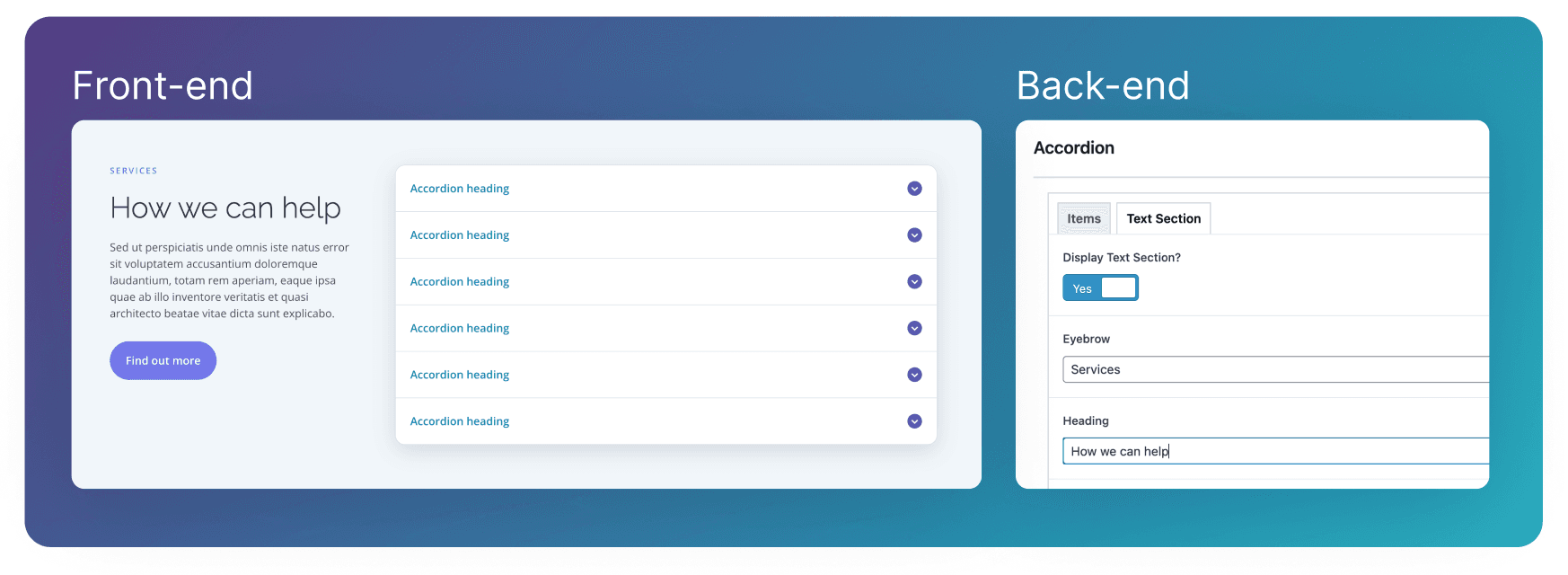
To display a variant of the Accordion with a text section, go to the Text Section tab, and toggle Display Text Section? to Yes.
You will then be able to add content that will display next to the Accordion in a wider block.