Embeds
Embed third-party content such as videos, maps, forms, and social media snippets using external embed code.
Overview
This block is used to embed third-party content by pasting in an external code snippet. It’s commonly used for things like social media posts, videos, maps, music players, or other content hosted outside the site.
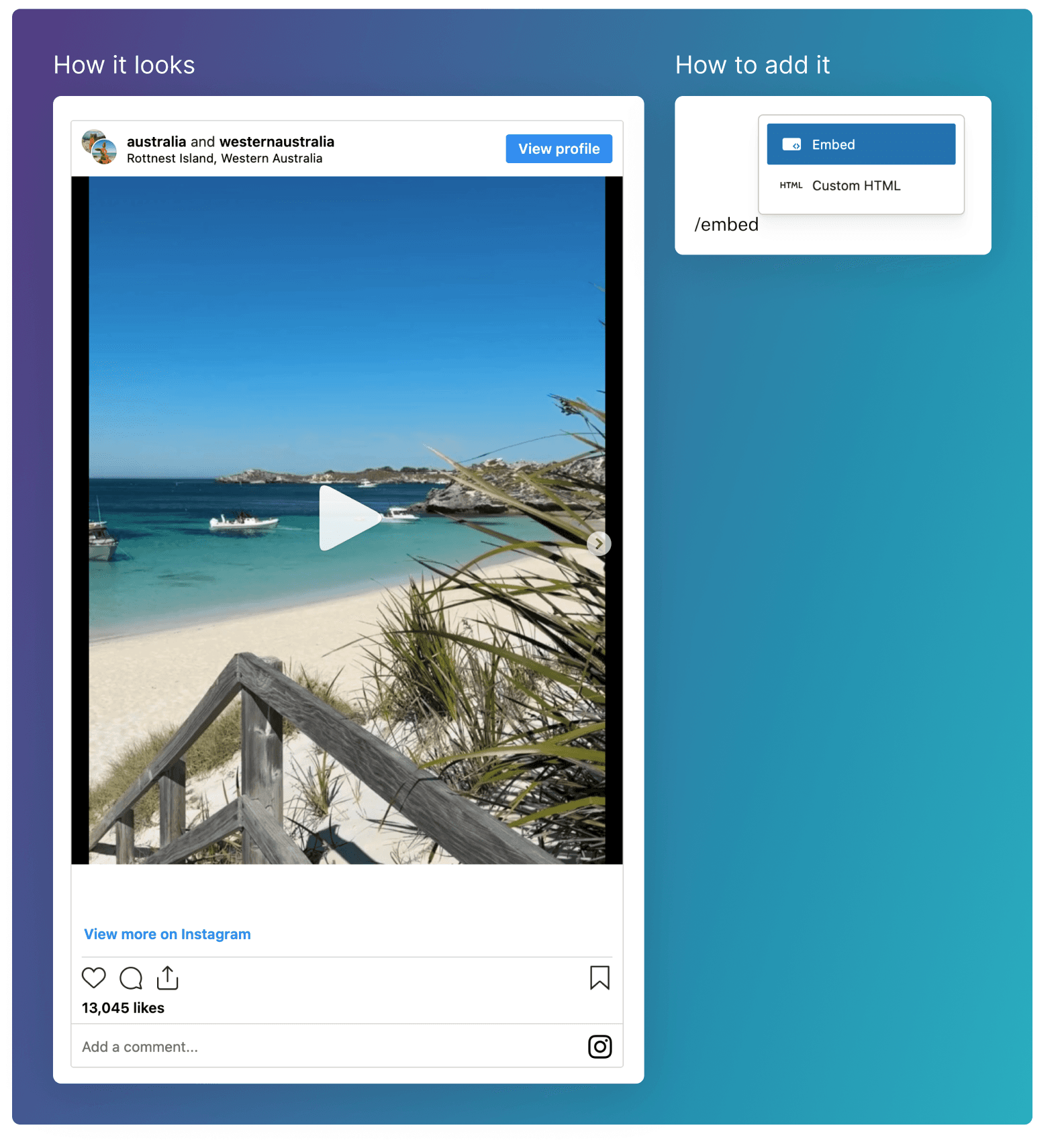
Adding the embed
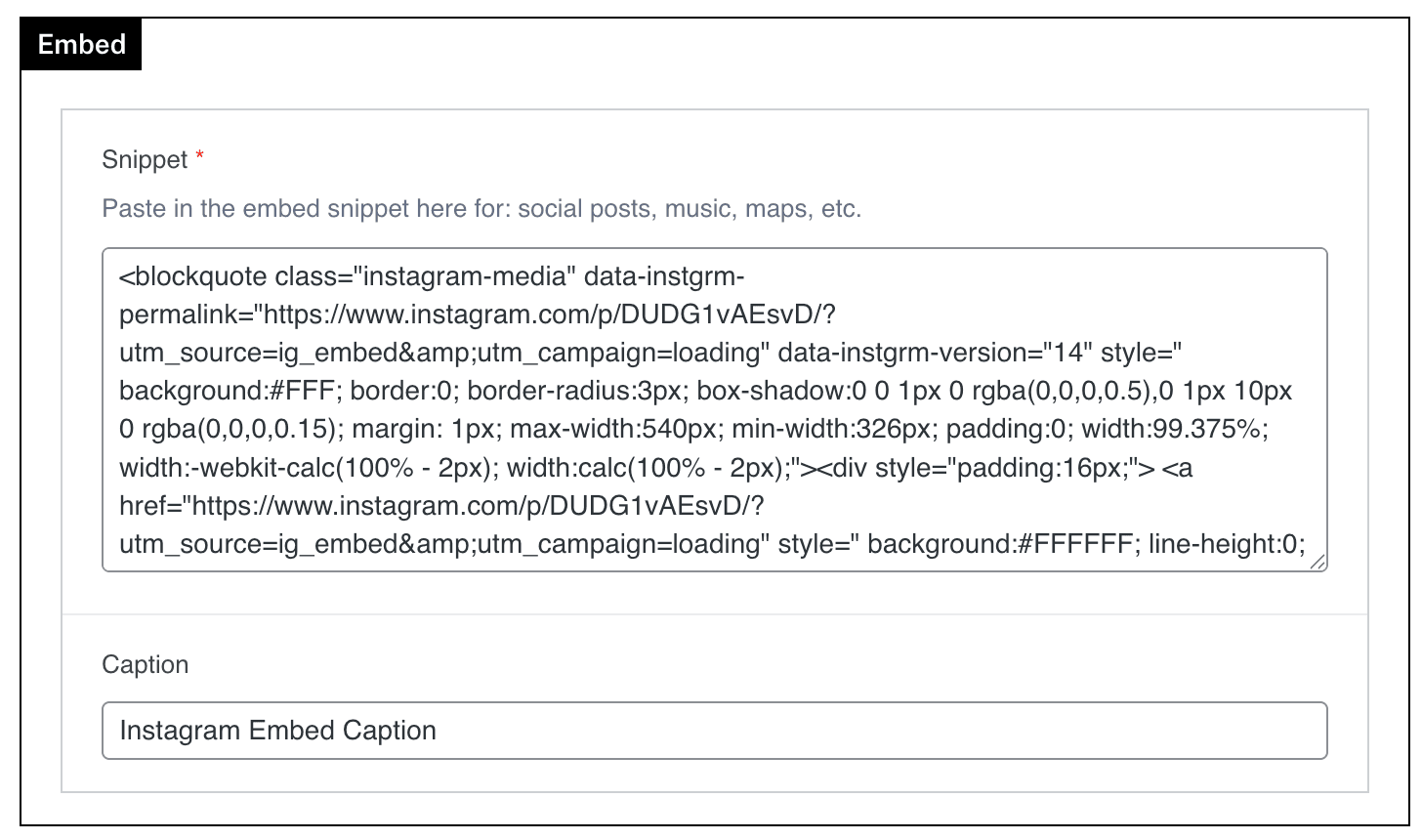
Any code you copy will need to be pasted into the Snippet field of the Embed block.
There is also an optional Caption text field if you’d like to add some text below to describe the embed.
Social Media
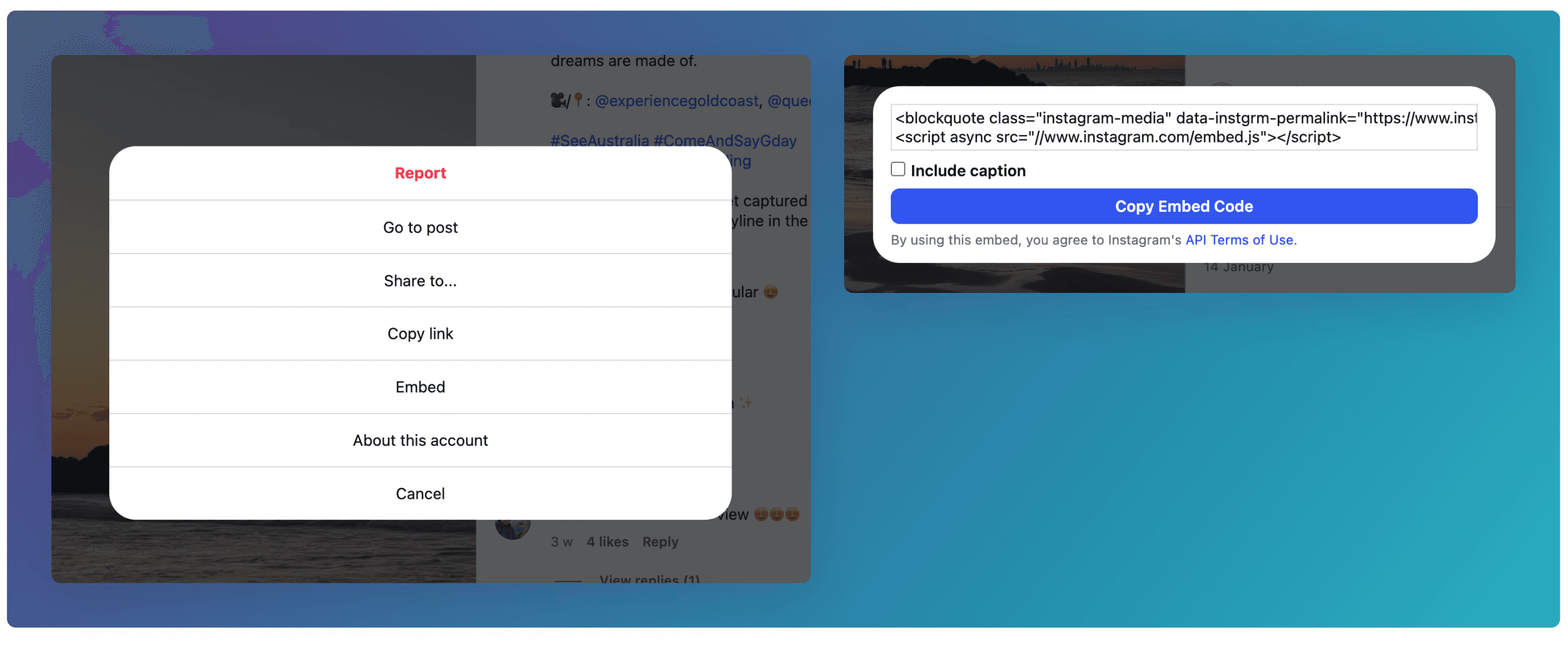
Most social media platforms will give you the ability to copy the embed code of posts.
This is an example of how you can do it on Instagram.
Google Maps
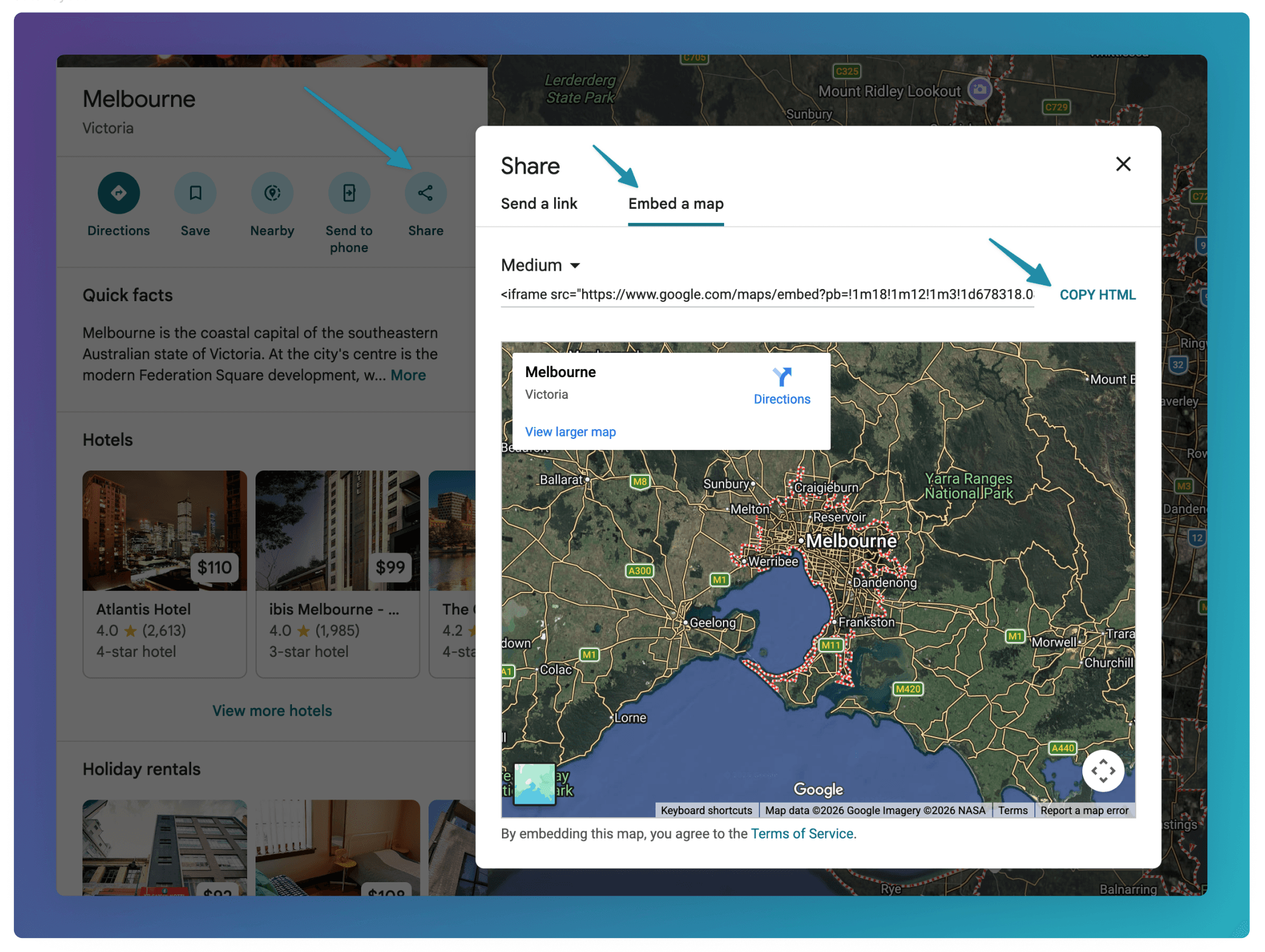
You can embed Google Maps by clicking the Share button, then going to the Embed a map section.