Navigation
Manage the main site navigation so key pages and actions remain accessible across the website.
Overview
The Navigation component provides a clear, horizontal menu structure that keeps primary pages and key actions consistently accessible across the site. It includes the brand logo, top-level navigation links, a prominent contact phone number, and a search icon, balancing wayfinding with direct engagement options.

Menu Items
Edit the Navigation Menu in the Menus section. See here for more.
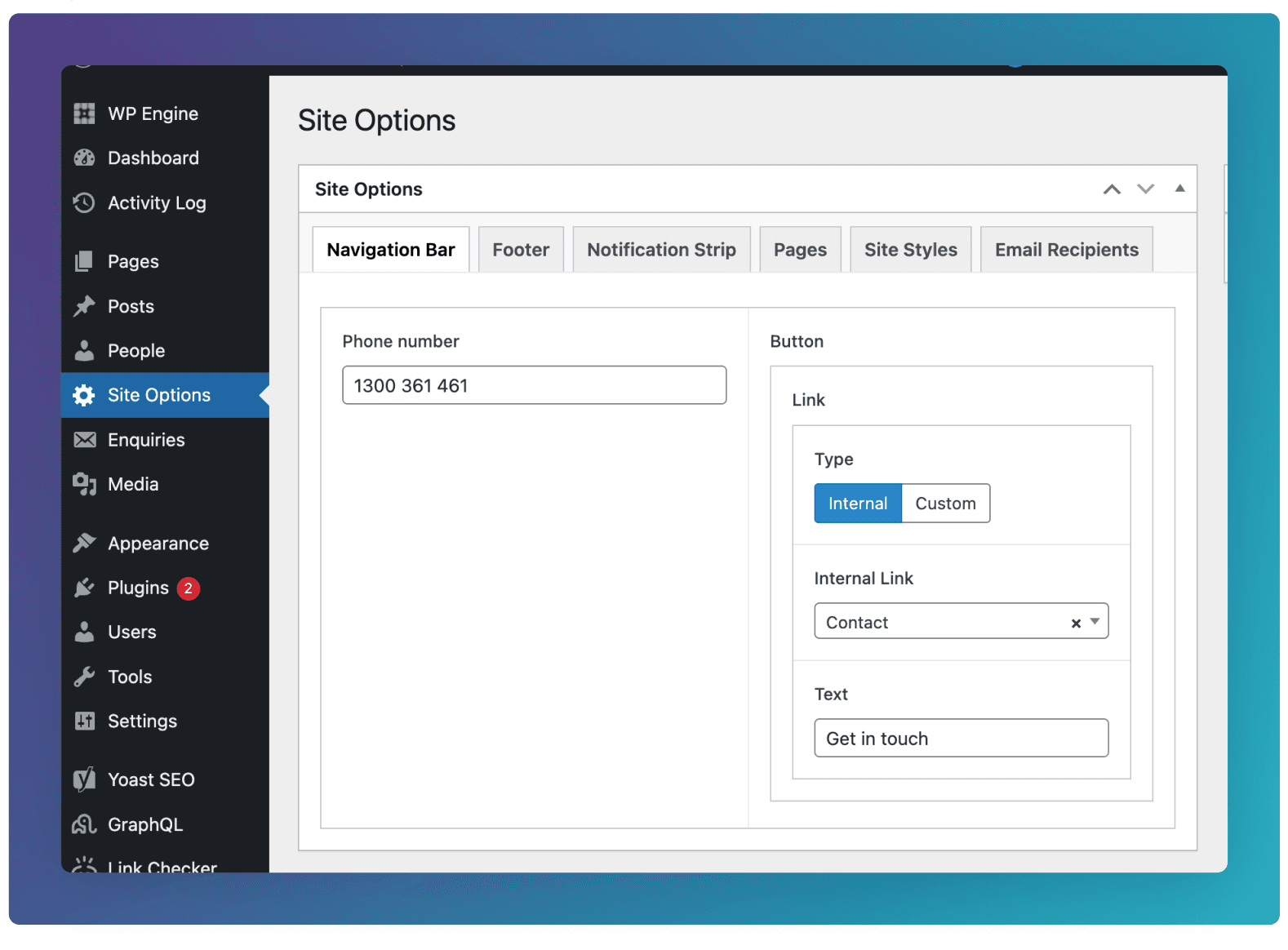
Phone Number & Button
Custom Navigation
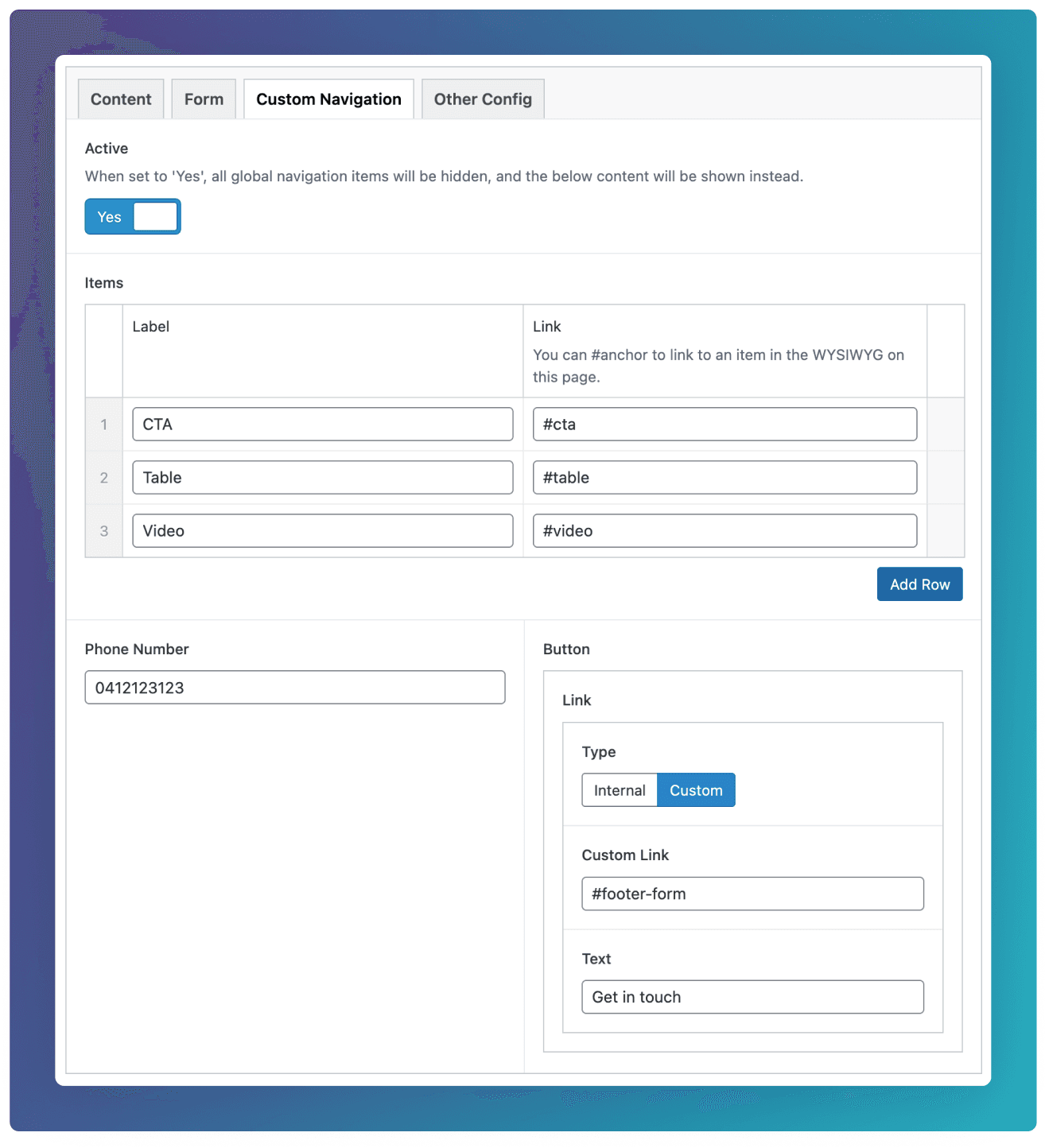
By default, all pages on the site will share the same Navigation component. However if you’d like to customise this, you can use Custom Navigation tab underneath the Masthead field.
To simply hide the navigation from a page, set Active to “Yes” and leave the rest of the fields blank.
To override the global navigation with your own data, you can add custom Items, Phone Number, and Button.