Footer
Configure footer content, links, social details, and page-level footer overrides.
Overview
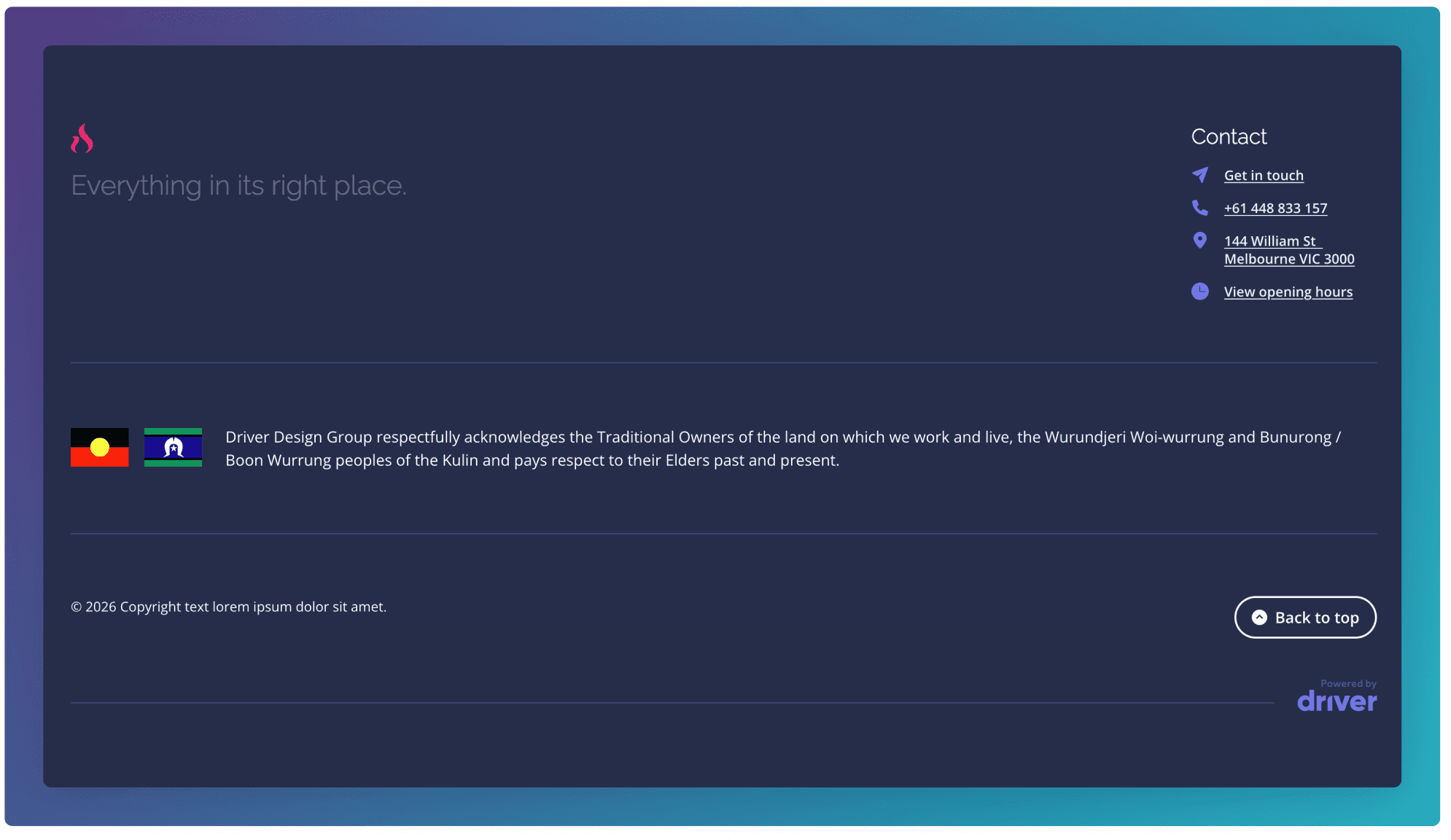
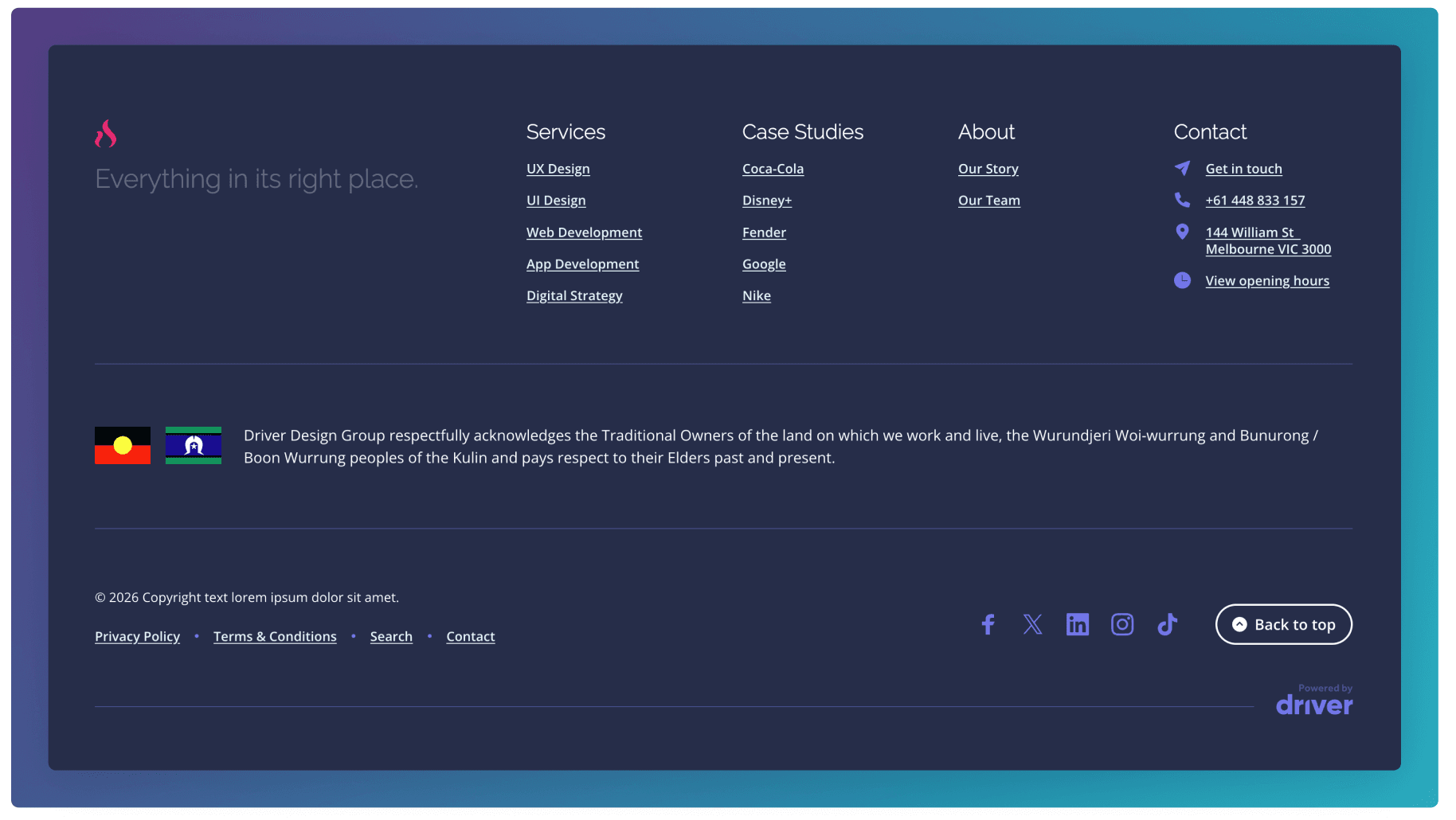
The Footer component provides a structured, multi-column layout that consolidates key navigation links, services, case studies, and contact information in one accessible location. It supports quick access to important pages, direct contact details, and social media profiles, helping users find essential information without returning to the main navigation.
Primary Footer Links
Edit the Footer Menu in the Menus section. See here for more.
Secondary Footer Links
Edit the Secondary Footer Menu in the Menus section. See here for more.
Site Options Footer Configuration
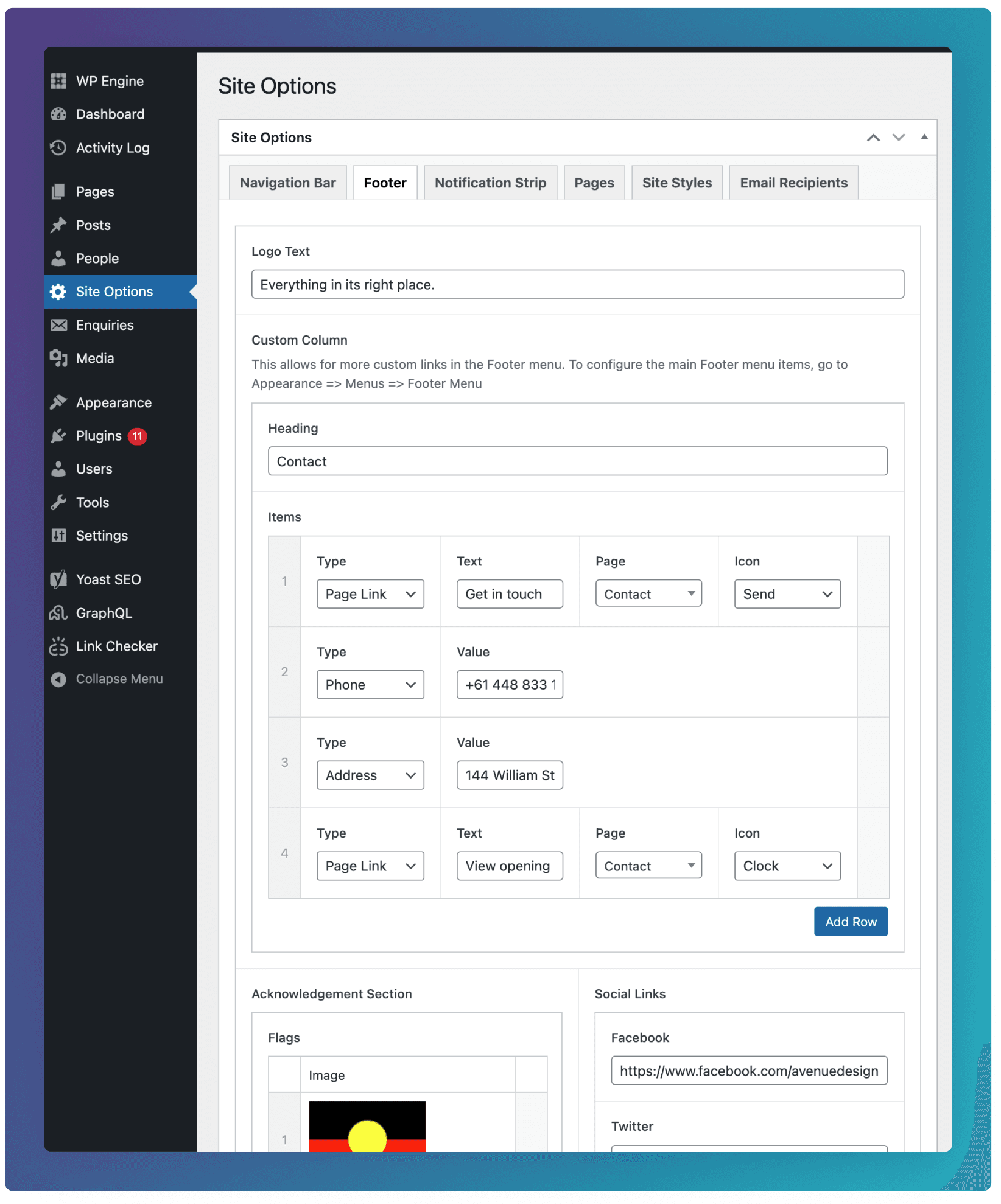
The rest of the Footer content can be configured in the Footer tab inside of Site Options.
Logo Text
Optional text or tagline that displays underneath the logo at the top left of the footer.
Custom Column
A custom links column shown just to the right of the Primary Footer Links. Each item can be given one of the following types:
Page Link: allows the selection of an internal page link.
Custom URL: allows the input of an external URL.
Phone: allows phone numbers to be clicked, initiating a call.
Address: allows addresses to be clicked, opening the address in google maps.
Acknowledgement Section
This section allows you to include a cultural acknowledgement, community statement, or values-based message relevant to your organisation. It can also support small accompanying images, such as flags, symbols, or other visual identifiers that reflect your location or community connections.
Social Links
Provides quick access to the organisation’s social media profiles through linked icons. It encourages ongoing engagement beyond the website.
Copyright Text
Displays the site’s copyright notice. This helps communicate ownership and compliance information.
Display back to top button
Adds a quick-access control that allows users to smoothly return to the top of the page. This improves usability on longer pages.
Related Content
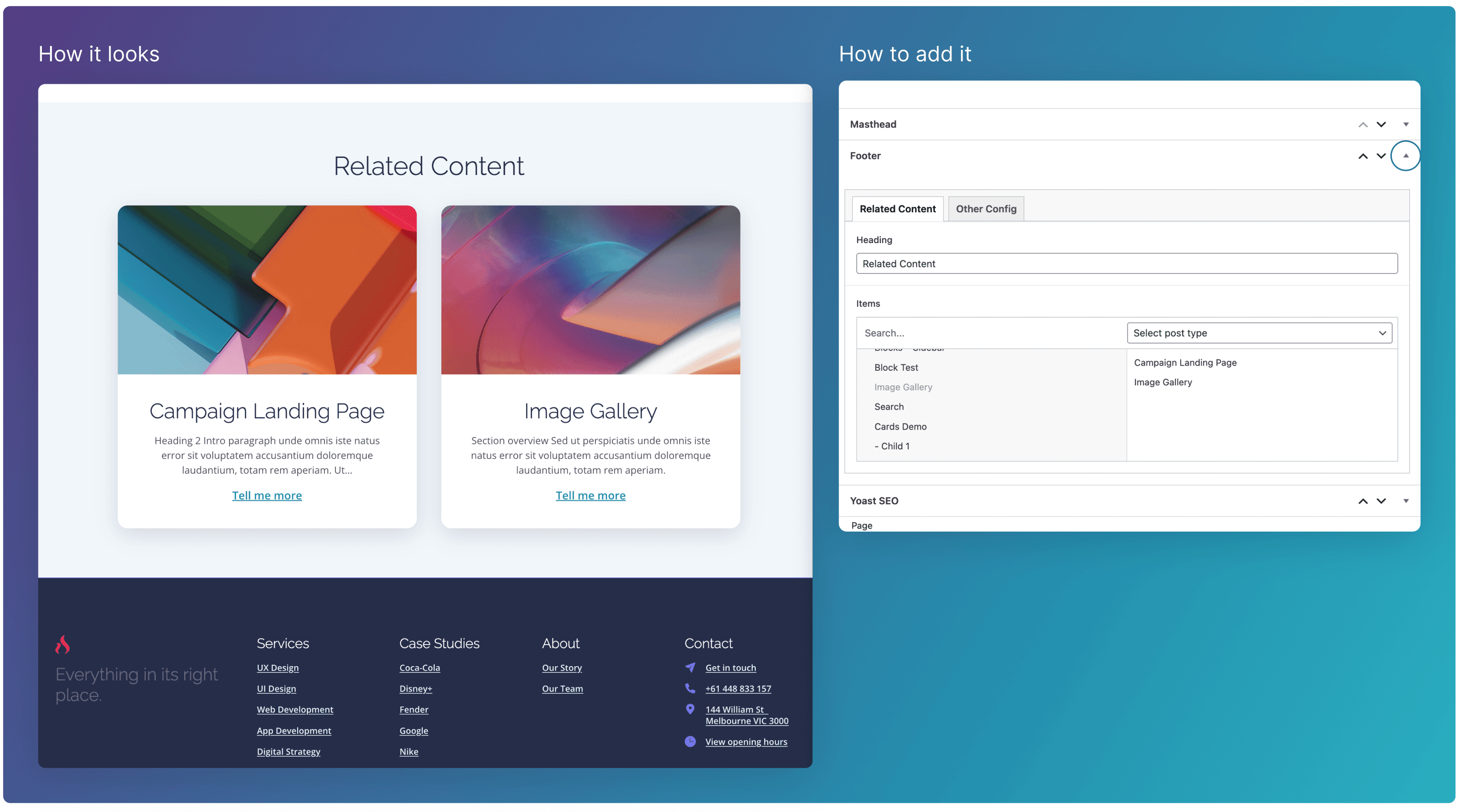
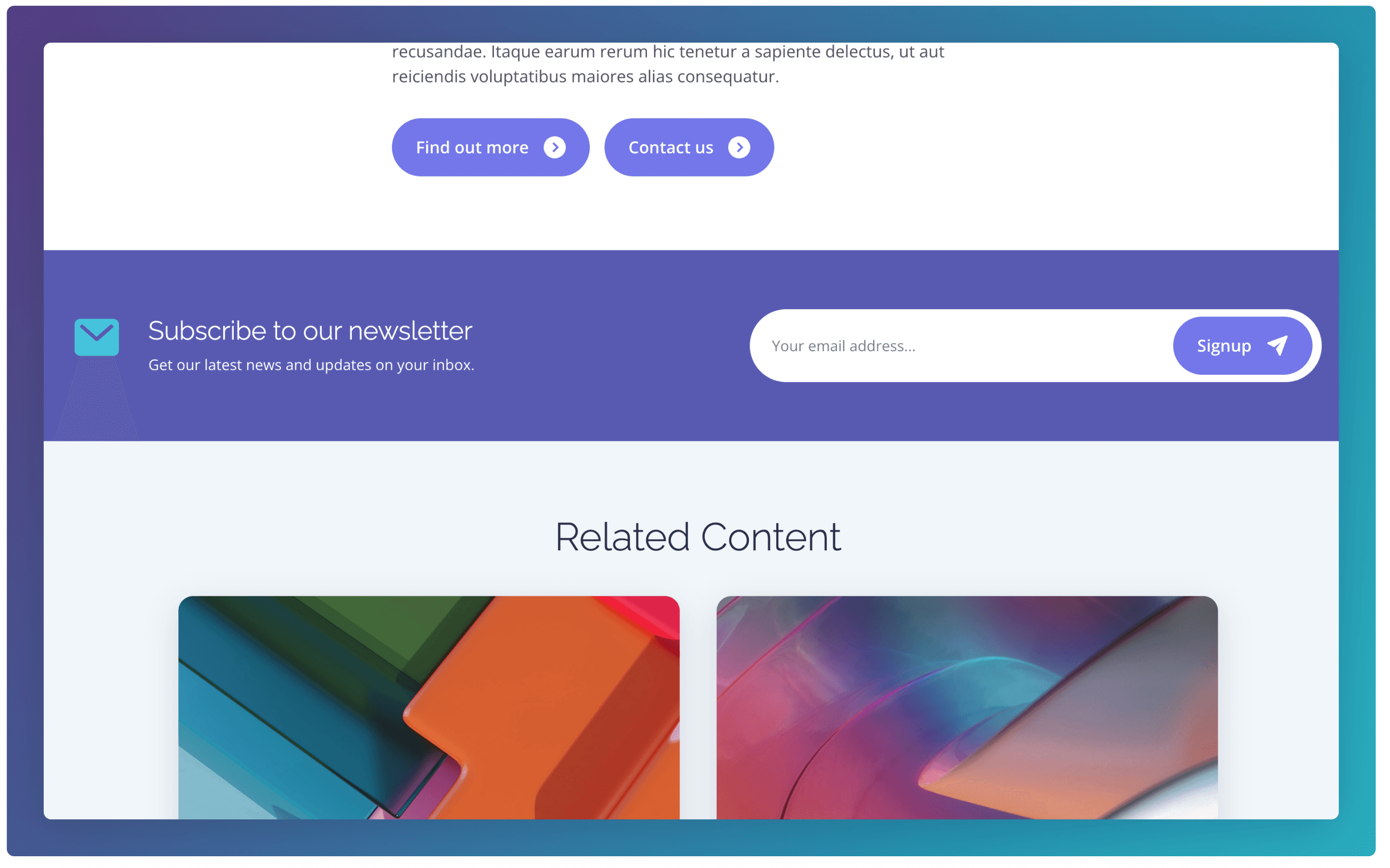
The Related Content section highlights additional pages that may be relevant to the current topic, Each card typically includes an image, title, short description, and link, which are automatically pulled from the selected posts.
Navigate to to the Footer field at the bottom of the edit screen, and add your content to the Related Content tab (see below).
Other Configuration
All toggles are set to “Yes” by default.
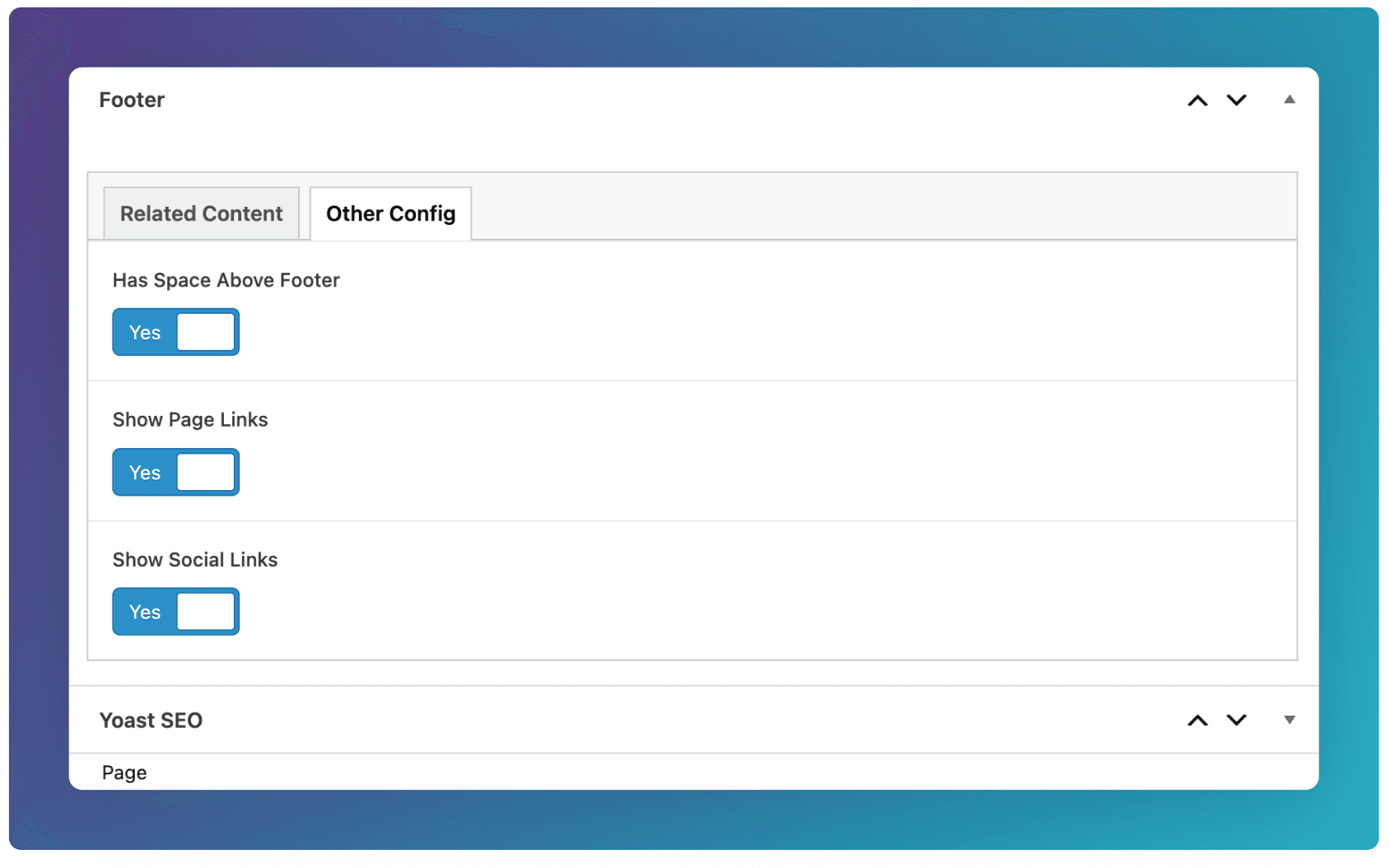
Has Space Above Footer
Set this to “No” when rendering a block with a solid background just above the Footer. For example below, we are removing the spacing between the Footer and Signup block to achieve a more fluid design. Note that the Related Content is included as part of the Footer.
Show Page Links
Set this to “No” if to hide both the Primary and Secondary Footer Links from the Footer (see below). Note that the Custom Column of the Footer (set in Site Options) will still display.
Show Social Links
Set this to “No” if to hide Social Links from the Footer (see below).